Get unlimited users on the Free plan ✦ No credit card needed
Trusted by 10,000+ teams globally
Your email inbox, but with superpowers
Assist effortlessly
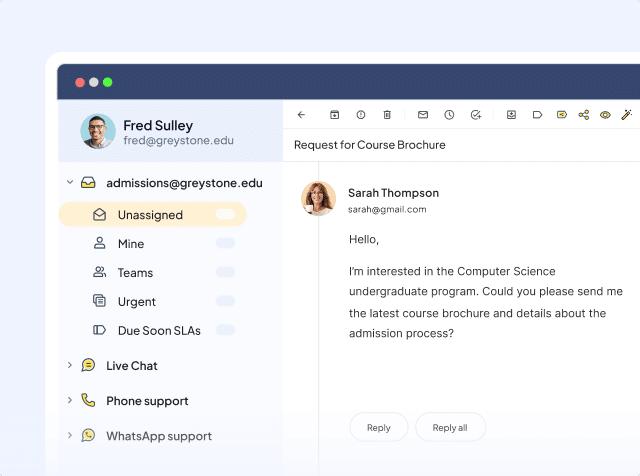
Deliver seamless support across admissions, financial aid, IT, and more. Centralize communication to boost satisfaction, trust, and student retention.
Collaborate efficiently
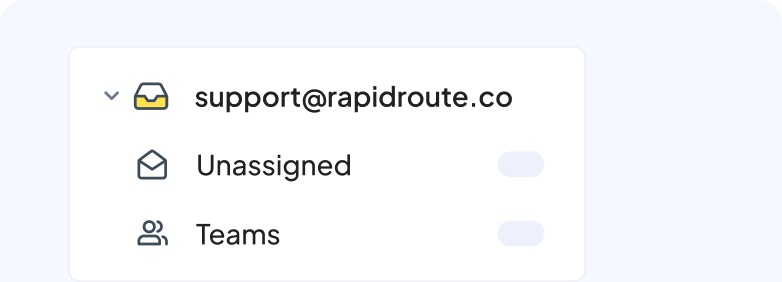
Enable staff across Admissions, International Studies, Finance, and IT departments to collaborate easily within the same tab, without CCs and forwards.
Secure your data
Protect sensitive student and institutional data to comply with CCPA, GDPR, and SOC regulations. Use data securely to tailor responses to students and parents.
Make every interaction a 5-star experience
Ensure accountability on every message
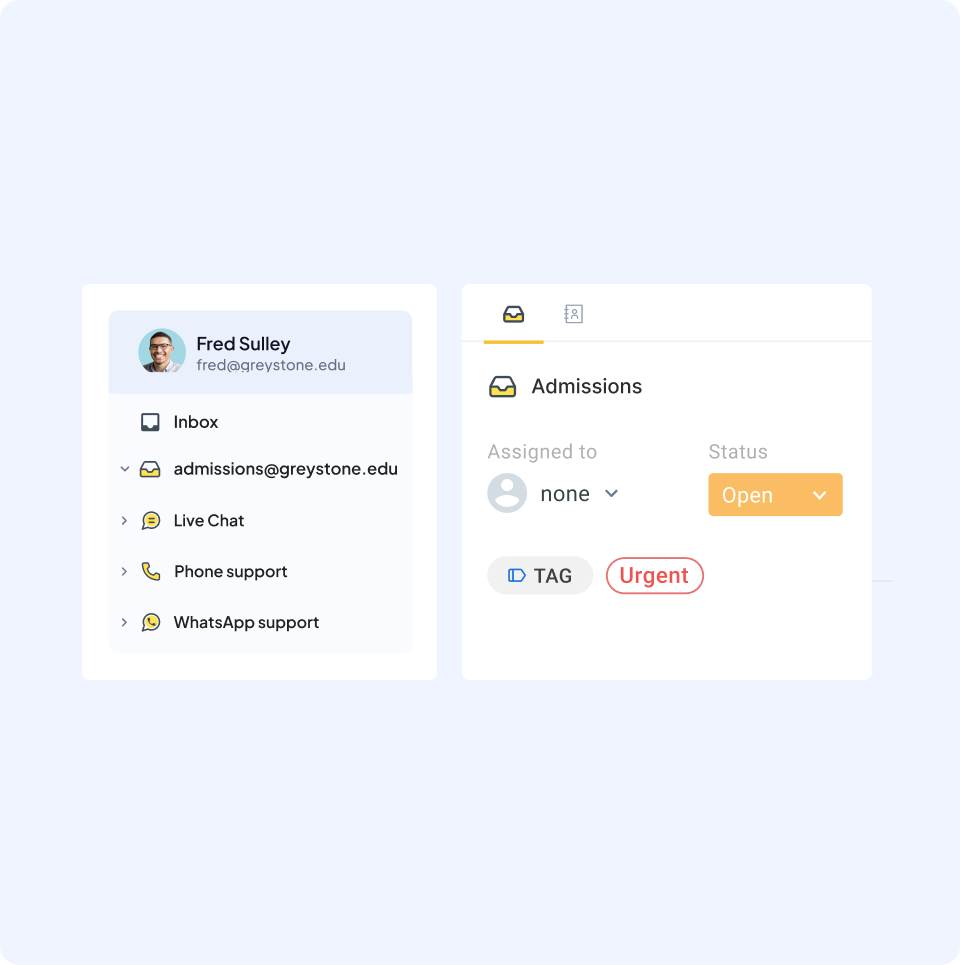
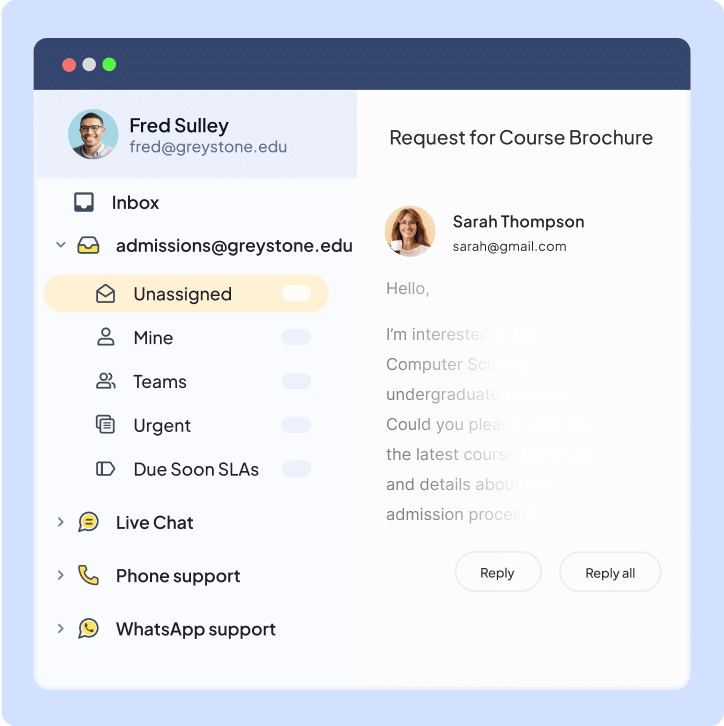
Manage queries from students, parents, alumni, and staff across email, chat, phone, and WhatsApp—all in one inbox. Auto-assign requests to the right team members, categorize them with tags, and track their status effortlessly.
Built for cross-team collaboration
Enable easier cross-departmental collaboration on complex cases (admissions, registrar, IT, housing). Use internal notes and @mentions to involve relevant stakeholders and resolve issues (admissions, financial aid, IT support) within your inbox.
Enable student self-service
Implement AI Chatbots for instant query resolution and automated routing of complex issues. Develop an internal Knowledge Base to make it easy for students, parents, and staff to find answers to common questions, reducing team workload and improving response times.
Automate the grunt work
Automate triaging, routing, and follow-ups by assigning queries to the right team (e.g., “fee structure” to Finance as “urgent”). Use templates for quick responses to issues related to admissions, schedules, and facilities. Schedule autoresponders to update sponsors on fundraising and remind students of application deadlines.
Make decisions with data-driven insights
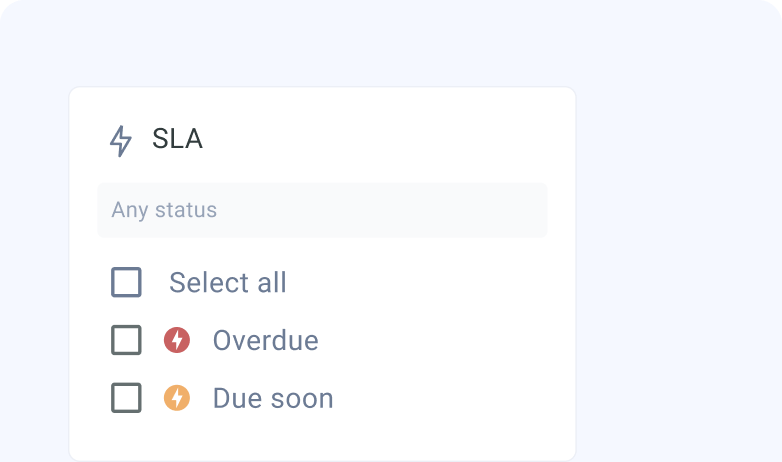
Measure service performance (response times, satisfaction scores, resolution rates) on curated reports and dashboards. Find improvement areas and tailor your service strategy to show students and parents they’re truly understood and valued.
When you sign up, you instantly get access to our Elite plan for 7 days. We will email you when your trial expires. You can then select a plan and pay by credit card to continue using the product. If you choose not to continue, your account will be suspended.
Which features can I use during the trial?
You get access to the Elite plan during your trial, which means you can use Hiver without any limits, and can also experience the best support we have to offer.
What happens at the end of my trial period?
If you do not upgrade your Hiver account during your trial period, your account will be suspended at the end of your trial. You can re-activate your account by upgrading within 7 days from the date of the end of your trial.
Do I need a credit card to sign up?
No, you do not. You will only be required to produce your credit card information when you upgrade to a paid subscription.
How do I import my existing emails to my Hiver shared inbox?
If you’d like your emails to be imported to your Hiver shared inbox, please write to us on support@hiverhq.com and we will assist you with the process. The duration of the import process depends on the number of emails to be imported.
Do I need to pay for all the users in my Google or Outlook account?
No. You just pay for the users you enable to access Hiver. You can control this from within Hiver and change the users at any time. If you add new users to your Google or Outlook account, you can easily add them to Hiver.
Hiver offers the best experience on your desktop or laptop browser. Switch devices and download our extension from the Chrome Web Store to start using Hiver.
 Skip to content