
Help Scout vs Hiver
Don’t let customers scout for help
Say hello to Hiver—and compare how we deliver fast, proactive customer service with AI and powerful workflows.
Get unlimited users on the Free plan ✦ No credit card needed
Trusted by 10,000+ Customer service, Finance & IT teams
based on 2,000+ reviews from
Don't settle for less with Help Scout
Do more with Hiver—effortlessly and faster.
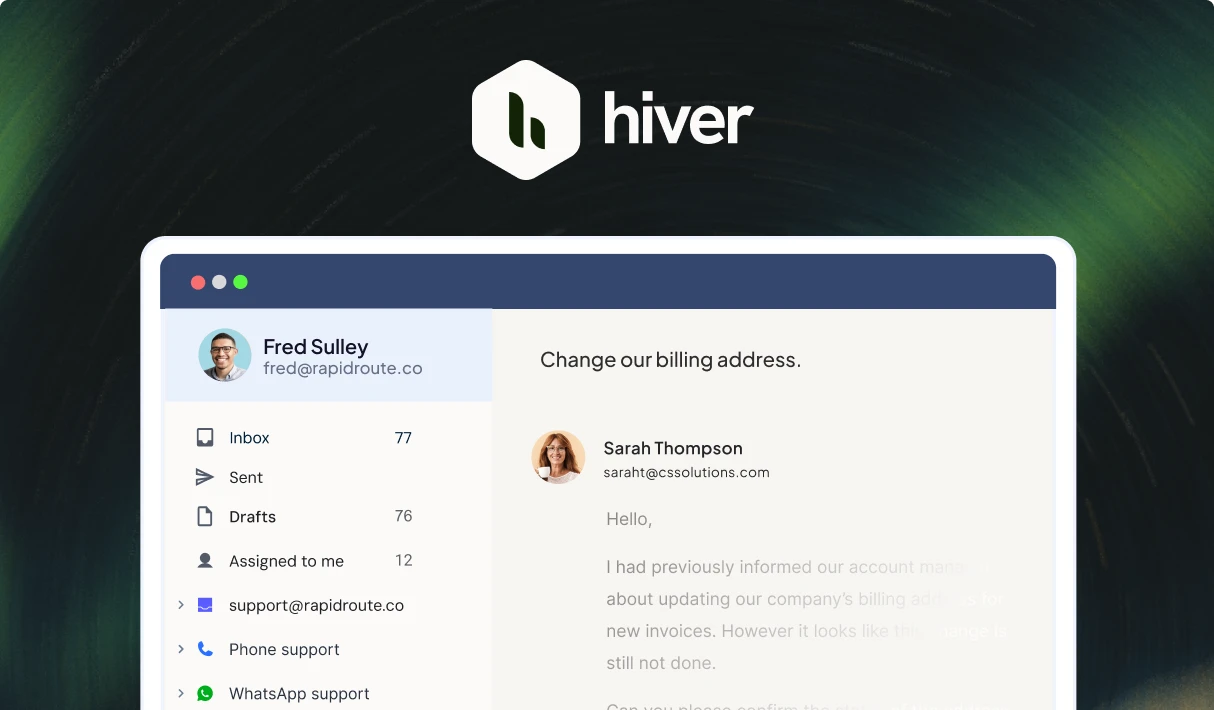
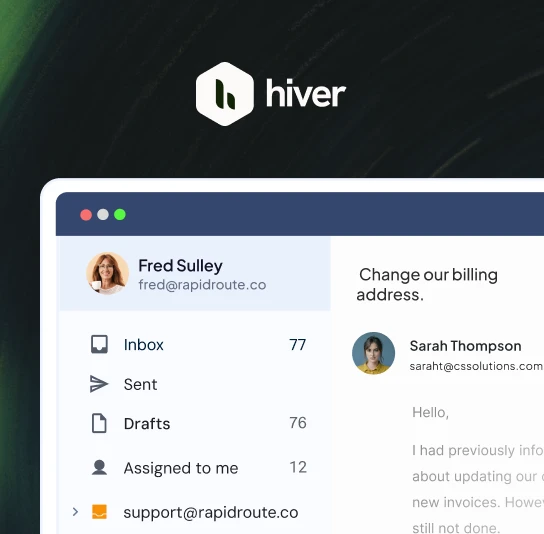
- Unify support channels like email, live chat, voice, SMS, WhatsApp, socials and apps in one place — no toggling, no tabs.
- Doesn’t offer native support for WhatsApp and Voice.
- Collaborate effortlessly — assign conversations, loop in teammates, and track ownership without tickets or CCs.
- Difficult to collaborate. Constantly requires switching between your inbox and Help Scout to manage conversations.
- Get started in minutes with a modern, intuitive interface that feels just like Gmail or Outlook—no training required, no learning curve, just effortless org-wide adoption.
- Complex setup and UI require months to implement, train, and use.
- Hiver AI helps agents draft replies, triage and route conversations, and automatically respond to all support queries. Easily setup AI in under 10 minutes.
- AI capabilities are pretty basic.
- Get started for free. Paid plans begin at just $25/user with all core features included.
- Complicated contact-based pricing leads to fluctuating monthly costs with high overages. Plus, expensive add-ons add to the overall cost.
- Bring context from tools like Salesforce, NetSuite, Jira, and 100+apps — deliver personalized service and resolve faster without tab-hopping.
- Integrations are limited and not customizable.
- Powerful SLA policies and channel-wise analytics.
- Doesn’t offer a native SLA feature and has minimal reporting capabilities.
- Unify support channels like email, live chat, voice, SMS, WhatsApp, socials and apps in one place — no toggling, no tabs.
- Collaborate effortlessly — assign conversations, loop in teammates, and track ownership without tickets or CCs.
- Get started in minutes with a modern, intuitive interface that feels just like Gmail or Outlook—no training required, no learning curve, just effortless org-wide adoption.
- Hiver AI helps agents draft replies, triage and route conversations, and automatically respond to all support queries. Easily setup AI in under 10 minutes.
- Get started for free. Paid plans begin at just $25/user with all core features included.
- Bring context from tools like Salesforce, NetSuite, Jira, and 100+apps — deliver personalized service and resolve faster without tab-hopping.
- Powerful SLA policies and channel-wise analytics.
- Doesn’t offer native support for WhatsApp and Voice.
- Difficult to collaborate. Constantly requires switching between your inbox and Help Scout to manage conversations.
- Complex setup and UI require months to implement, train, and use
- AI capabilities are pretty basic.
- Complicated contact-based pricing leads to fluctuating monthly costs with high overages. Plus, expensive add-ons add to the overall cost.
- Integrations are limited and not customizable.
- Doesn’t offer a native SLA feature and has minimal reporting capabilities.
Easy-to-use and powerful customer service software
Deliver stellar omnichannel customer support
Easily manage communication channels like email, chat, voice, SMS and WhatsApp from a single platform that looks and feels like your inbox.
Leverage AI to draft or refine messages automatically for a perfectly polished response.
Enable effortless self-service
Level up your customer service by enabling
self-service with AI-powered Chatbots, a Knowledge Base, and a Customer Portal.
Smart inboxes built for collaboration
Hiver helps you manage conversations across channels by letting you triage and assign clear ownership without the need for CCs and forwards.
Automate the gruntwork and integrate all your apps
Use the power of workflows and AI to route messages to the right team member, categorize them automatically, and ensure every conversation is responded to on time.
Connect your favorite apps like Salesforce, Jira, NetSuite, and more to handle all your tasks without leaving Hiver.
Make decisions with
data-driven insights
Track key metrics like agent workload, response time, resolution time, customer feedback and more to improve customer service.
The complete customer service platform
Shared Inbox
Organize, assign, and track queries efficiently to ensure nothing gets missed.
Workflows
Triage, assign, and monitor tickets automatically with rule-based automation.
AI Copilot
Let AI deliver instant resolutions based on past context.
Integrations
Connect with 100+ apps to bring in customer data and manage tasks inside Hiver.
Analytics
Get insights to improve support with built-in reports and dashboards.
Collision detection
Avoid duplicate responses by seeing who is working on a conversation in real-time
SLAs
Ensure timely responses and resolutions with real-time alerts and reminders.
CSAT
Measure customer satisfaction by collecting feedback through surveys.
Explore why customers love Hiver
Logistics
With Hiver, I always know where an issue stands—and we no longer miss emails. It’s like having an extra person on my team.
Nathan Strang
Ocean Freight Operations Manager, Flexport
Business service
With Hiver, we’re finally having real conversations with our customers. No ticket numbers, no robotic emails—just personal, human interactions.
Scott Gellatly
General Manager, itGenius
Manufacturing
250%
increase in efficiency
Business Services
23hrs
saved per month
Real Estate
Searching for old emails is part of the job. Hiver’s search works with Gmail’s, so we find exactly what we need—quickly and accurately.
Jarrett Lau
CEO, Green Ocean Property Management
Business Services
40hrs
saved per month
healthcare
Ridiculously easy to use. Hiver gives you all the helpdesk essentials—without the training, hassle, or leaving the Gmail interface.
Luke Thompson
Co-owner, Visiting Angels
Healthcare
634hrs
saved in a month
Frequently Asked
Questions
How does the 7-day free trial work?
When you sign up, you instantly get access to our Elite plan for 7 days. We will email you when your trial expires. You can then select a plan and pay by credit card to continue using the product. If you choose not to continue, your account will be suspended.
Which features can I use during the trial?
You get access to the Elite plan during your trial, which means you can use Hiver without any limits, and can also experience the best support we have to offer.
What happens at the end of my trial period?
If you do not upgrade your Hiver account during your trial period, your account will be suspended at the end of your trial. You can re-activate your account by upgrading within 7 days from the date of the end of your trial.
Do I need a credit card to sign up?
No, you do not. You will only be required to produce your credit card information when you upgrade to a paid subscription.
How do I import my existing emails to my Hiver shared inbox?
If you’d like your emails to be imported to your Hiver shared inbox, please write to us on support@hiverhq.com and we will assist you with the process. The duration of the import process depends on the number of emails to be imported.
Do I need to pay for all the users in my Google or Outlook account?
No. You just pay for the users you enable to access Hiver. You can control this from within Hiver and change the users at any time. If you add new users to your Google or Outlook account, you can easily add them to Hiver.
Hiver is the best alternative to Help Scout.
Get unlimited users on the Free plan ✦ No credit card needed
Skip to content