Collaborative customer service software for modern support teams
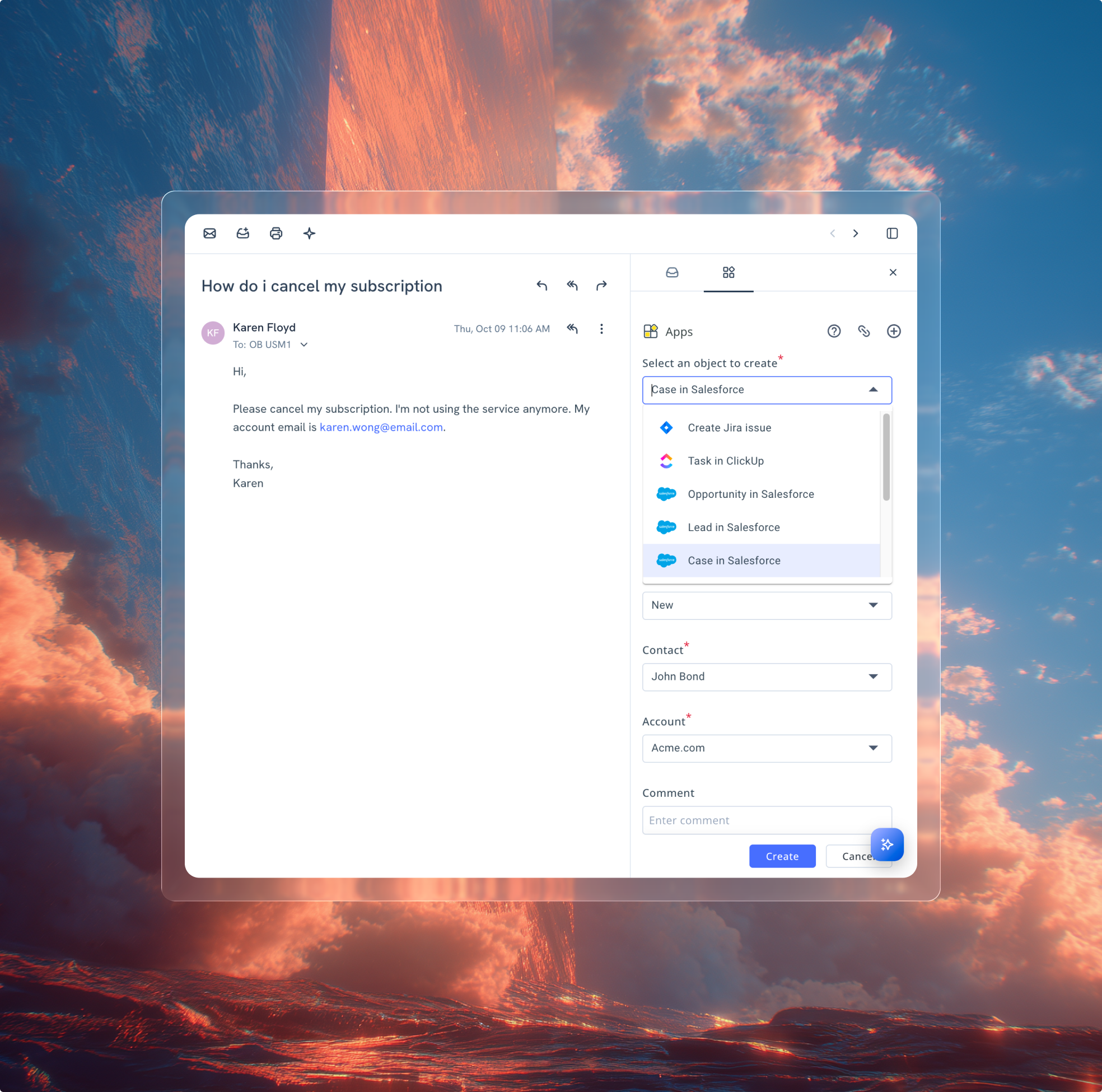
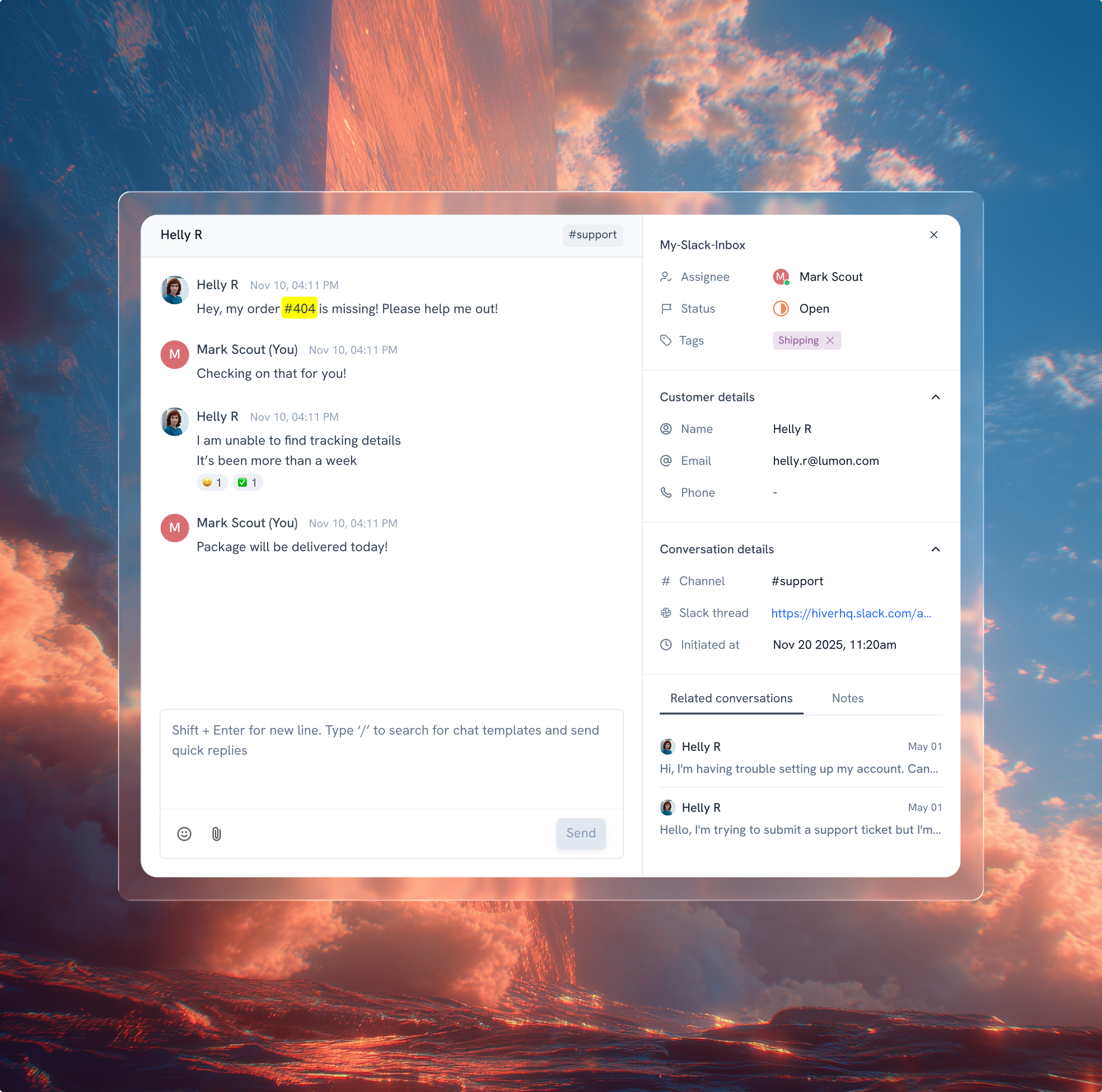
No more endless DMs, CCs, or forwards. Loop in teammates directly on tickets. Share context with product, engineering, and other teams, and manage internal Slack conversations within Hiver, all linked to the customer request.
Zendesk never fit our team’s needs. We needed a system built for relationships, not requests. Every improvement we made with Hiver strengthened how our team operates.
Wes Gibson
Revenue Operations Manager
With Hiver, I have much better visibility into where an issue is on the resolution path. Trying to achieve this level of team coordination without Hiver would take 50-100% more time.
Nathan Strang
Ocean Freight Operations Manager
We looked at Zendesk and the issue was their lack of support. They weren’t very responsive. We found Hiver’s support to be very responsive and very proactive.
John Torres
Director of Customer Communication
Hiver has completely transformed our workflow. The ability to collaborate and track progress in real-time has eliminated delays and made our team much more efficient.
Jill Tarnoff
Sr. AP Specialist at Ping Identity
With Hiver, the team responds faster, handles higher volume, and works with a level of confidence we didn’t have before.
Kenedi Padgett
Manager of Scaled Customer Success
We tested Freshdesk and Salesforce, but they were too complex for us. Hiver struck the right balance — simple enough for daily use, structured enough to track everything.
“Hiver has completely transformed how we manage our workflow. The ability to collaborate within emails and track progress in real-time has eliminated unnecessary delays and made our team much more efficient.”
“Having the Notes section on the side to me is the most powerful part of Hiver. If I see a problem with a response that someone has sent to a customer, I can annotate it there. Since it’s on the back end, there’s no risk of the response going to a customer or another employee outside of our team.”
“My team’s use of templates has increased significantly, making them much more efficient in responding to emails. This has allowed us to handle a far greater volume of inquiries. I’d estimate that our completion rate for answering incoming emails has improved by about 50% to 75%.“
John Torres
Director of Customer Communication
Everything beyond your collaborative inbox
Frequently Asked Questions
What is a collaborative inbox?
A collaborative inbox is a shared email platform that allows team members to manage and respond to emails together, enhancing efficiency and coordination. Hiver offers seamless collaboration features with real-time updates and assignment features, tailored for teams looking to streamline their email management process.
What is the difference between a collaborative inbox and a delegated inbox?
A collaborative inbox allows multiple users to access, manage, and reply to emails, promoting teamwork and efficiency. Whereas delegated inbox is accessible and available for a single user. Hiver provides a collaborative inbox enabling real-time collaboration, email assignment, and tracking, optimizing team productivity in managing shared email tasks.
How does Hiver help teams collaborate directly with customers?
Hiver brings customer conversations into a shared workspace where teams can respond, assign ownership, and work together without forwarding or CC loops. Internal notes, shared drafts, and @mentions let teammates coordinate behind the scenes, while what the customer sees stays clean and professional.
Can customers and internal teams communicate in one shared space?
Yes. Hiver’s collaborative inbox lets internal teams work together on customer conversations in one place. Customers interact via email (or other connected channels), while agents use shared inbox views, internal notes, collision alerts, and shared drafts to collaborate without switching tools.
Does it reduce back-and-forth emails and improve transparency?
Absolutely. Hiver eliminates the need for internal emails, forwards, and Slack threads because everything happens inside the shared conversation. Internal notes, visible ownership, and contextual history mean less back-and-forth, fewer misunderstandings, and better transparency across support, product, and engineering teams.
What integrations support customer collaboration workflows?
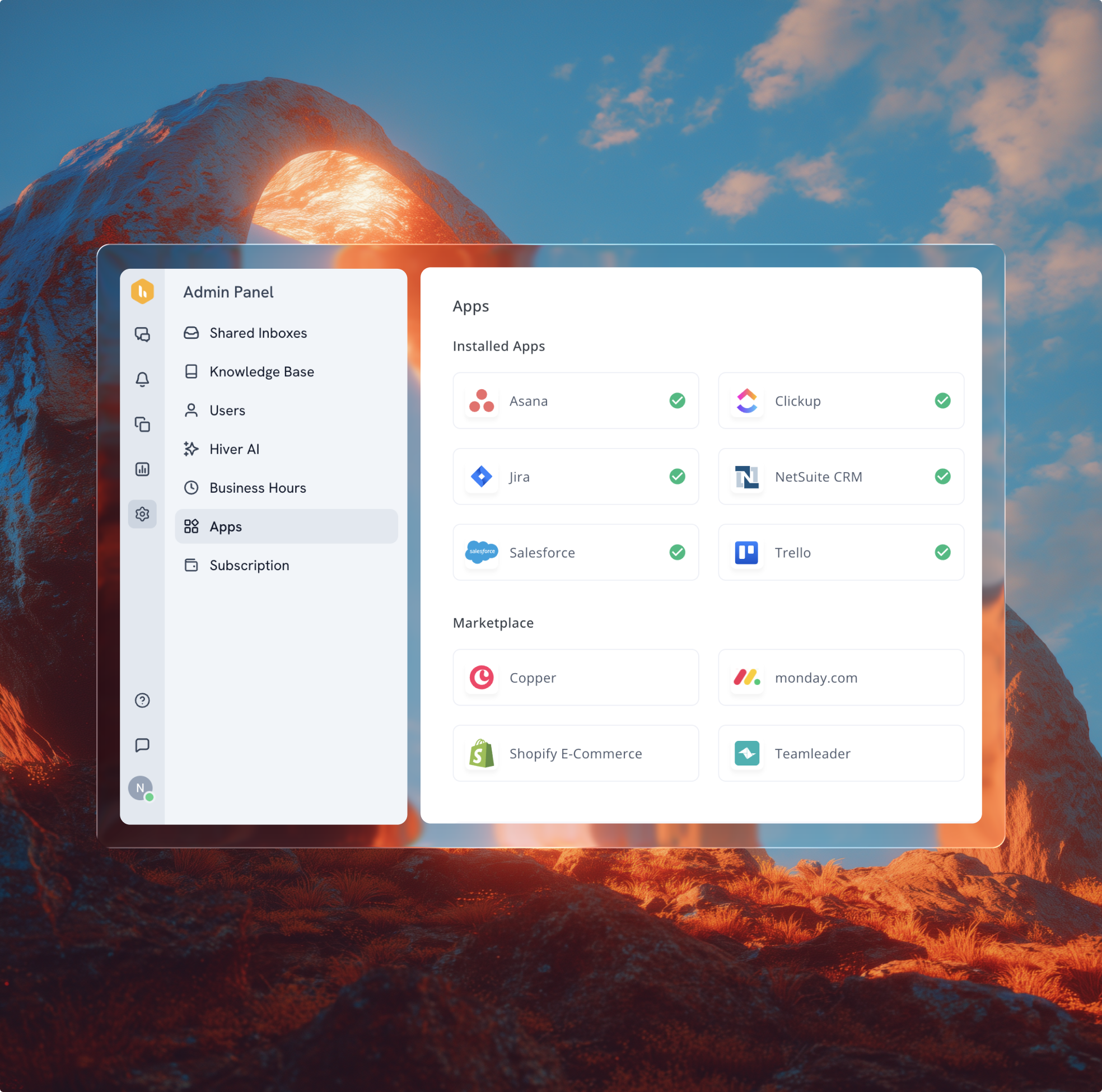
Hiver integrates with tools like Salesforce, HubSpot, NetSuite, Shopify, Asana, and Jira, bringing customer, billing, order, and project data into conversations. These integrations let teams reference relevant context without leaving Hiver, link support threads to project tasks, and trigger actions across systems, making it easier to collaborate on customer needs that span support, product, and ops workflows.
Is this suitable for SaaS onboarding, account management, or support?
Yes, Hiver’s collaborative inbox works across all these use cases. For SaaS onboarding and account management, teams can share context, track ownership, and coordinate replies with full customer history. For support, the shared workspace, AI assistance, and integrated workflows help teams respond faster, keep customers informed, and break down internal silos.
How do collision alerts prevent duplicate responses?
Collision alerts are a feature in collaborative inboxes that notify team members in real-time when someone is already working on responding to a particular email. This prevents multiple users from simultaneously working on the same query and potentially sending conflicting replies, thereby enhancing the efficiency and coherence of team communications.
How does Hiver ensure secure collaboration?
Hiver ensures secure collaboration through features like private and public permalinks for sharing emails, control over shared email access to keep sensitive information secure, and role-based permissions. These measures help maintain the integrity of your communications and protect your organization’s sensitive data.
Work together seamlessly inside one collaborative inbox.
Hiver offers the best experience on your desktop or laptop browser. Switch devices and download our extension from the Chrome Web Store to start using Hiver.
 Skip to content