Get unlimited users on the Free plan ✦ No credit card needed
Trusted by 10,000+ teams globally
Manage your account book across every lifecycle stage
Build stronger relationships
Leverage past conversations and internal Notes to ensure every client interaction is timely and personalized.
Improve smooth handoffs
Enable smooth transitions without losing information by logging all your context as internal Notes alongside conversation threads.
Stay proactive and efficient
Organize conversations by lifecycle stage to see where each account stands. Set reminders to follow up and stay ahead of client needs.
Deliver consistent, high-touch client service
Centralize client communication
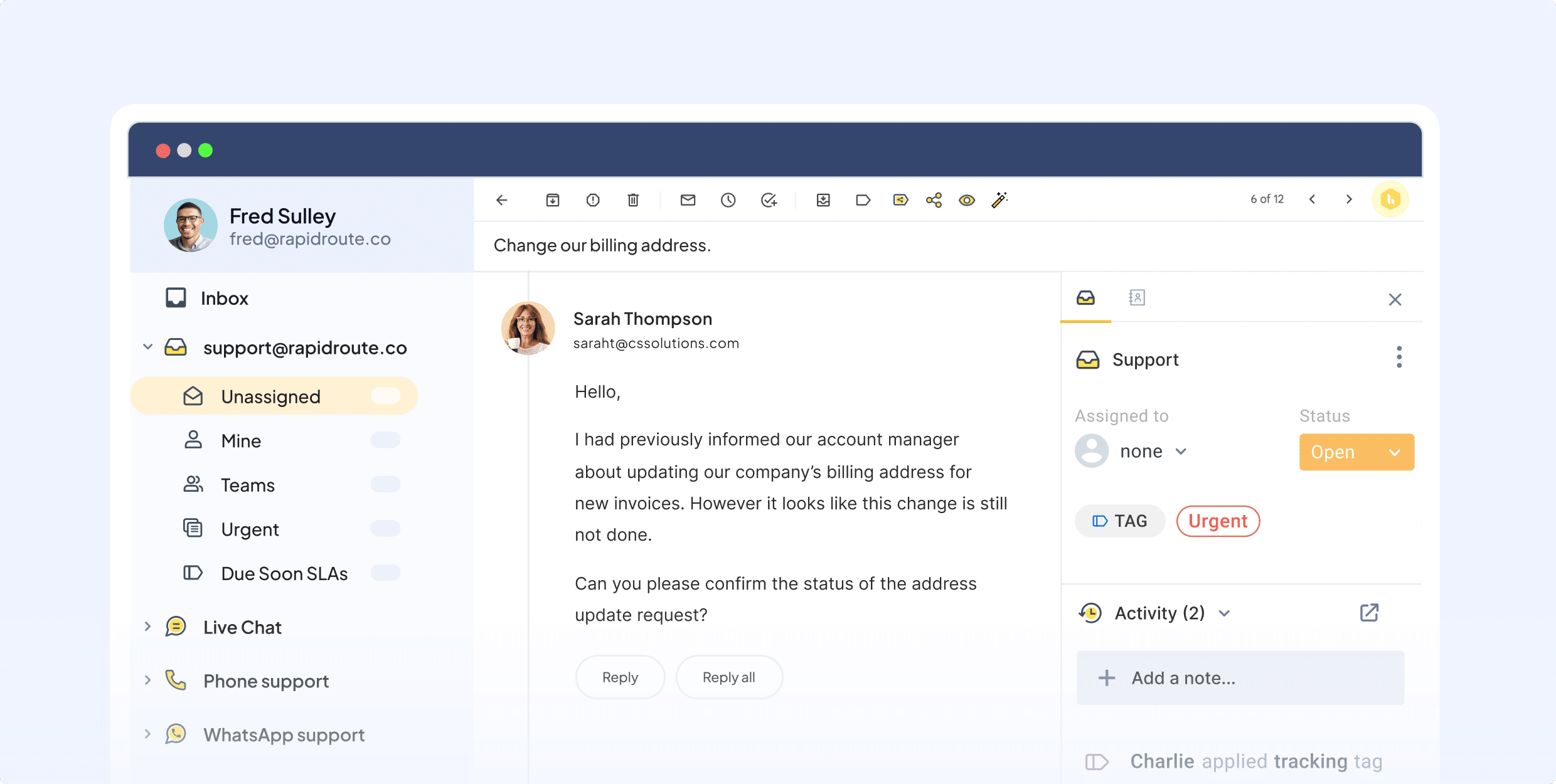
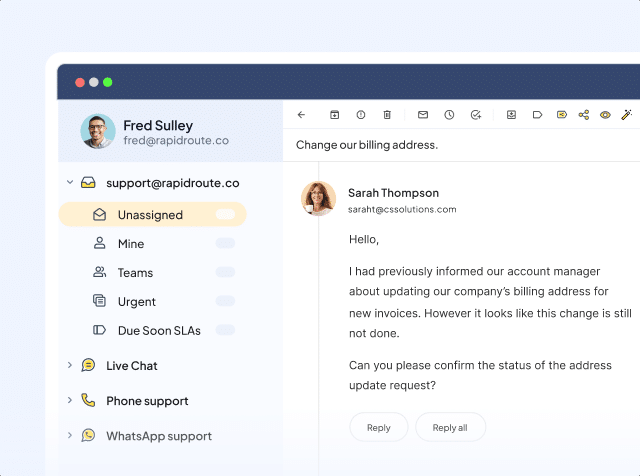
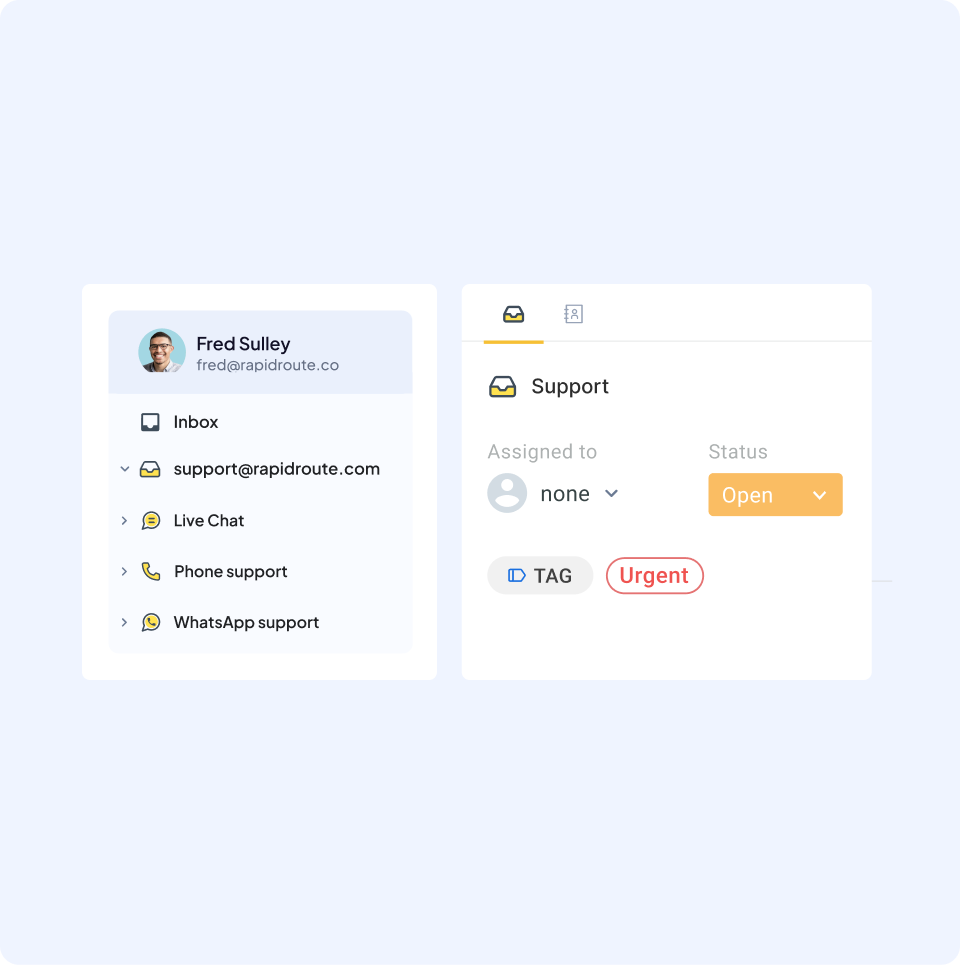
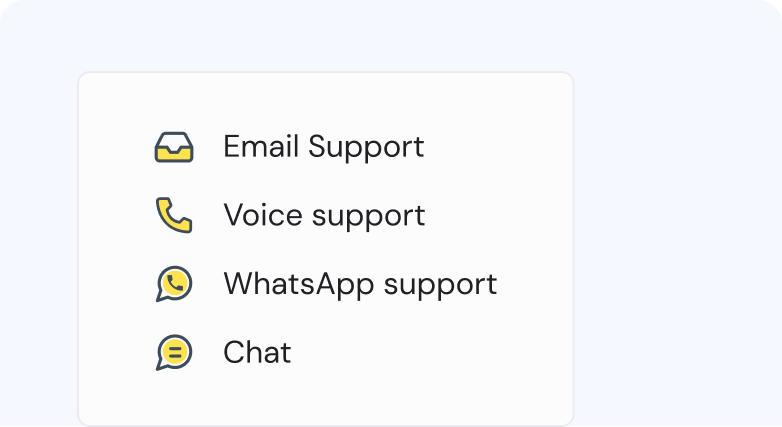
Handle all client touchpoints across channels like chat, voice, WhatsApp and shared emails like accounts@ or relationship@ in a single inbox. Assign owners, tag conversations by account or priority, and ensure nothing slips through the cracks.
Collaborate smoothly on client accounts
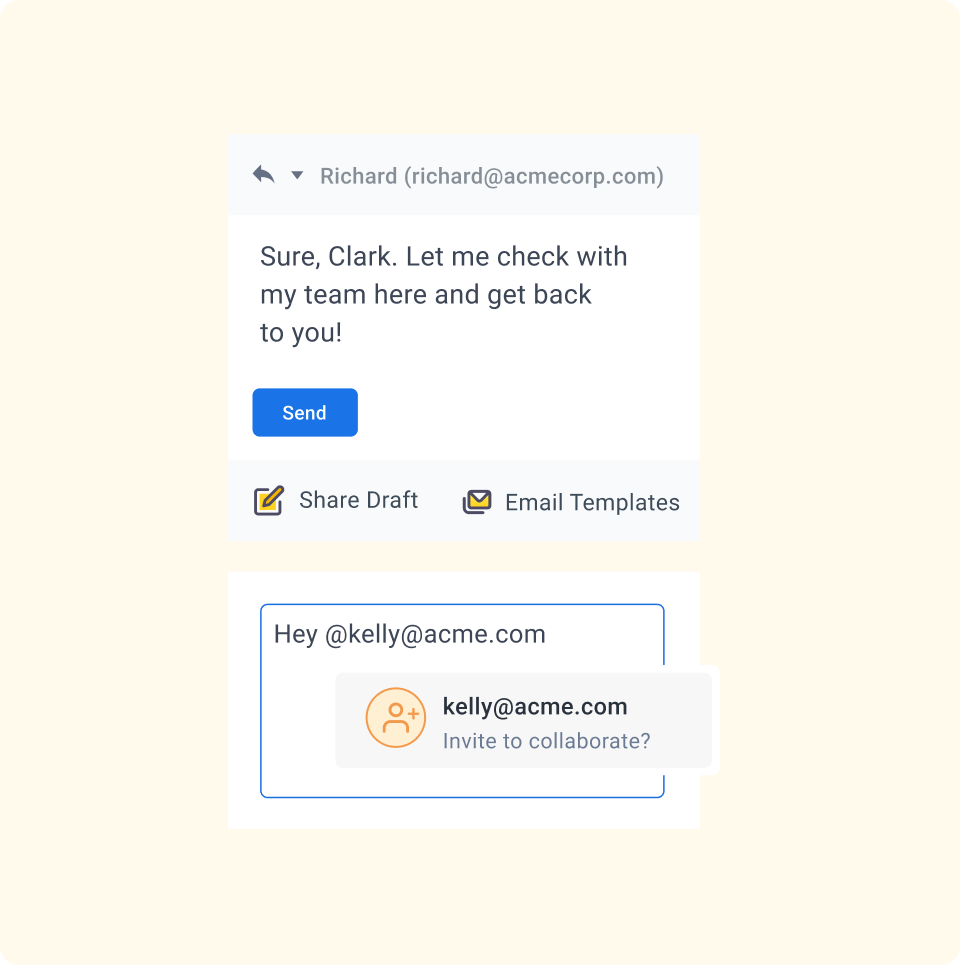
Add Notes, @mention teammates, and co-edit replies using Shared Drafts—alongside your client conversations. Everyone stays informed, ensuring clients get consistent, high-quality support without having to repeat themselves.
Automate follow-ups and assignments
Use rule-based workflows to automatically assign client emails to the right account manager, tag high-priority queries, and trigger follow-up reminders. Focus more on relationship-building, and less on manual sorting.
Use AI and self-service to scale account coverage
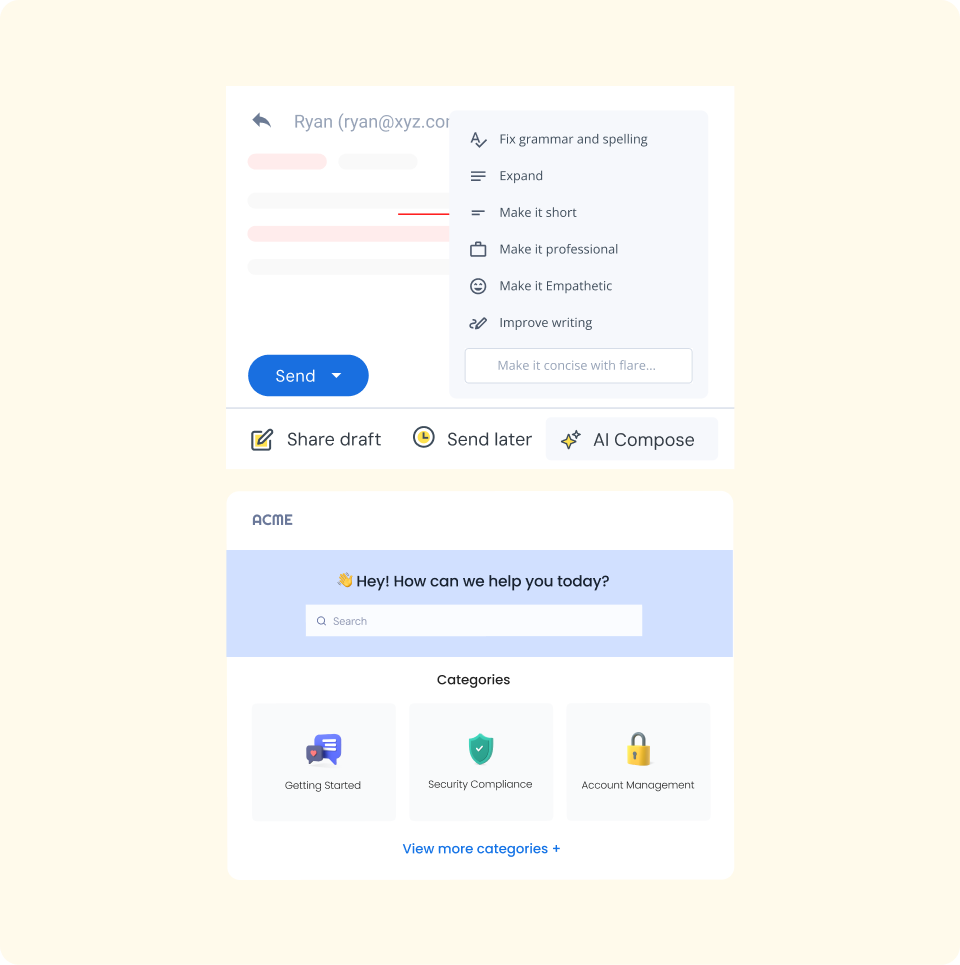
Let Hiver AI summarize long emails and draft polished responses to client requests faster. Share relevant help articles or use the client portal to keep stakeholders informed without needing manual touchpoints.
Monitor client health and retention signals
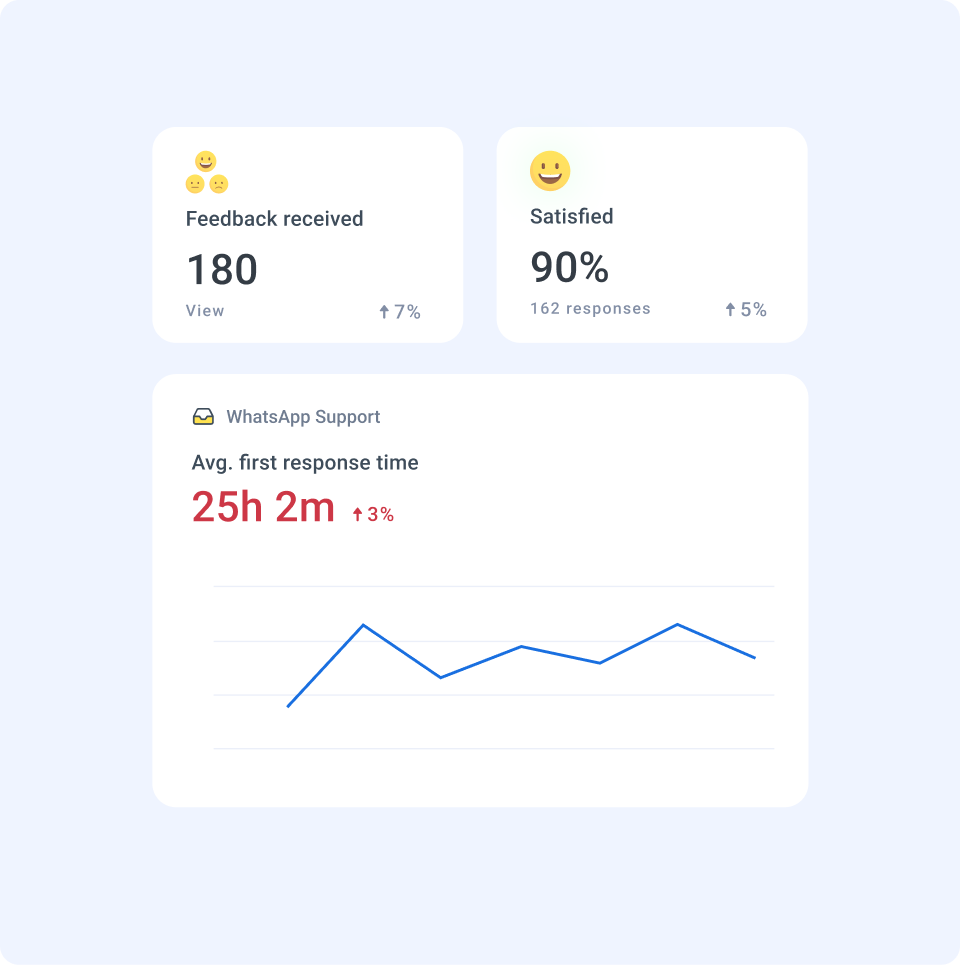
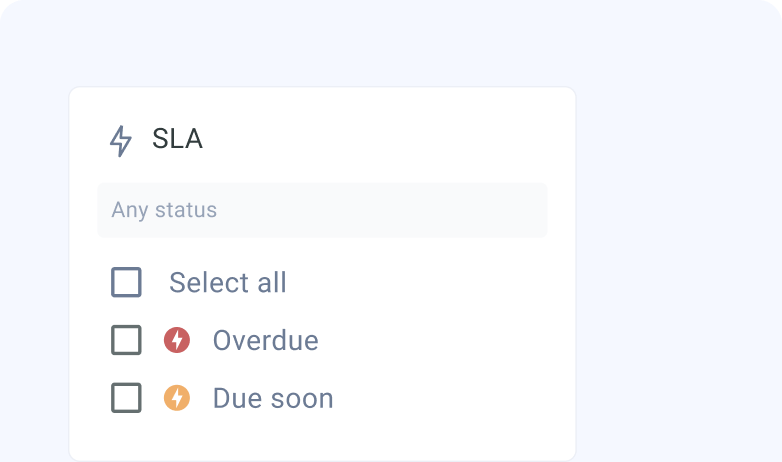
Track response times, open conversations, and follow-up delays to spot at-risk accounts early. Use Analytics to identify trends across accounts, measure team workload, and ensure your top clients always get priority attention.
Powerful features to deliver delightful client experiences
When you sign up, you instantly get access to our Elite plan for 7 days. We will email you when your trial expires. You can then select a plan and pay by credit card to continue using the product. If you choose not to continue, your account will be suspended.
Which features can I use during the trial?
You get access to the Elite plan during your trial, which means you can use Hiver without any limits, and can also experience the best support we have to offer.
What happens at the end of my trial period?
If you do not upgrade your Hiver account during your trial period, your account will be suspended at the end of your trial. You can re-activate your account by upgrading within 7 days from the date of the end of your trial.
Do I need a credit card to sign up?
No, you do not. You will only be required to produce your credit card information when you upgrade to a paid subscription.
How do I import my existing emails to my Hiver shared inbox?
If you’d like your emails to be imported to your Hiver shared inbox, please write to us on support@hiverhq.com and we will assist you with the process. The duration of the import process depends on the number of emails to be imported.
Do I need to pay for all the users in my Google or Outlook account?
No. You just pay for the users you enable to access Hiver. You can control this from within Hiver and change the users at any time. If you add new users to your Google or Outlook account, you can easily add them to Hiver.
Hiver offers the best experience on your desktop or laptop browser. Switch devices and download our extension from the Chrome Web Store to start using Hiver.
 Skip to content