





Getting AI to solve basic support tickets is the easy part. Getting it to handle complex, unstructured questions — accurately, consistently, and in a way your team actually trusts — is a whole different challenge. We sat down with three support leaders who navigated it first hand- and here’s their take on what it actually takes to close the gap.
There’s a version of the AI conversation that almost everyone in support has sat through.
Adoption rates. Deflection percentages. Time-to-resolution. A slide deck with an upward-trending graph.
And then there’s the version that doesn’t make it onto the slide deck: the moment a leader realises the numbers look great, but something underneath is quietly breaking.
Maybe agent workload has crept up, escalations are climbing, and customers are starting to notice something feels off.
That’s the conversation we wanted to have at Hiver. We surveyed 700+ support leaders globally for our State of AI Customer Support in 2026 report, and one finding stood out above the rest: 9 out of 10 leaders are uncomfortable with AI representing their brand directly in customer-facing interactions.
That number deserves more than a passing mention. It tells you something important about where the industry actually is — not where the slide decks say it is.
So, for Hiver’s webinar, we brought together three support leaders who’ve been in this long enough to have both the wins and the hard lessons. We invited
- Sarah Caminiti, Head of Business Transformation at Support Ninja
- Christian Sokolowski, VP of Customer Support at Rebuy Engine
- Karen Lam, Director of Customer Support at Top Hat
with Luke Via, Senior VP of Customer Success at Hiver, as the moderator — to talk honestly about what happens when trust doesn’t keep up with AI adoption, and what it actually takes to close that gap.
Here’s a breakdown of the main takeaways:
AI adoption is easy to measure. Trust is harder — and most teams aren’t tracking it.
When teams roll out AI, the story typically looks the same: usage climbs, deflection rates improve, and leadership declares success. What gets missed is the more important question underneath: are your customers and agents actually getting the right information, at the right time, in a way that reflects your brand? That’s what trust means in a support context.
And most organizations aren’t measuring it.

Sarah put it plainly: “You can adopt and adopt and adopt. But if all of this adoption is just screaming to the customer that we don’t value you enough to give you the right people at the right time — then you failed miserably.” Karen pushed it further. “The conversation around AI adoption focuses almost entirely on whether agents are using it — not on whether it’s actually making their work better.”
“The real question isn’t adoption versus trust. It’s: what outcomes are we actually expecting from AI?“
If you’re blindly adopting AI without asking those questions, you won’t immediately see the damage in your dashboards. It shows up in churn, in silent customer drop-off, and in agents who stopped trusting a system they had no say in.
The takeaway? The gap between adoption and trust doesn’t happen overnight. It shows up, it’s noticeable- and only gets wider the longer, no one asks the right questions.
Your AI is only as good as the documentation it’s trained on.
Christian’s team at Rebuy Engine resolves somewhere between 65% and 70% of support interactions with AI — which, by any measure, is exceptional. So when we asked him how quickly things would fall apart if documentation quality slipped, here’s what he said:
“It’s days, not weeks.”
Here’s what that means in practice, though: when your knowledge source isn’t updated, your AI doesn’t produce subpar answers. It confidently produces wrong ones.
And customers have no way to tell the difference — and at that point, routing to a human isn’t just a fallback. It’s the only way to protect your customers and your brand. Plus, documentation quality isn’t just about keeping articles current. The bigger, quieter problem is siloed knowledge.
Every support team has institutional memory that never makes it into a help article — the answers passed around in Slack threads, buried in shared macros, or simply known by the people who’ve been there longest. That knowledge gap is invisible until your AI starts confidently filling it with the wrong answers.

“If siloed knowledge doesn’t get documented, you’re making more work for yourself and giving wrong information that turns into escalations,” Christian said. “But if you document it well, you’ll free up time for the complex issues that really need human attention.” For this, his team built a simple fix directly into their workflow: when an agent thinks an AI response is off, they flag it through a Slack form. That triggers a documentation review — the response gets updated, and a human signs off before it goes live.
That’s Christian’s safety net. For teams, here’s the takeaway: Yours doesn’t have to look exactly the same — but the principle does.
Whatever your setup, documentation needs a feedback loop built into it. Something that makes it an ongoing, living part of how your team works rather than a one-time project that quietly goes stale. Simple, but that feedback loop is what makes your AI accurate and keeps confidently wrong answers from reaching customers.
Your agents are your best AI feedback loop. Most teams aren’t using them that way.
There’s a pattern that shows up across almost every AI rollout. Leaders track customer-facing outcomes — deflection rates, CSAT, time to resolution. Meanwhile, agents are the ones actually seeing where the system is getting things right and wrong. If there’s no channel for them to surface that feedback, the problems don’t disappear — they compound. An agent who doesn’t trust the AI they’re working alongside isn’t going to use it well. They’ll work around it, double-check everything, or disengage entirely.
Karen’s approach at Top Hat started with a different question altogether. Not “are you using AI?” but: what are you using it for? What’s working? What isn’t? What would make your job easier?”
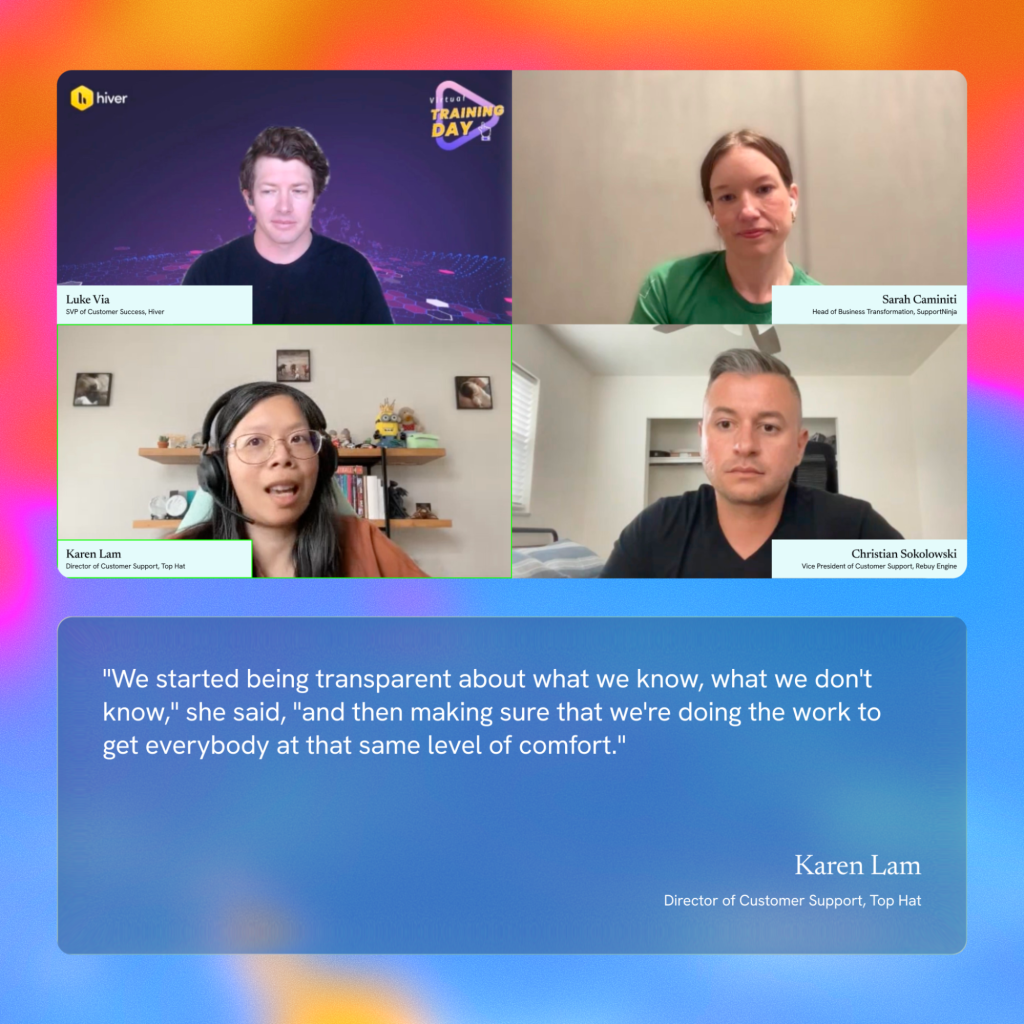
“We started being transparent about what we know, what we don’t know,” she said, “and then making sure that we’re doing the work to get everybody at that same level of comfort.” This transparency — naming the uncertainty rather than projecting confidence — is what moved agents from sceptics to collaborators. They weren’t being told to use a tool. They were being brought into the process of making it better. Karen’s observation was also one of the sharpest moments of the conversation: “Your employees are going to be the best sniff test for whether AI is working accurately or not. They’re the closest to your product and the closest to your customers.”
Ultimately, agents who feel heard are agents who surface problems early — which means faster fixes, better outputs, and a system that actually improves over time.
32% of teams still review every AI response. That’s not oversight — that’s a bottleneck.
Our report found that 87% of leaders are hesitant to let AI represent their brand without human review, and 32% still manually review every single AI-generated response. That second number is where things start to break — not because oversight is wrong, but because oversight that doesn’t scale quietly collapses under its own weight.
Sarah’s position is clear: you should never stop paying attention. “The second we start saying I don’t need to look at this, we are blindly trusting something that should not be trusted in that way.”
But paying attention and manually reviewing everything are very different things.
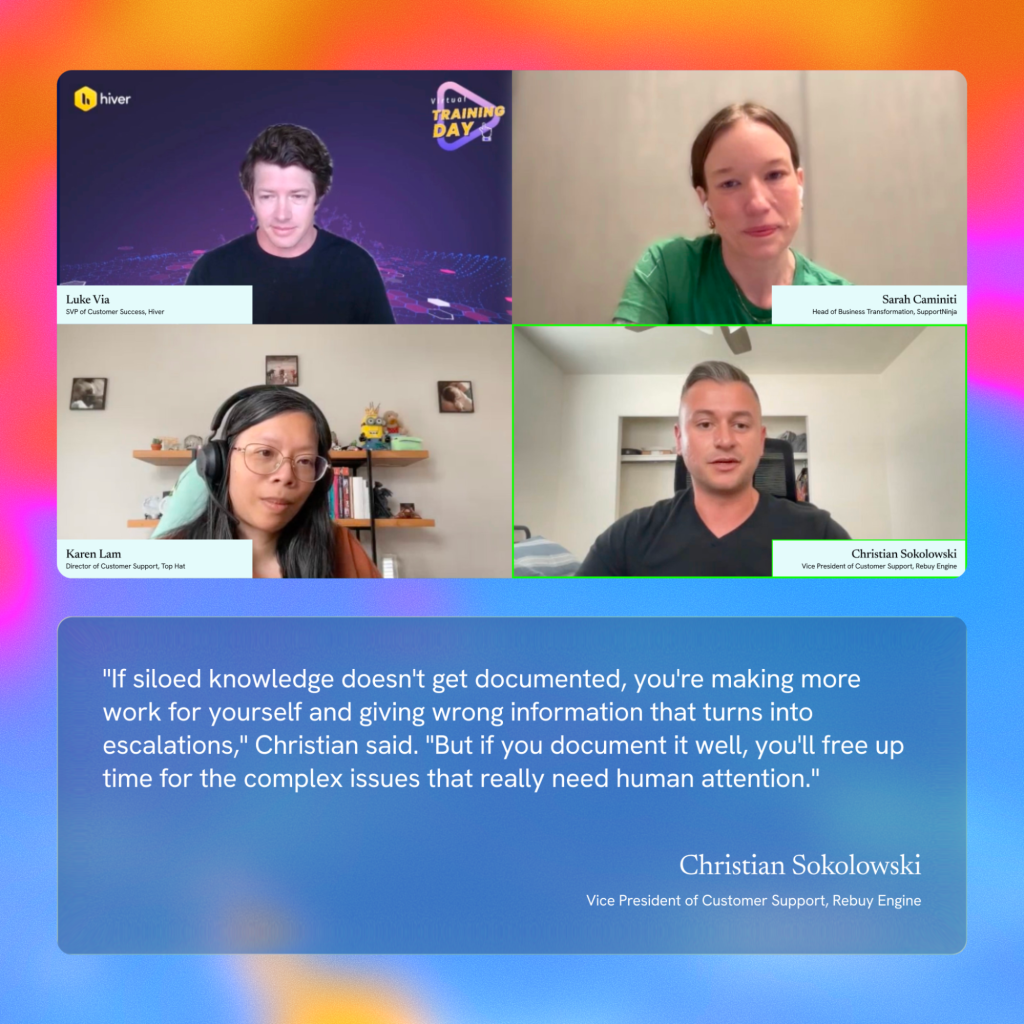
“If you’re reviewing every single interaction with AI,” Christian said, “you’re wasting your time. You’re not going to be able to get to the next level.”
The solution? As Christian says, is smarter oversight. It’s to build review systems that work with AI — targeted, automated where possible, and human where it actually matters. For Christian’s team, that means automated feedback loops, a dedicated AI owner, and clear escalation paths for the interactions that genuinely need a human eye.
Karen frames it differently, but the logic is the same. “Think of AI the way you think of a new team member. You don’t micromanage every task they do — but you don’t ignore them either. You invest in their development, check in regularly, and course-correct when something’s off.”
Build the review system, refine it, and trust it. That’s what brings down the barrier and lets you use AI at scale — without the bottleneck.
When AI fails, someone needs to own it. Most teams don’t have that person.
When a human makes a mistake, accountability is obvious. When AI makes one, it gets murky fast. Was it a documentation problem? A model issue? A workflow that hadn’t been updated in two years? Usually, the answer is some combination of all of the above — but the truth stays the same: and no one was watching closely enough.
But the lack of oversight can’t be the universal answer.
So, when we asked Christian about this, he brought up the solution that his support team has for AI accountability: a dedicated engineer whose sole responsibility is AI optimization. When something goes wrong, there’s one person who owns it, understands the system, and can diagnose and fix it fast. Without that, teams improvise — usually by patching things under pressure, with customers already waiting. And in support, that’s exactly the situation you want to avoid.
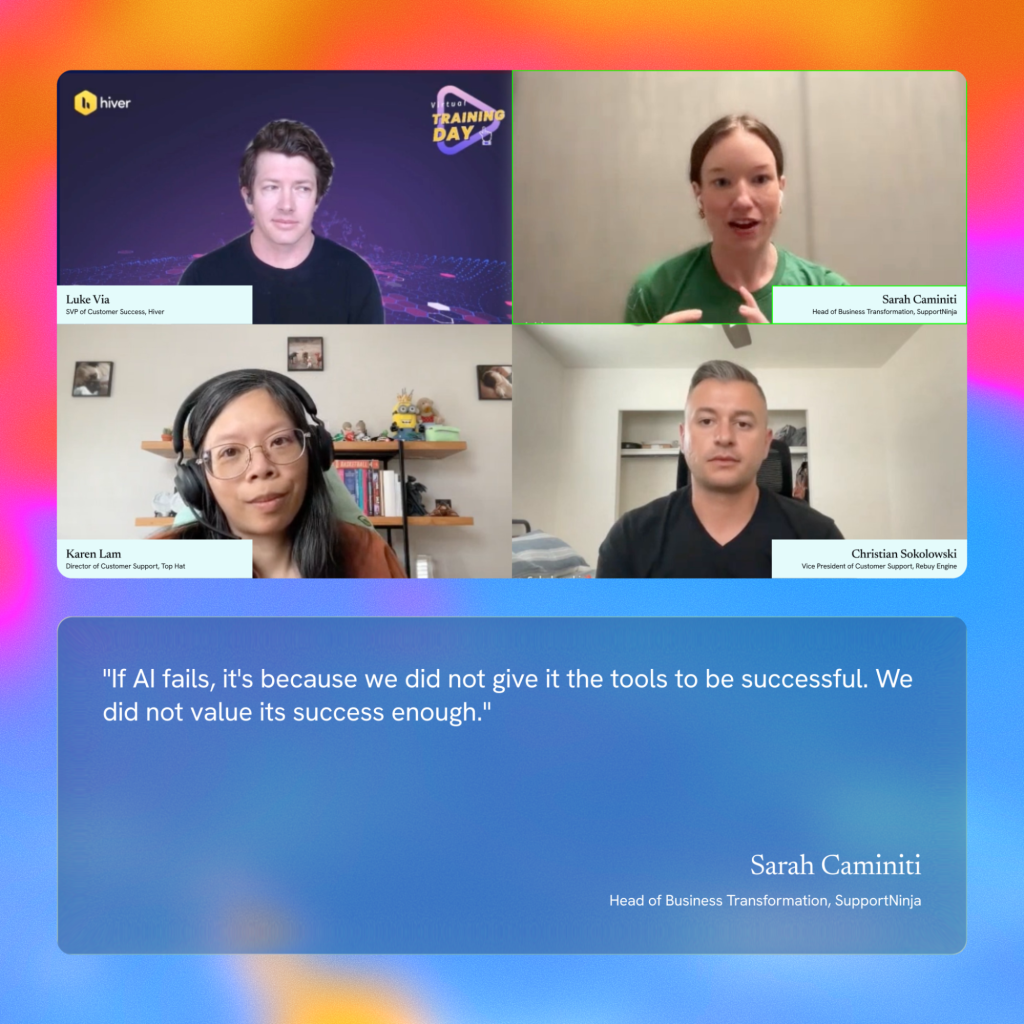
Sarah put it plainly: “If AI fails, it’s because we did not give it the tools to be successful. We did not value its success enough.” She also adds, “Accountability isn’t just about having someone to blame. It’s about treating AI as something that requires genuine investment — in the same way a new team member does.”
The takeaway? The question isn’t whether your AI will fail at some point. It’s whether anyone on your team is set up to catch it before your customers do. Having that safety net prior always beats building one after.
Not every query needs AI. Knowing when to step back is part of the strategy.
The strongest AI deployments don’t come from teams that automate the most. They come from those who know when not to.
Sarah made this point around L1 queries — password resets, basic how-tos, simple account questions. The case for automating them is obvious. But the case against automating all of them is worth understanding.

“Go through your highest CSAT scores,” Sarah said, “and a surprising number of them will be tied to the simplest interactions. Not because the questions were complex. Because someone handled them with care, in a moment when customers didn’t expect to be treated that way.”
That first interaction is often a customer’s introduction to your company. A human who gets it right builds something an automated response can’t: connection. There’s also the development angle. Junior agents working L1 aren’t just answering easy questions — they’re learning what good communication looks like, building product knowledge, and developing instincts for how customers think. Automate all of that away, and you’ve skipped the foundation their career development rests on.
The point isn’t that AI has no place in L1. It’s that the decision about where AI fits — and where humans should stay — deserves more deliberate thinking than “this is repetitive, so let’s automate it.” The point isn’t that AI has no place in L1. It’s that most teams ask “can AI handle this?” when the better question is “what happens when it can’t?”
That’s where things tend to break down. Not in the queries AI handles well — but in the moments where it isn’t confident enough to answer correctly, yet responds anyway. And those moments are rarely visible until a customer has already had a bad experience.
The takeaway? Deciding where AI fits — and where it shouldn’t — deserves the same strategic thinking as any other part of your support operation.
The teams that get AI right aren’t the ones moving fastest. They’re the ones paying closest attention.
Sarah had a telling habit when evaluating AI vendors in the early days. The first question she always asked wasn’t about features or pricing — it was: “how do you manage QA?”
Many vendors hadn’t thought about it at all. Some said they reviewed responses once every two to three months — by which point the model had already learned that the wrong answers were correct, and customers had been receiving them the whole time. For this, Sarah mentioned-“Don’t ever not pay attention to what is going on with your AI tool,” she said. “Because if you do, then you’re saying you don’t care enough about getting it right anymore.”

What separates the teams that get this right is that they treat attention as part of the job, not as an optional audit. Karen made this point in a different context, talking about her tier one agents: “When you pay attention, you’ll be able to see where the opportunities are.” The same principle applies to AI. The teams that keep watching are the ones that catch problems early, find documentation gaps before they compound, and spot where the system is working well enough to push further. By the time the teams that aren’t watching notice something is wrong, a customer usually already has.
The skill both Sarah and Karen said they’re hiring for reflects this directly — not technical fluency, but curiosity. The willingness to keep asking questions even when things seem fine, to flag something that feels off, and to not assume that no news is good news.
That’s what this entire conversation kept coming back to. Not how fast you move, but whether anyone is still watching once you do. The teams that get AI right won’t be the ones with the most sophisticated setup. They’ll be the ones who knew something was off, said so, and actually did something about it.
This conversation was part of Hiver’s webinar series. You can watch the full recordingand download our State of AI Customer Support in 2026 report.













