Skip to content


Meet your customers
where they already are
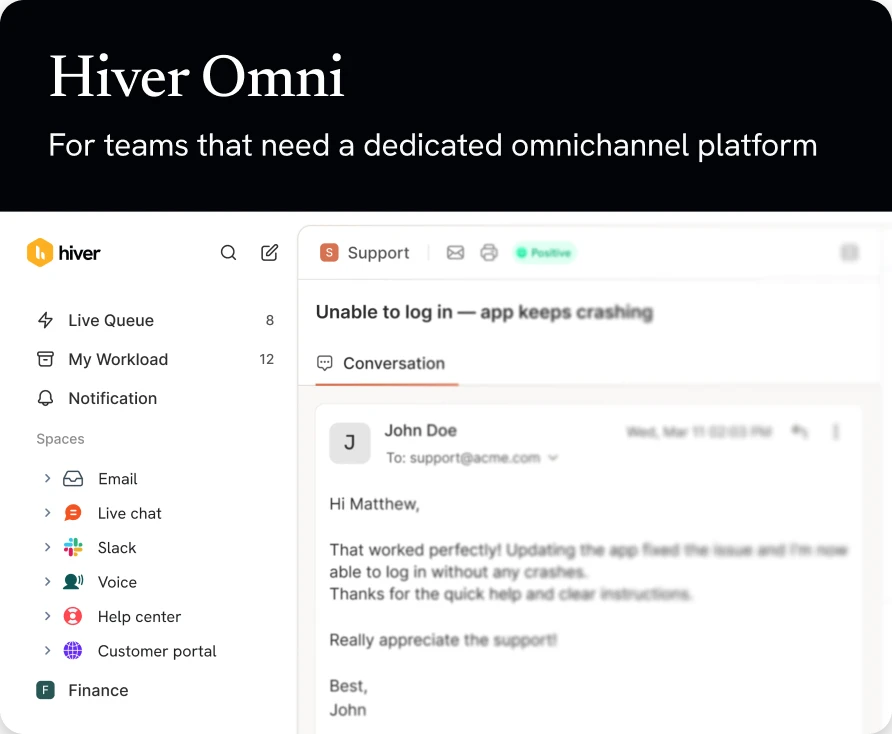
All your channels in one agentic workspace. Your team works from one queue. Your customers stay where they are.
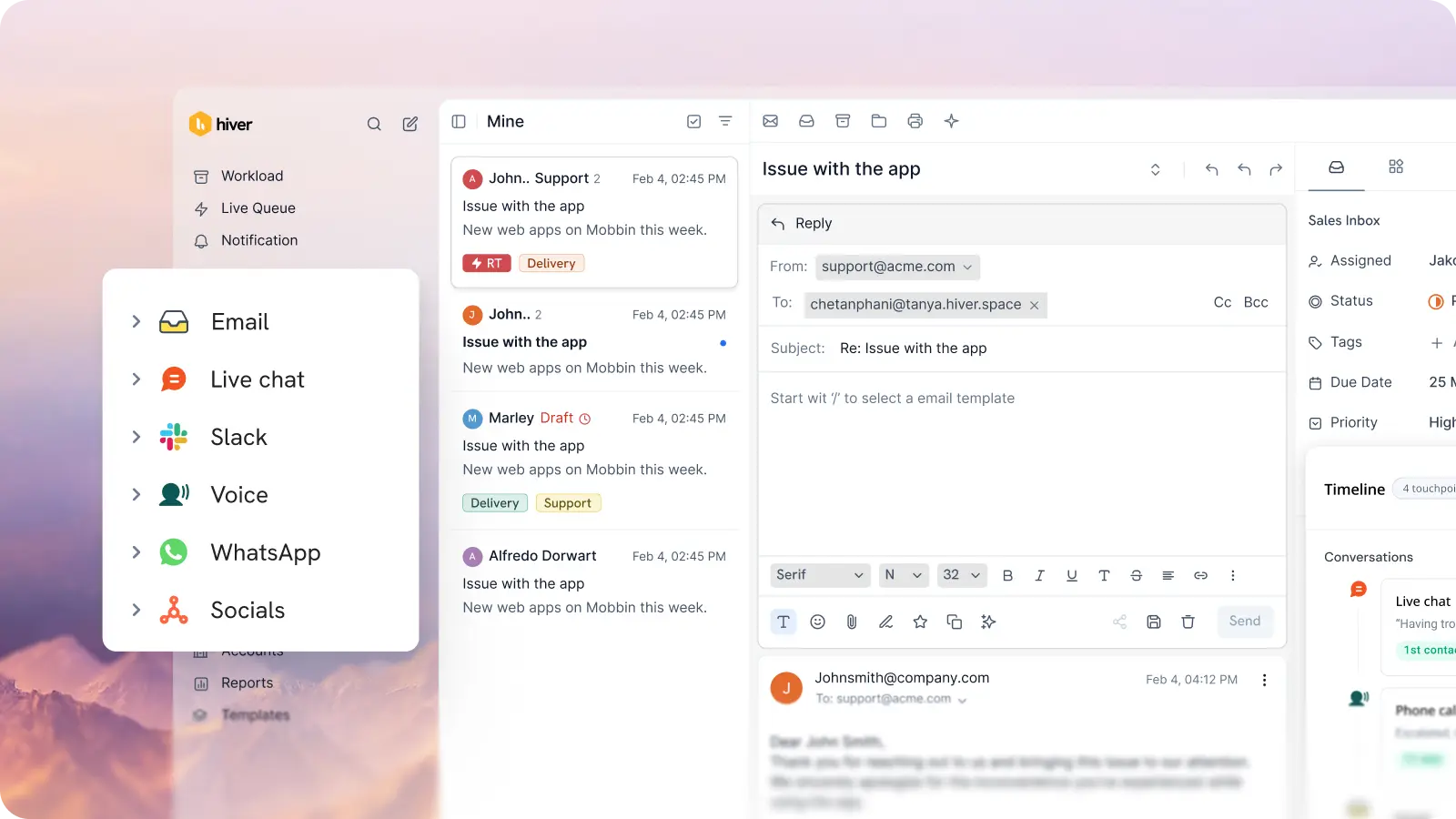
All your customers. All your channels. One queue.
Bring conversations across channels like email, chat, Slack, voice, WhatsApp, and more in a single support queue.
Manage shared inboxes like support@ or info@.
Slack
Manage customer requests from shared Slack channels.
Customer Portal
A branded portal to raise and track requests.
Web Forms
Embed custom forms that route requests straight to your queue.
Live Chat
Drop agentic chat into your website or app.
Voice
Make and receive calls on our native phone channel.
Help Center
The home for your customers and knowledge.
Manage WhatsApp requests and groups from one place.
Channels, Context, AI, and analytics. All in one place.
Every channel, one queue. Full account context.
Route every query from every channel into one queue. Routing rules, SLAs, and tags apply across Slack, chat, email, and more. And the moment your team picks up a ticket, context from every system is visible right inside the ticket.

Conversations move. Context stays.
Customer conversations don’t stay in one channel. They start on chat, move to a call, and end on email. Hiver keeps the history together, so nothing gets lost in the handoff.

Power support with AI across every channel
AI Agents resolve requests end-to-end, no matter the channel. The same AI also powers routing, triage, and drafts replies the moment a message lands.

One view of performance, across every channel.
Track response time, SLAs, CSAT, and ticket volume across every channel, from one dashboard.

Frequently Asked
Questions
1. Can we manage email, chat, and social messages in one inbox?
Yes. Hiver’s cloud-based omnichannel solution brings together conversations from email, live chat, WhatsApp, voice, and social channels into one unified workspace. Your team no longer needs to switch between siloed tools to track or respond. Every interaction lives in one place with consistent ownership and workflow support.
2. How does your omnichannel inbox prevent duplicate replies from agents?
Hiver includes built-in collaboration protections like real-time collision detection. When multiple agents are viewing or responding to the same conversation, Hiver alerts them so only one final response goes out. This, combined with shared drafts and internal notes, eliminates overlaps and conflicting replies across channels.
3. Does it include routing, tagging, and automation for high-volume support?
Yes. Hiver supports automated routing and tagging based on keywords, customers, queues, and availability. You can create workflows that assign, prioritize, and escalate work automatically, reducing manual sorting and ensuring high-volume inquiries are handled efficiently.
4. Can managers monitor performance across all channels?
Absolutely. Hiver’s analytics give managers visibility into response times, resolution times, SLAs, workload distribution, and CSAT across every channel in your omnichannel inbox. This unified view makes it easy to spot bottlenecks and coach for better performance using real data.
5. What integrations are available for omnichannel workflows?
Hiver connects with a broad set of tools your business already uses. Out-of-the-box integrations include CRM systems (like Salesforce and HubSpot), billing/ERP systems (like NetSuite), ecommerce platforms (like Shopify), and work tools (like Jira and Asana). Hiver also offers open APIs and Zapier support so you can extend workflows to custom systems and automate actions based on conversation changes.
6. How does the 7-day free trial work?
When you sign up, you instantly get access to our Elite plan for 7 days. We will email you when your trial expires. You can then select a plan and pay by credit card to continue using the product. If you choose not to continue, your account will be suspended.
7. Which features can I use during the trial?
You get access to the Elite plan during your trial, which means you can use Hiver without any limits, and can also experience the best support we have to offer.
8. What happens at the end of my trial period?
If you do not upgrade your Hiver account during your trial period, your account will be suspended at the end of your trial. You can re-activate your account by upgrading within 7 days from the date of the end of your trial.
9. Do I need a credit card to sign up?
No, you do not. You will only be required to produce your credit card information when you upgrade to a paid subscription.
10. How do I import my existing emails to my Hiver shared inbox?
If you’d like your emails to be imported to your Hiver shared inbox, please write to us on support@hiverhq.com and we will assist you with the process. The duration of the import process depends on the number of emails to be imported.