Bring structure and speed to Slack support

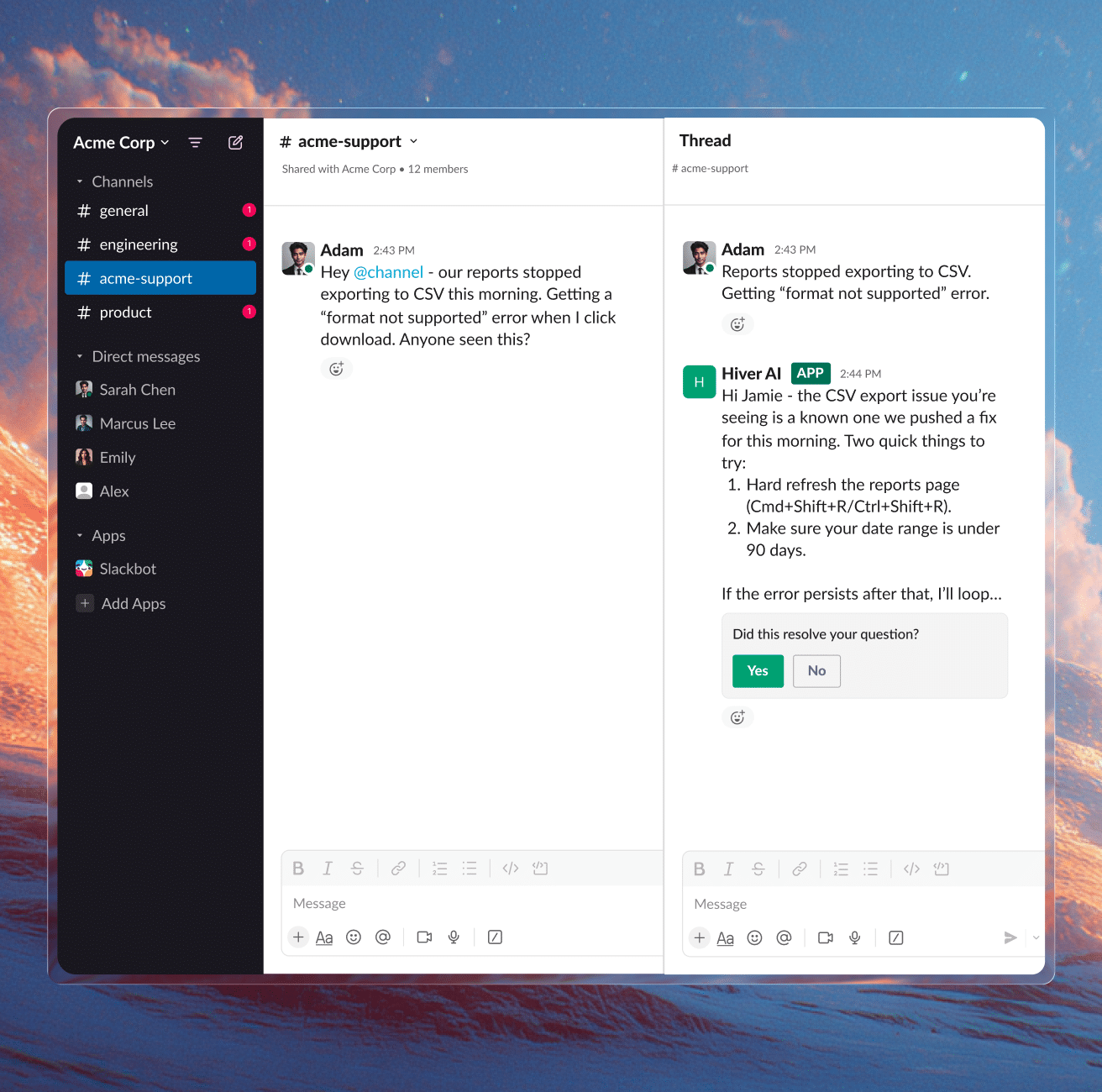
Bring every customer conversation from Slack into the same ticket queue as email and chat with clear ownership and context to act on it. One channel or one thousand, it’s all in one place.

Supporting customers on Slack can be an ordeal

No ticketing

Slack wasn’t built to handle support at scale. Without triage, assignment, tracking or SLAs, customer messages fall through the cracks.

Collaboration is a mess

A single issue quickly turns into multiple threads, DMs, and new channels. Context gets scattered, and it becomes hard to track issues.

Control slips at scale

As volume grows, managing access, tracking activity, and handling sensitive information becomes harder to control within Slack.

One Slack channel or thousands.
Hiver tames the chaos.

Bring every Slack support request into your helpdesk queue
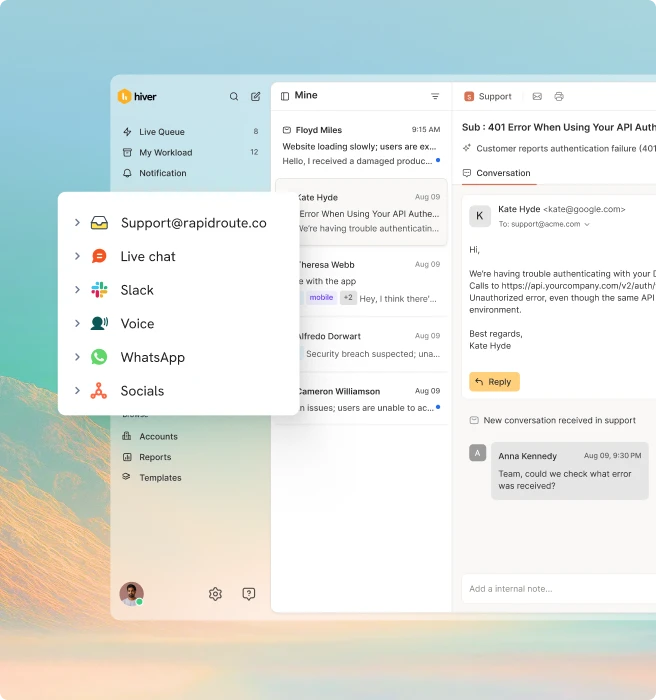
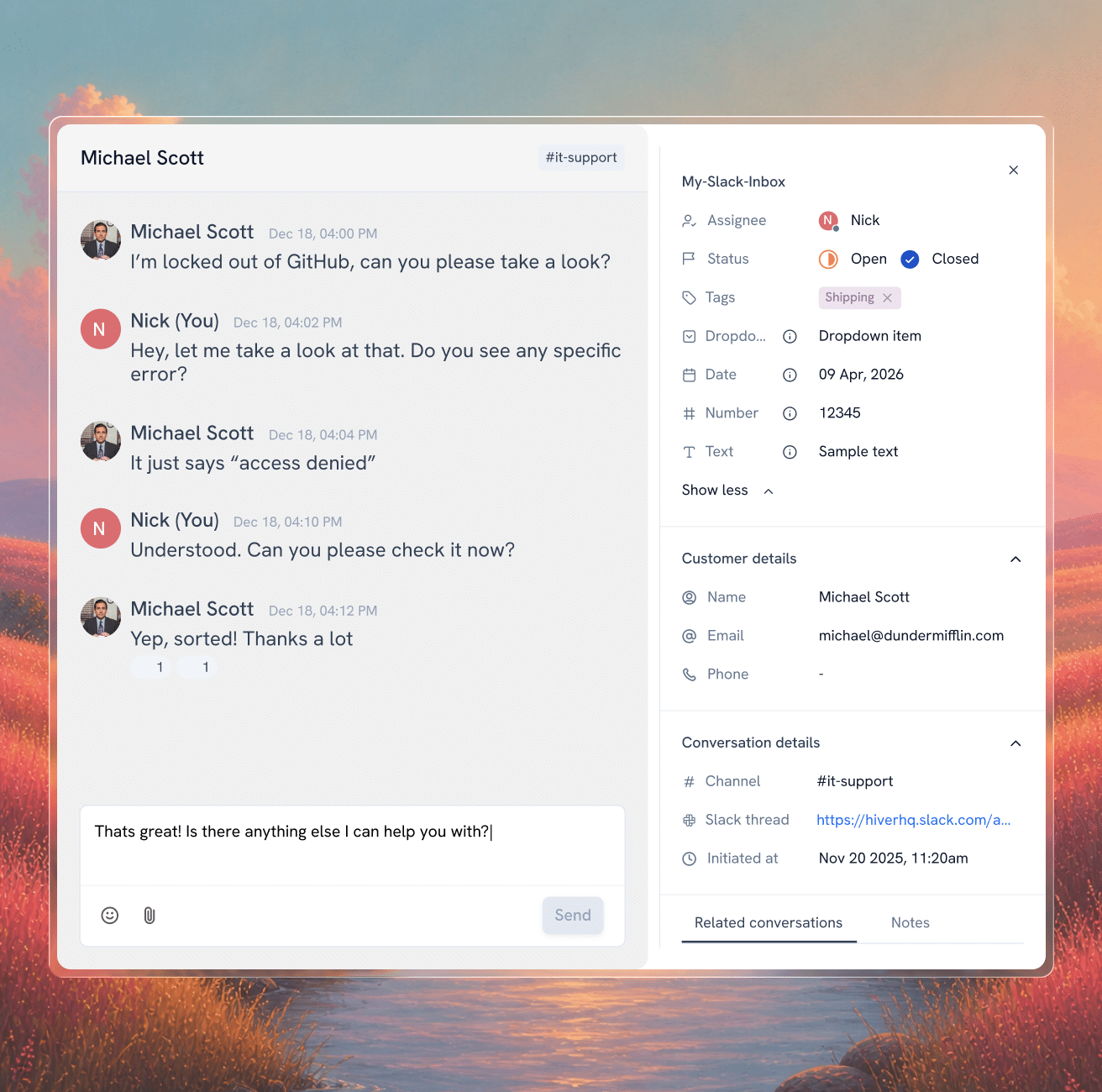
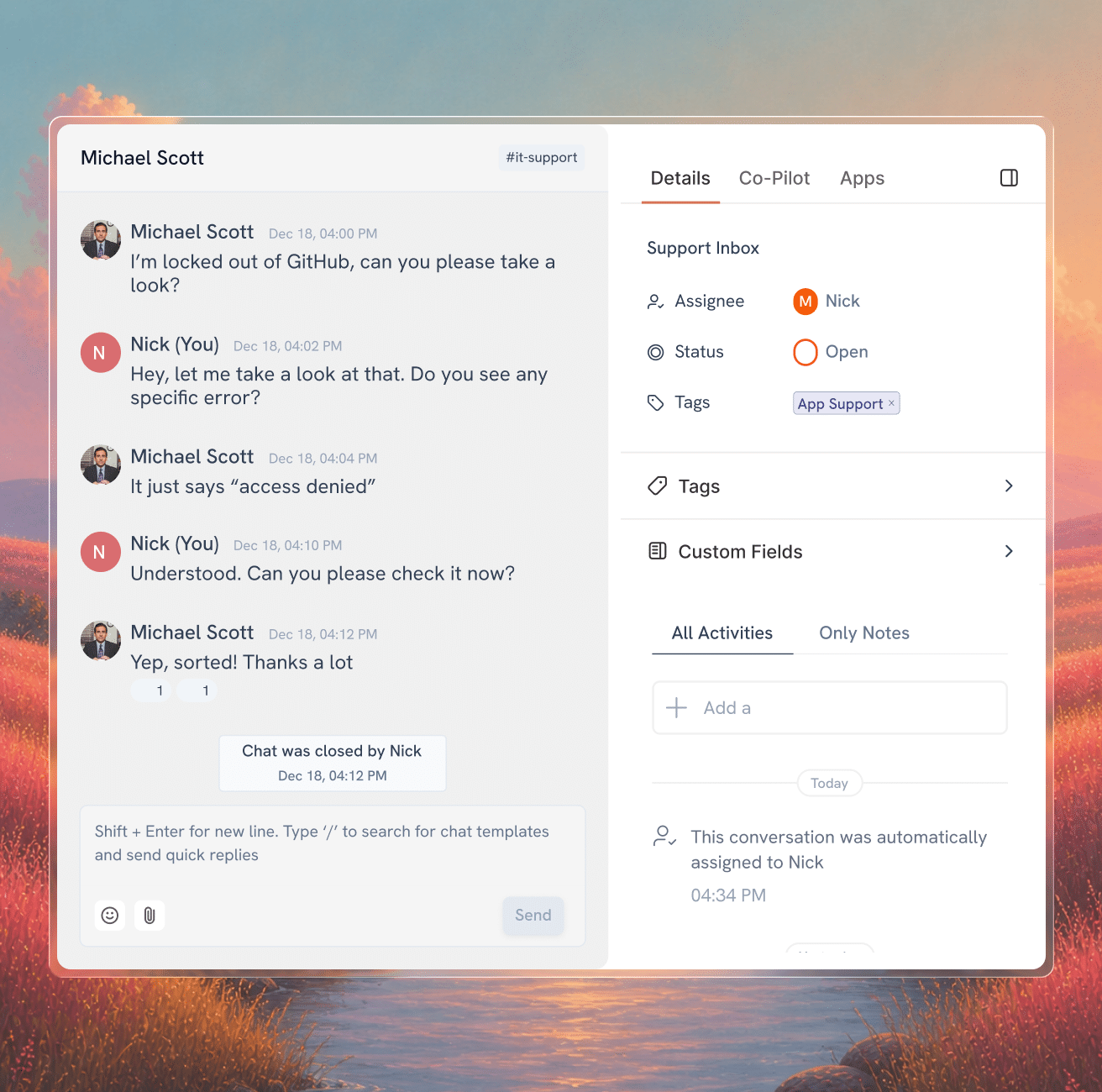
Every customer message that needs support attention automatically becomes a conversation in your helpdesk queue. Your support team works from one place, with full visibility across every customer channel, without having to be in any of them.

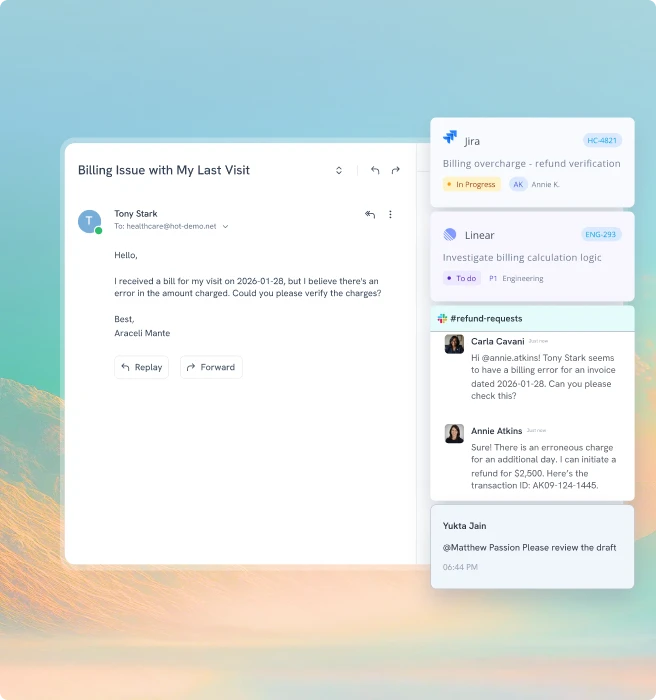
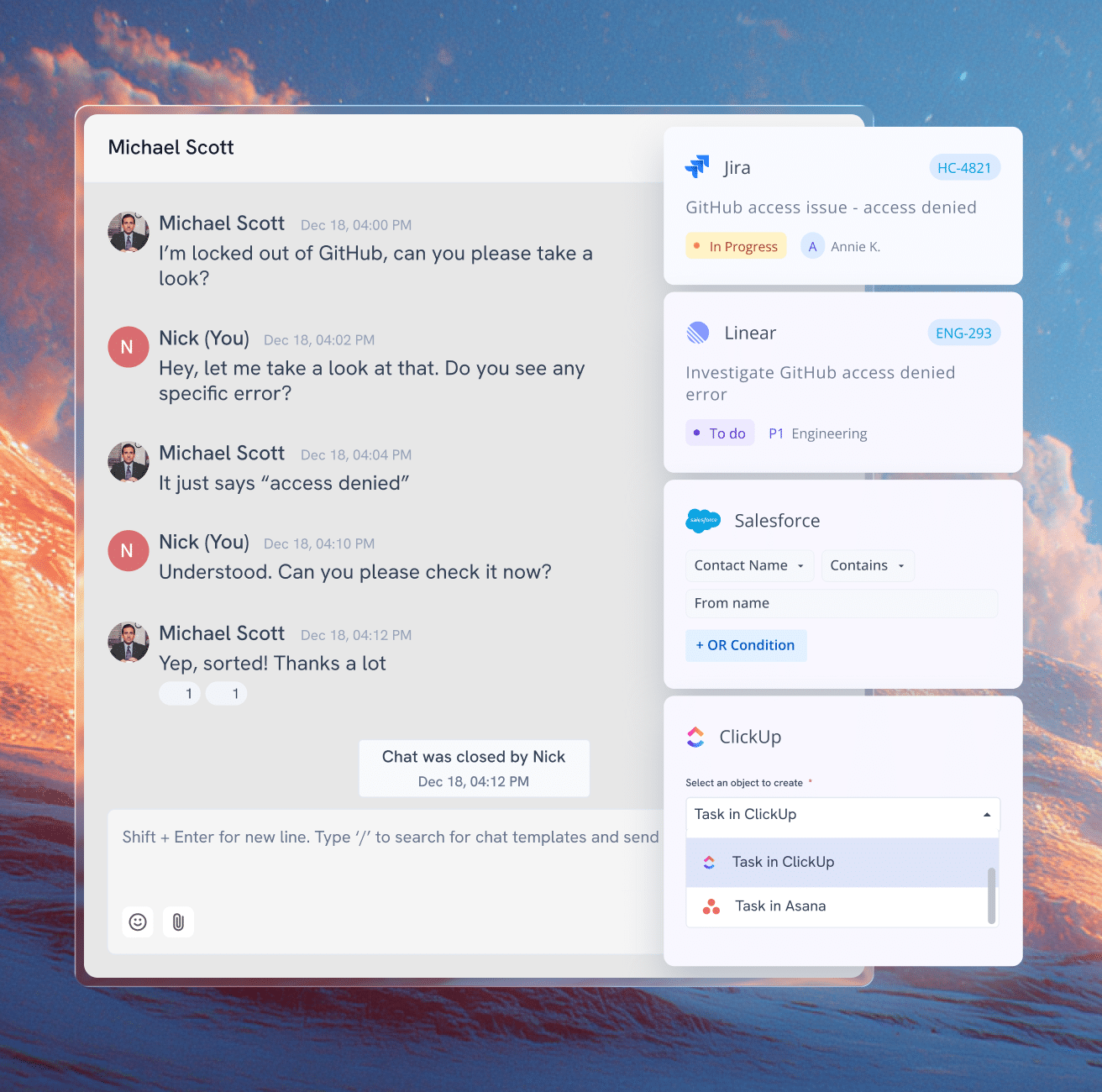
Resolving issues often means pulling in someone outside support like billing, logistics, engineering. In Slack, that’s a DM and a prayer. In Hiver, you can easily loop in teams, route issues or escalate them, with full context intact at every step.

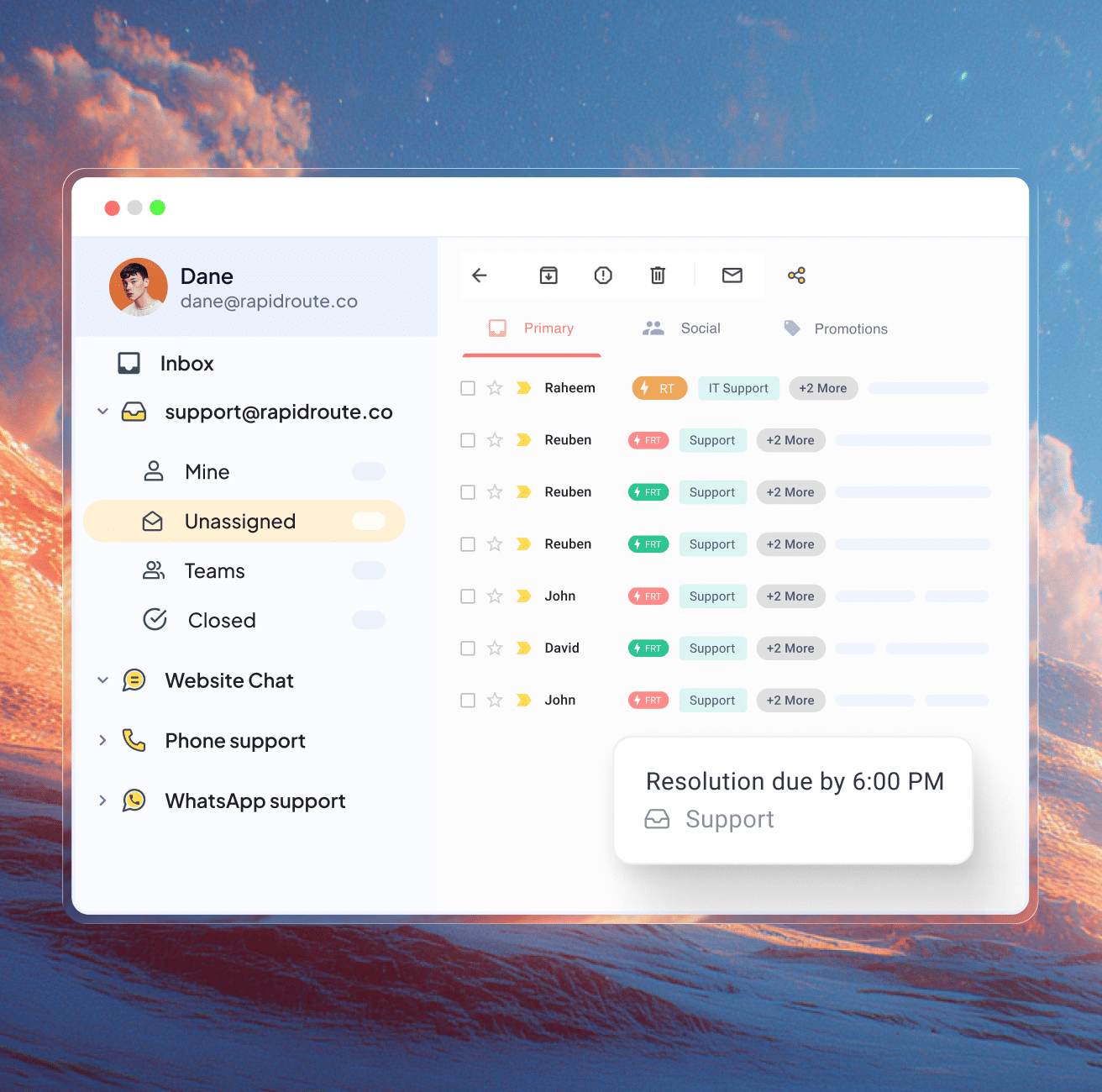
Conversations don’t sit waiting to be noticed. Automatic routing puts every Slack request in the right hands immediately, based on sender, keyword, priority, or account ownership from your CRM.

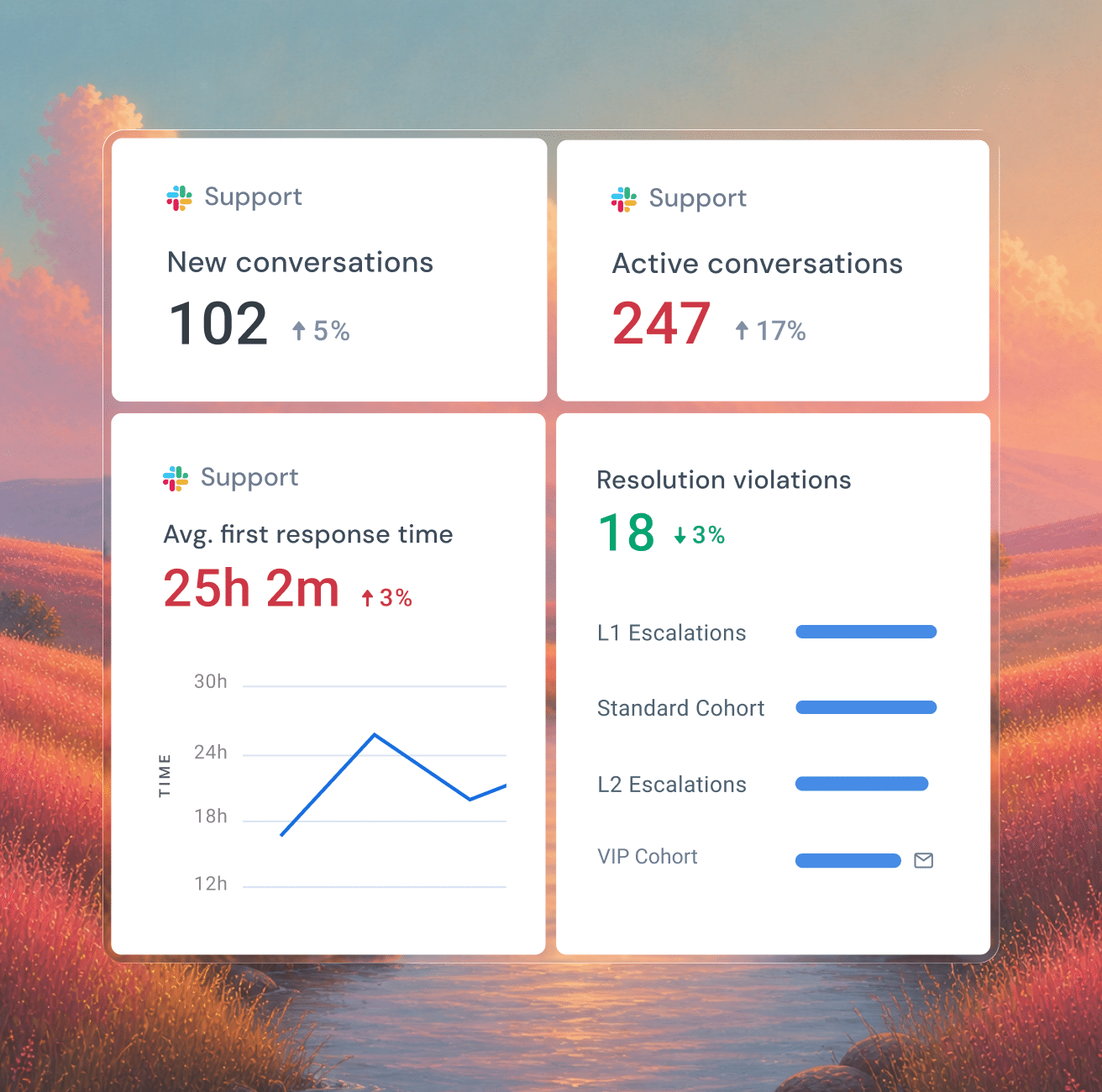
Slack without structure means performance you can’t see. Hiver tracks volume, response time, and SLA tracking across every conversation — so you can spot delays, balance workload, and manage support like a function, not a group chat.

Bring AI, context, and workflows into
the flow of Slack support.

Let AI handle the routine. Hand the rest to your team.

AI Copilot drafts replies your team can send in a click. AI Agent handles routine questions. Your team handles the complex requests that require engineering, product, and cross-team collaboration.

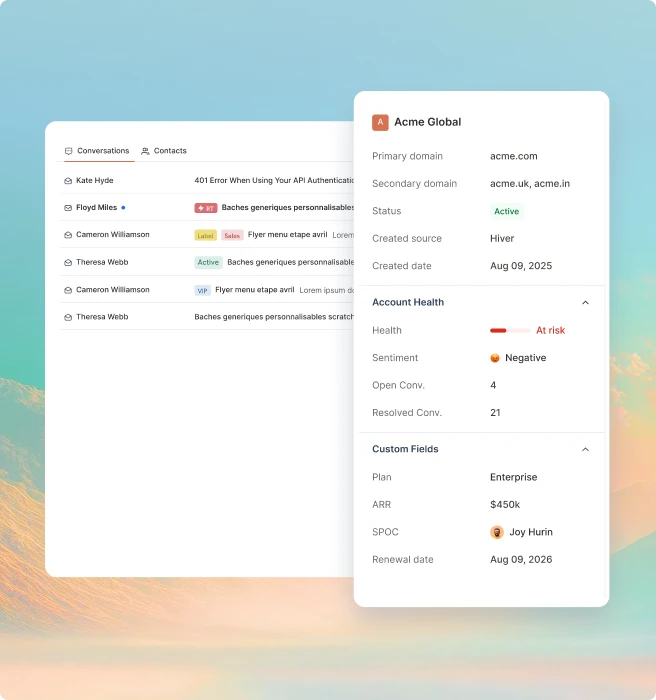
Support requests often need details or updates outside Slack. Hiver brings context from CRM and other tools like account health, renewal dates, and revenue right into the conversation. You can access and update info as you respond, without switching tools.

Customers don’t remember the replies that landed on time. They remember the ones that didn’t. SLAs and breach alerts keep every request on track.

How teams stay on top of support in Slack

35% faster resolution

“Support and engineering were trying to help customers, but context kept getting lost without a shared system. We were spending more time coordinating than actually resolving issues.”

Lemi Orhan Ergin

Co-founder & Technical Lead

89 hours saved/month

“With Hiver, our team now operates more seamlessly, leading to less internal back-and-forth. This has improved our accuracy and speed in processing vendor payments, ensuring we stay on top of them effectively”

Jill Tarnoff

Sr. AP Specialist

100% workload visibility

“Managing high-volume client communication without structure was our biggest bottleneck. We needed a system that brought order, accountability, and confidence back into our process.”

James Ribera

Director of Account Management

2,500 workflows automated

“Every improvement we made with Hiver strengthened how our team operates. What used to take five steps now happens automatically—and everyone knows exactly who owns what.”

Wes Gibson

Revenue Operations Manager

Ensure quality, surface insights, and add
structure to your Slack support

AI QA

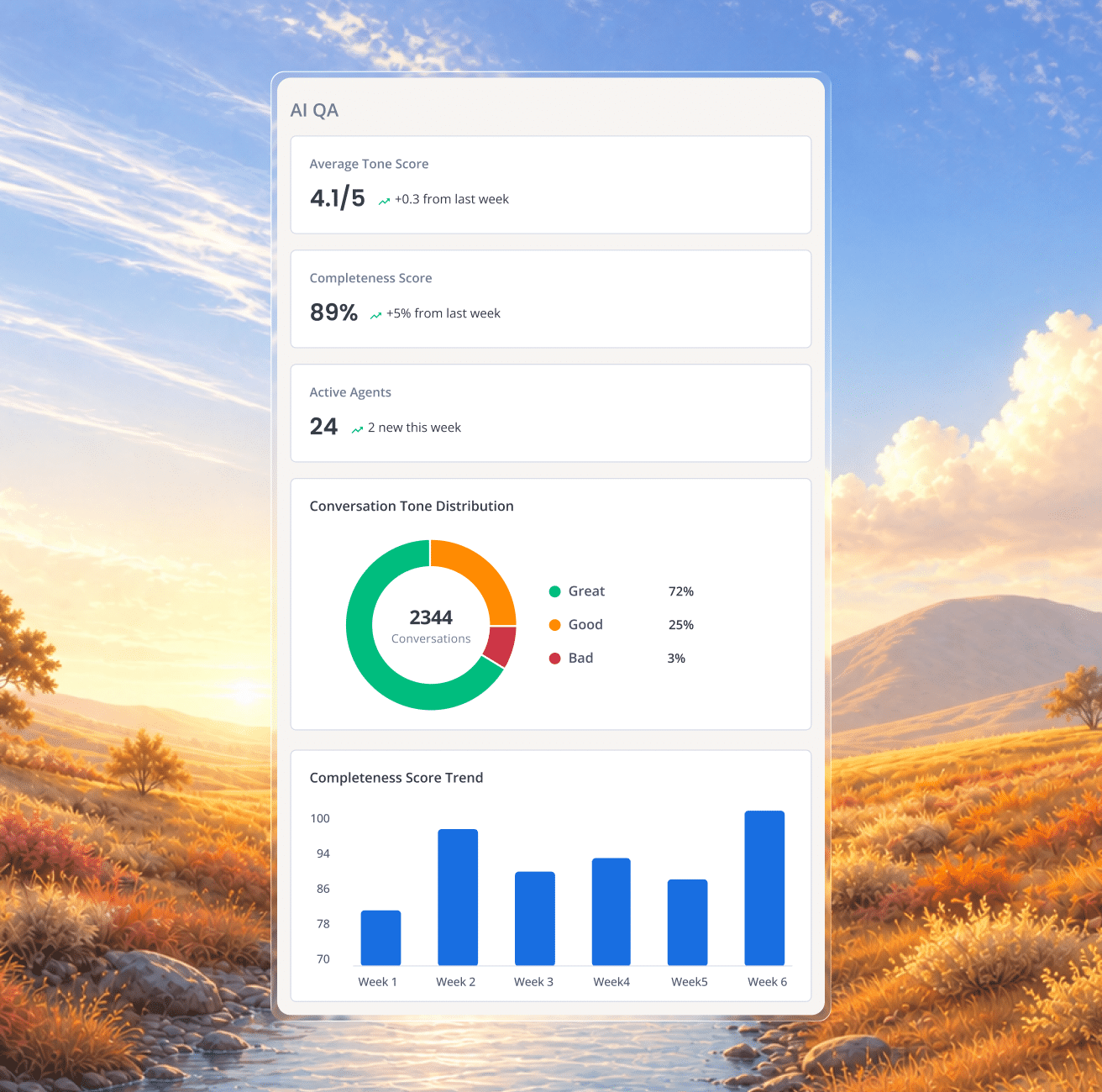
AI QA reviews every Slack response for tone, accuracy, and completeness before they reach a customer.

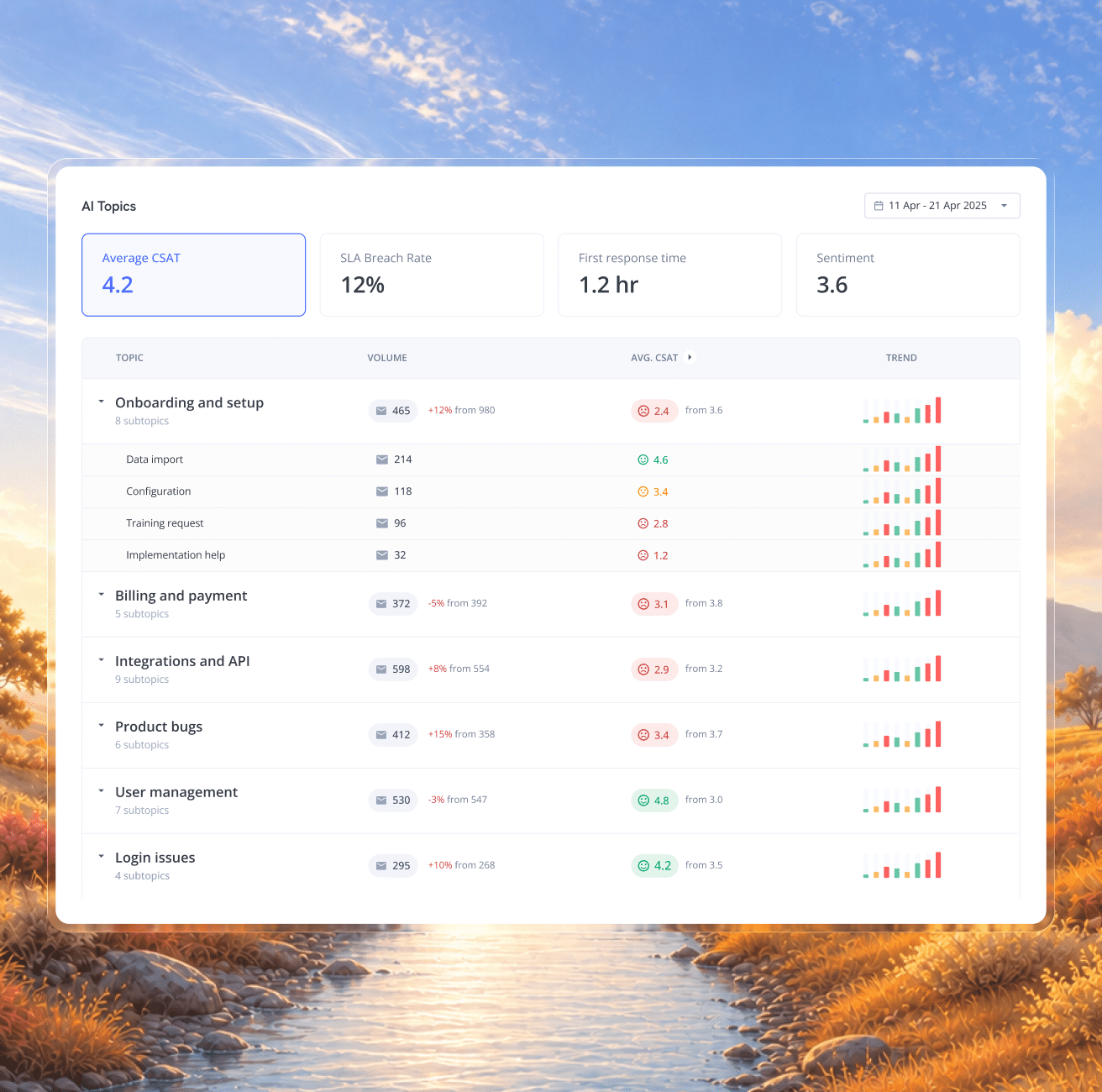
AI Insights catches patterns and risks early. Fix root causes instead of reacting to one ticket at a time.

CSAT gives you direct feedback after the conversation is resolved, so you can spot recurring issues and coach your team.

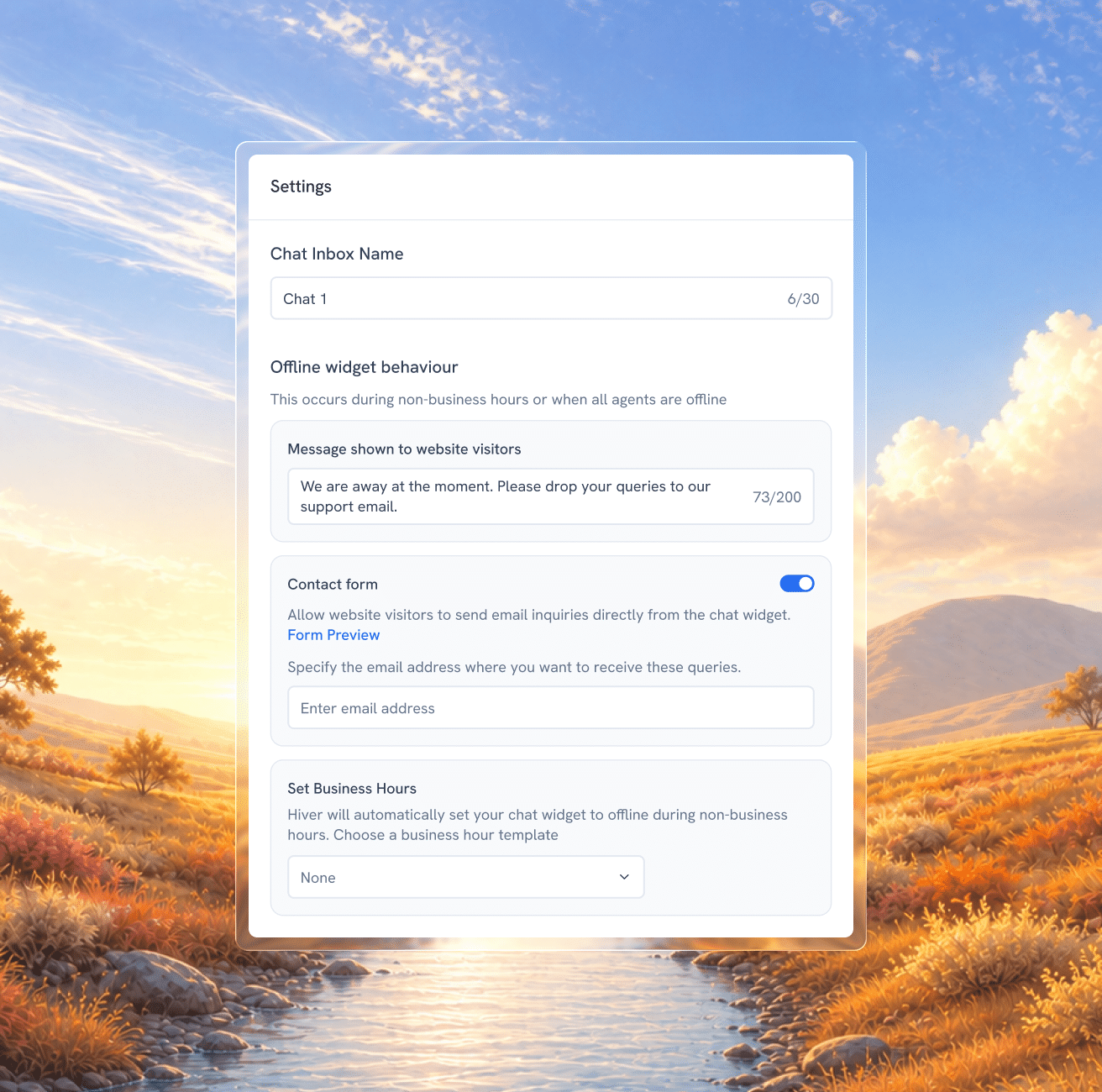
Send an automatic reply when your team is unavailable, so customers know their message has been received and when to expect a response.

Frequently Asked
Questions

Slack isn’t just an integration in Hiver. It operates as a native support channel, where messages are handled as structured conversations with ownership, status, SLAs, and full activity history. Teams don’t go back to Slack to manage progress or coordinate work, everything from assignment to resolution happens within Hiver.

Not every message needs to be tracked. You can define rules to create conversations based on mentions, channels, keywords, or context, so only relevant requests are captured and managed.

Yes. Once the Slack conversation is brought into Hiver, you can access and update CRM data and other tools directly from that conversation in Hiver. This means you can check customer details, update records, create tasks, or trigger workflows as you respond, without switching tools or losing context.

Teams can start managing Slack conversations in Hiver as soon as Slack is set up as a channel. You can begin by bringing conversations into Hiver, assigning ownership, and tracking them in one place. Workflows like automation, SLAs, and AI can be added gradually, so teams see value early without waiting on a long setup cycle.

The Slack thread is brought into Hiver as a conversation, where it can be assigned to the right team or person. Teams can collaborate using internal notes, add context, and track updates in the activity panel, all in one place. Ownership stays clear, progress is visible, and the escalation is followed through to resolution instead of getting buried in the thread.

Replace your current help desk with its
best alternative—Hiver!

Unlimited users on Free plan  ✦  No credit card needed

based on 2,000+ reviews from

Get Hiver's Chrome extension for Gmail to start your 7-day free trial!

Step 1

Add Hiver’s extension to your Gmail from the Chrome Webstore

Step 2

Log in to the extension to grant necessary permissions

Step 3

Enjoy your 7-day free trial of Hiver

The modern AI-powered
customer service platform

Want Hiver, without the Gmail extension?

Try Hiver Omni. It runs right in your browser, with no extension to install.

gmail extension fallback
logo stripe

Thank you for your interest!

The web app is currently under development—we’ll notify you as soon as it’s live.

In the meantime, you can get started with your 7-day free trial by downloading our Gmail extension.

The modern AI-powered
customer service platform

“Our clients choose us over competitors due to our speed and quality of communication. We couldn’t achieve this without Hiver”

Fin Brown

Project Manager

Getitmade@2x

Get in touch with us

Fill out the form and we’ll get back to you.

demo popup graphic

Get a personalized demo

Connect with our customer champion to explore how teams like you leverage Hiver to: