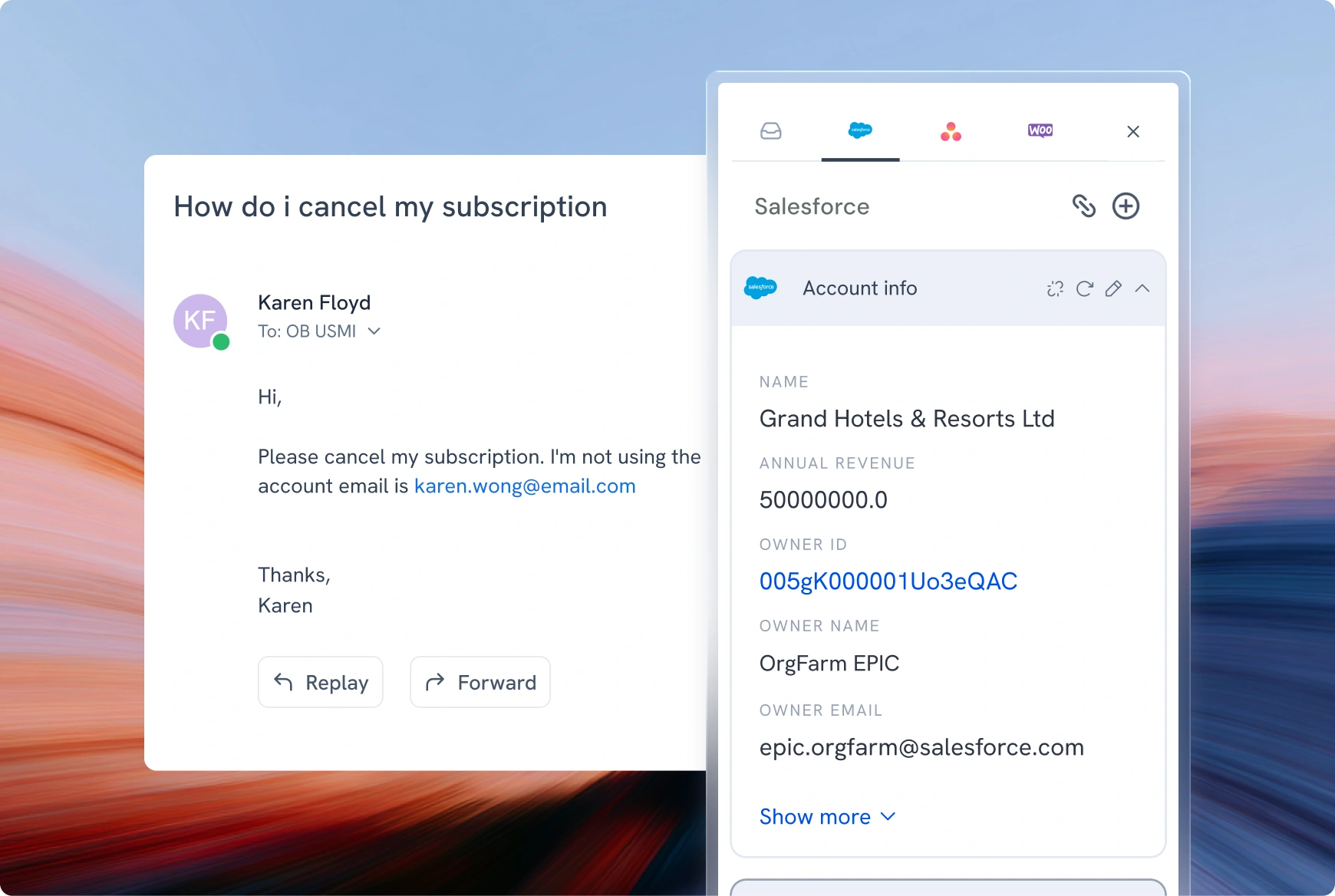
View, update, and sync Salesforce records inside Hiver.
Every time an agent needs to view customer info in Salesforce, they leave the conversation, dig through the CRM, and come back. Hiver’s Salesforce integration ends that. It surfaces contact, account, custom objects, and deals records right inside the conversation, so your team responds with full context, without ever leaving the thread.
Here’s what you can do with our Salesforce integration:
View, create, and update Contacts, Accounts, Leads, Cases, and custom properties in the right panel, surfaced the moment an agent picks up a conversation
Search and link the right record, with smart suggestions based on conversation content
Import accounts and contacts from Salesforce to pull details like segment, tier, or account owner.
Route and tag conversations based on CRM ownership and automate downstream workflows
Sync full threads to a Salesforce record for two-way visibility across teams
Everything stays in sync, both ways. And setup is one-click authorization.
Hiver offers the best experience on your desktop or laptop browser. Switch devices and download our extension from the Chrome Web Store to start using Hiver.