



A better way to manage your
Outlook Shared Mailbox
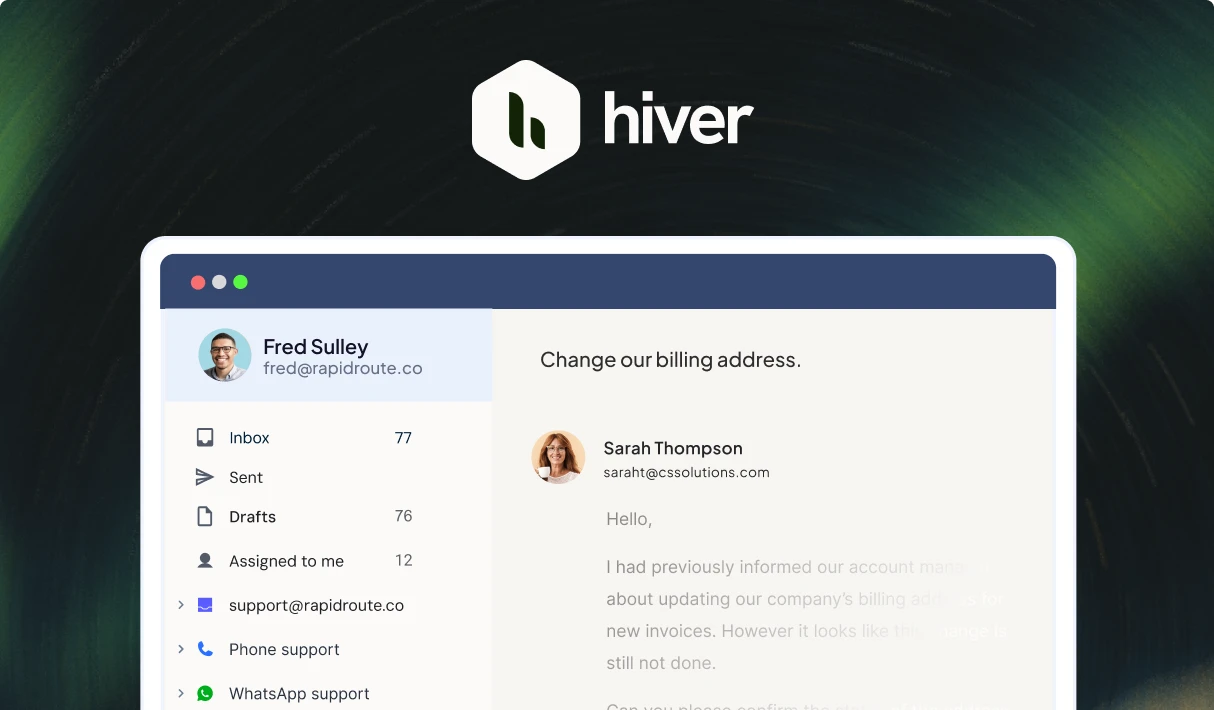
Manage Outlook shared inboxes like support@ or info@. Triage and route emails, collaborate across teams, surface customer context from every tool, and handle the hardest requests with AI and automation.
A collaborative workspace that mimics
your Outlook setup
Track emails as tickets
Convert emails into tickets that can be assigned, tagged, and tracked till its resolved. Configure response time SLAs and get notified when they’re breached.
Collaborate across teams and tools
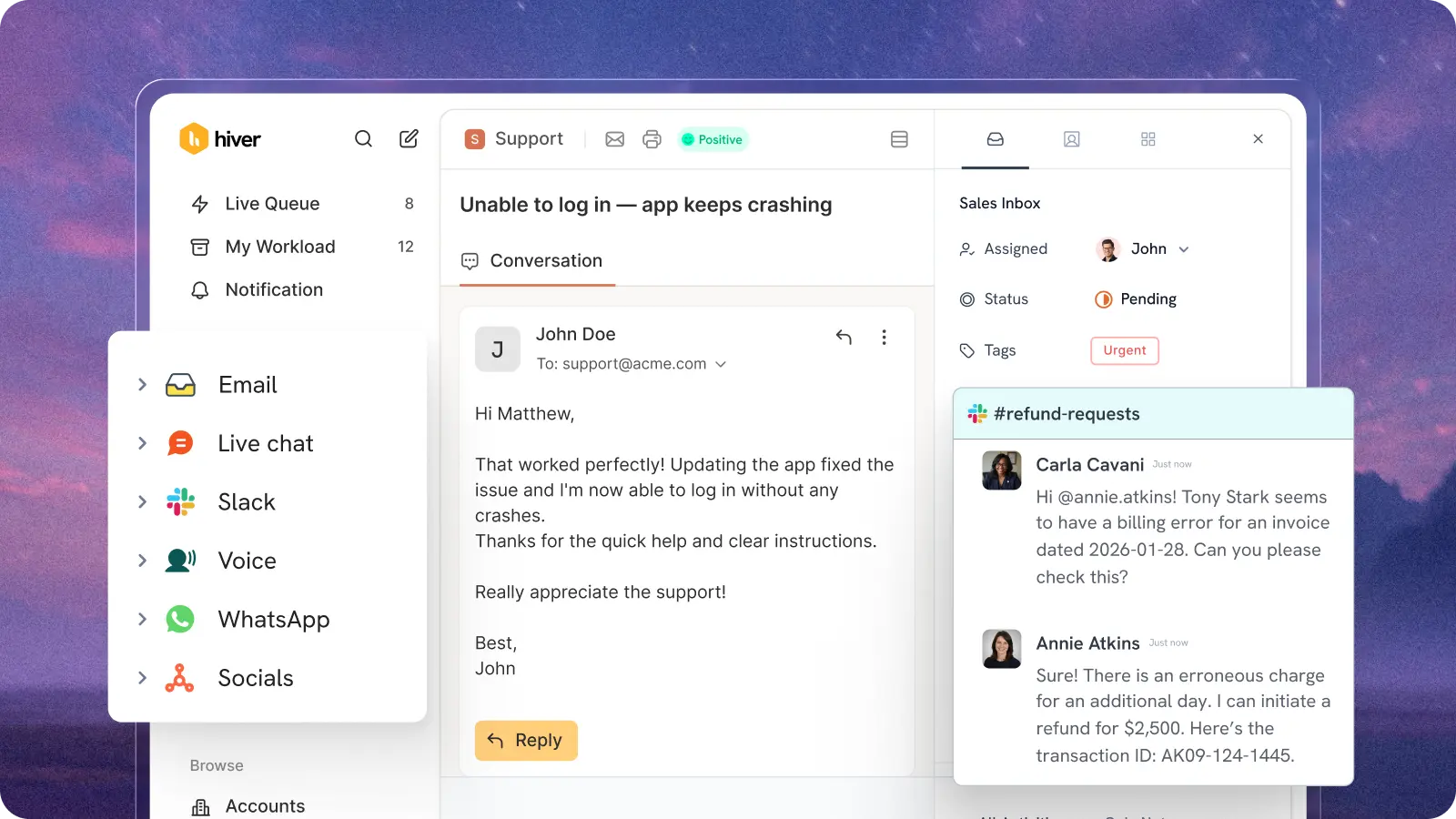
No more CCs and forwards. Loop in teams on email threads with internal notes, linked Jira tickets, and Slack threads, all of them right inside Hiver.
Automate triage, routing, tool updates
Build rules to route emails to the right owner, categorize them, send responses, and take action in every system you use.
Pull context from every system
Pull customer context from 1,000+ systems, including Jira, Salesforce, and custom ERPs. Update details and automate actions across them with no-code rules.
Measure what matters
Track response times, SLAs, and individual performance, all in one place. AI flags issue trends and response quality gaps so you always know where to focus and what to fix first.
Even the hardest requests doesn't faze Hiver AI.
It resolves, assists, and surfaces insights.
AI Agents
Order status? Password resets? Refunds? AI Agents resolve complex requests end-to-end.
AI Copilot
Triages emails, drafts replies, and suggests next steps to resolve a ticket.
AI Quality Assurance
AI QA grades every response, coaches agents in real time, and surfaces where the team needs to improve.
AI Knowledge Builder

AI drafts articles from resolved tickets and keeps your help center auto-updated.
Plus, everything you need to handle complex support
Omnichannel
Manage support across channels like email, chat, Slack, Teams, and voice.
Personal Inbox
Connect your personal inbox to Hiver to manage your work in one place.
SLAs and CSAT
Track SLA breaches in real time and send CSAT surveys to track customer satisfaction.
Trusted by 10,000+ teams
“With Hiver, we have much better visibility across support conversations. Trying to achieve this level of collaboration without it would be impossible.”
Nathan Strang
Ocean Freight Operations Manager
50% faster resolution
“Hiver’s Asana integration turned collaboration into a connected process. It lets our teams track progress, share updates, and close the loop on complex projects — right from where communication starts.”
James Ribera
Director of Account Management
30% faster responses
“Zendesk never fit our team’s needs. We needed a system built for relationships, not requests. Every improvement we made with Hiver strengthened how our team operates.”
Wes Gibson
Revenue Operations Manager
198 hours saved
“When a product request comes in via email, we open it up, tag it to track the information, and fill in the details right inside Hiver. The Jira ticket gets created automatically — no need to log into Jira separately or start a new ticket from scratch. It just works.”
Taylor Garceau
Program Manager, Customer Success
97% CSAT score
“Hiver has completely transformed our workflow. The ability to collaborate and track progress across conversations in real-time has eliminated delays and made our team far more efficient.”
Jill Tarnoff
Sr. AP Specialist
65% faster resolution
“We looked at Zendesk — the problem was their lack of support.They weren’t responsive. We found Hiver’s support to be responsive and genuinely proactive.”
John Torres
Director of Customer Communication
100% SLA compliance
Outlook shared mailboxes weren’t built
for email management.
Built-in ticketing
Automatically assign owners, track statuses, and categorize with tags and custom fields.
Collaborate with ease
Co-edit drafts and collaborate using private notes directly alongside email threads. Every conversation, internal note, and customer interaction lives in one place.
Collision alerts and SLAs
Prevent duplicate replies with real-time alerts when multiple team members respond to the same thread. Plus, stay on top of every request with SLAs and breach alerts.
Automation and AI
Auto-assign emails by keyword, sender, or any custom criteria. Use AI to draft replies and deflect repetitive questions.
Integrations with 1,000+ apps
Integrate Hiver with Jira, CRMs, Slack, and 1,000+ systems. Triage, route, and automate using data from your tools.
Analytics for decision making
Easily track key metrics like email volume, workload, response times, SLA, and more. Plus, AI surfaces gaps in quality so you can coach your team.
Built for scale
Whether you’re a team of 5 or 500, Hiver scales without friction. No user caps, no storage limits, no performance lags as you scale.
No ticketing capabilities
Use folders and tags to assign emails or track status. It's manual, error-prone, and causes confusion.
Rely on forwards and CCs
Collaboration depends on CCs and forwards, creating cluttered, unmanageable threads. Critical context lives in personal inboxes, side chats, and forwarded threads.
No collision alerts and SLAs
Multiple teammates can respond to the same email, unaware that someone else is already on it. Plus, there’s no way to define response time targets or receive breach alerts.
Teams end up doing grunt work
Outlook rules are limited and offer minimal customization. There’s no built-in AI or support for third-party apps.
Isolated from your data
There’s no way to integrate with other apps unless you use third-party software like Zapier. Routing, triage and cross-tool updates are manual.
No way to measure key metrics
How many requests did you get last week? Is your team overworked? Outlook has no reporting to answer these questions.
Performance caps
Microsoft limits shared mailboxes to ~25 concurrent users. Beyond that, search breaks, sync fails, and the inbox slows to a crawl.
Frequently Asked
Questions
1. What are the limitations of an Outlook shared mailbox?
Outlook shared mailboxes have no email assignment, no collision detection, no SLA tracking, and no performance reporting. There is also a 50GB storage cap, a recommended limit of 25 concurrent users, and no native AI or automation beyond basic rules.
2. What does Hiver add to an Outlook shared mailbox?
Hiver adds email assignment, collision detection, internal notes, shared drafts, if-then automation workflows, AI triage, AI-suggested replies, SLA tracking, and agent performance reporting, all on top of your existing Microsoft 365 setup.
3. Is Hiver a replacement for Outlook?
No. Hiver connects to Microsoft 365 and works on top of Outlook. Your team continues using the same email interface — Hiver adds helpdesk capabilities without replacing or migrating anything.
4. How long does Hiver take to set up?
Most teams are live within a day. Hiver connects to Microsoft 365 through a guided setup with no data migration, no infrastructure changes, and no IT project required.
5. Can Hiver manage multiple Outlook shared inboxes?
Yes. Hiver manages support@, billing@, info@, and any other shared inboxes from one platform, with separate workflows, assignments, and reporting for each.
6. Does Hiver work with Microsoft 365?
Yes. Hiver connects directly to Microsoft 365 and works across classic Outlook, new Outlook, and Outlook Web App.
7. How does Hiver AI work in a shared mailbox?
Hiver AI automatically tags incoming emails by topic and sentiment, suggests replies from your knowledge base, summarizes long threads, and closes non-actionable replies like “thanks” so resolved conversations stay closed. Admins control which inboxes AI is active on and how much autonomy it has.
Skip to content