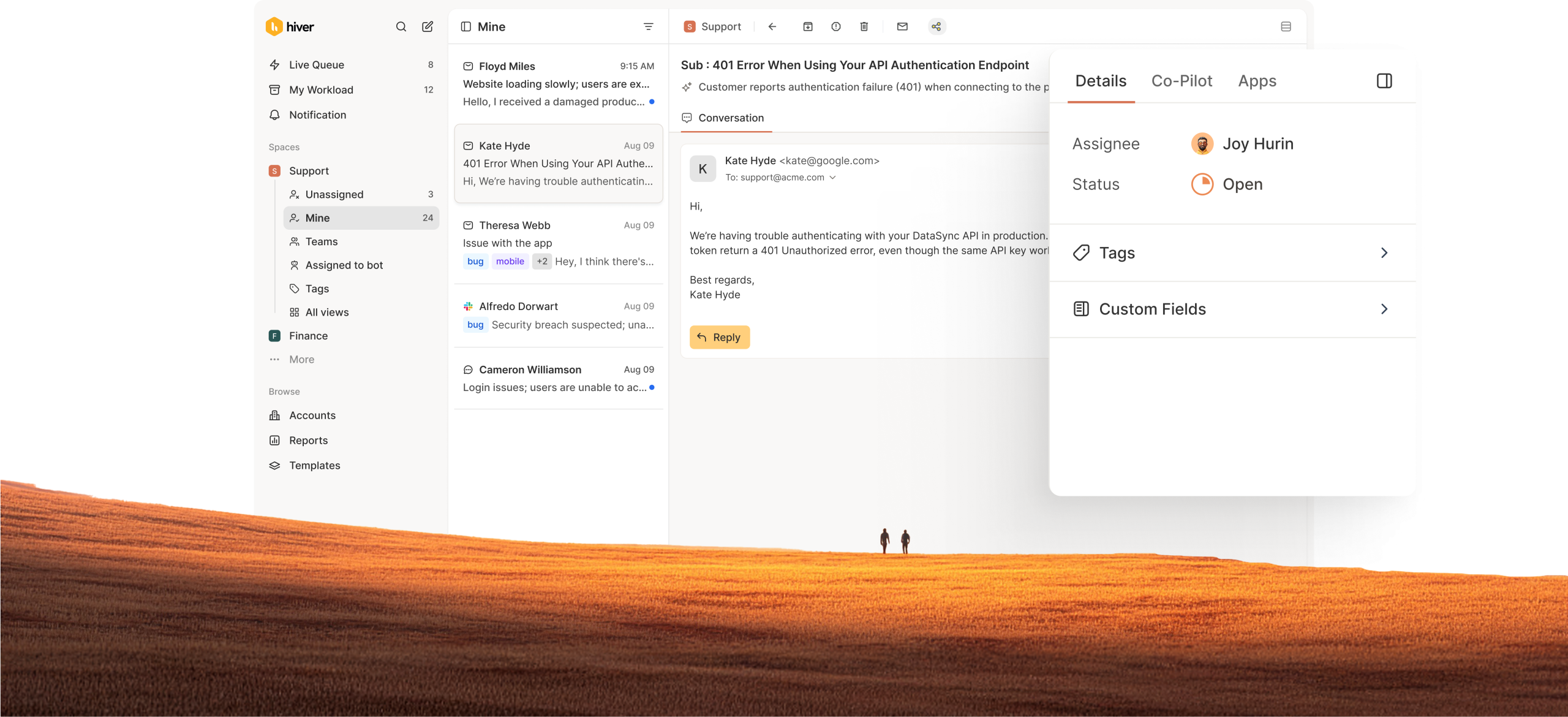
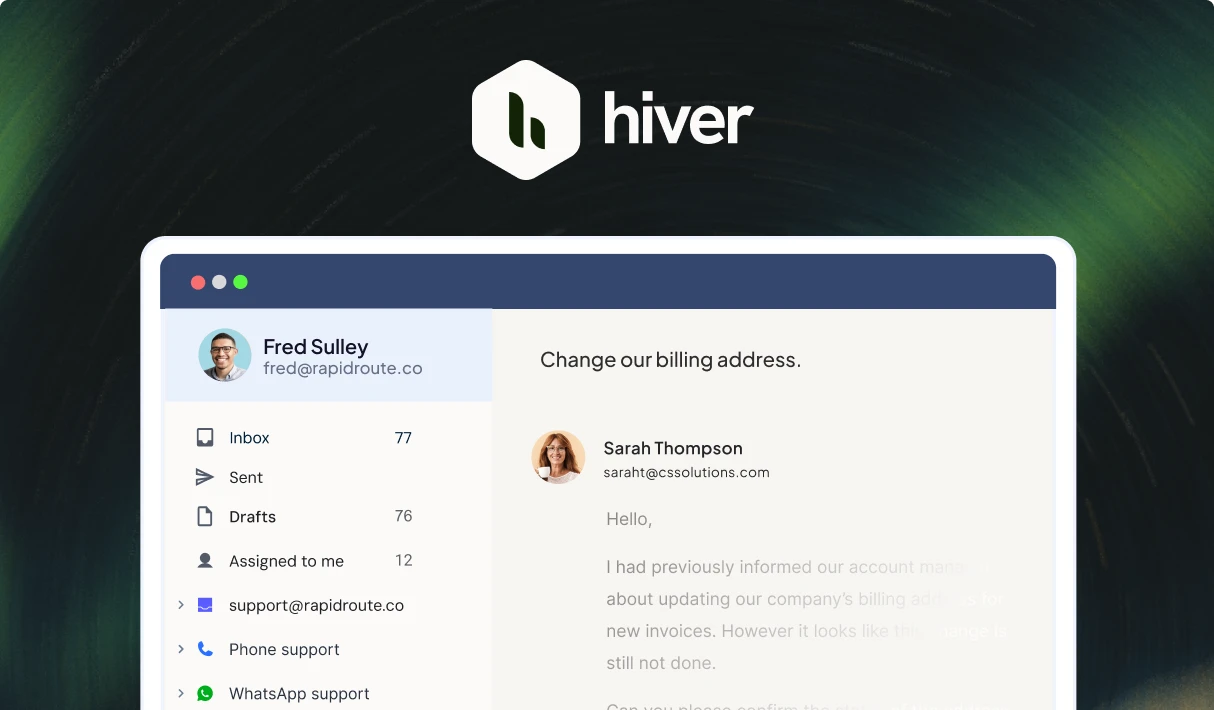
All the pros of a ticketing system. Minus the complexities.
Assign, resolve, and track tickets effortlessly while keeping conversations natural. Deploy AI to automate support across email, chat, voice, messaging channels and deliver consistent service across at scale.
Zendesk never fit our team’s needs. We needed a system built for relationships, not requests. Every improvement we made with Hiver strengthened how our team operates.
Wes Gibson
Revenue Operations Manager
With Hiver, I have much better visibility into where an issue is on the resolution path. Trying to achieve this level of team coordination without Hiver would take 50-100% more time.
Nathan Strang
Ocean Freight Operations Manager
We looked at Zendesk and the issue was their lack of support. They weren’t very responsive. We found Hiver’s support to be very responsive and very proactive.
John Torres
Director of Customer Communication
Hiver has completely transformed our workflow. The ability to collaborate and track progress in real-time has eliminated delays and made our team much more efficient.
Jill Tarnoff
Sr. AP Specialist at Ping Identity
With Hiver, the team responds faster, handles higher volume, and works with a level of confidence we didn’t have before.
Kenedi Padgett
Manager of Scaled Customer Success
We tested Freshdesk and Salesforce, but they were too complex for us. Hiver struck the right balance — simple enough for daily use, structured enough to track everything.
Sławomir Piotrowski
Head of Data Processing
Legacy ticketing systems are slowing you down
Omnichannel and supports modern channels like Slack, etc.
Seamless collaboration and handoffs between teams without manual context transfer.
Capture MRR, renewal dates, health and sentiment across accounts.
Use AI to triage, resolve, assist, and perform QA. No addons. No credit pricing.
AI keeps help centers auto-updated for faster resolutions and better self-service.
Modern UX with enterprise-grade features that teams love using.
Not truly Omnichannel. Channels are add-ons and not native.
Raise multiple tickets for inter-department escalations, resulting in fragmented visibility.
Limited account level overview which results in clunky support experience.
AI limited to chatbots with complex addons and usage-based pricing.
Knowledge management is messy and often needs manual updates.
Clunky UI which takes 10 clicks to perform basic actions.
A new-age ticketing system for modern support teams
Every improvement we made with Hiver strengthened how our team operates. What used to take five steps now happens automatically—and everyone knows exactly who owns what.
We built accountability into every customer touchpoint. The team responds faster, handles higher volume, and works with a level of confidence we didn’t have before.
We’ve always focused on responding quickly and accurately to our team members, and with Hiver, we’ve only gotten better. We’re now responding 25% faster than earlier.
Support and engineering were trying to help customers, but context kept getting lost without a shared system. We were spending more time coordinating than actually resolving issues.
Hiver’s AI Copilot is helping our team respond faster without sacrificing tone or quality. It’s a great starting point that we can build on as we scale.
A ticketing system is a tool that converts customer requests into trackable tickets. It helps teams stay organized, collaborate better, and resolve issues efficiently.
What are the most popular features of a ticketing system?
Ticket management and tracking: Create, assign, and track customer tickets from start to resolution.
Automation and routing: Automatically route, prioritize, and assign tickets based on rules or context.
SLA tracking and collaboration: Monitor SLAs while teams collaborate using notes, mentions, and shared ownership.
AI-powered assistance and actions: Use AI Copilot for replies, summaries, and instant answers from your knowledge sources, and AI Agents to automate workflows and tasks.
AI insights and quality monitoring: Track trends with AI Insights, identify patterns with Topics, and maintain quality with AI QA.
Does Hiver's ticketing software support automation and smart assignment?
Yes. Hiver automates routing, tagging, prioritization, and follow-ups using rules and AI. Tickets can be assigned based on skills, workload, and availability to ensure the right owner handles each request.
Can we track ticket status, SLAs, and agent performance in real time?
Yes. Hiver provides real-time visibility into ticket status, response and resolution SLAs, and agent performance through live dashboards. Teams can monitor activity, spot delays early, and take action before issues impact customers.
How easy is it to switch from another ticketing system to Hiver?
Switching is simple and guided, with minimal disruption to your workflows. Teams can quickly migrate processes and start managing tickets in a familiar, easy-to-use interface.
Can tickets be managed collaboratively across teams?
Yes. Teams can collaborate using internal notes, shared drafts, and @mentions while maintaining clear ownership and status. Everyone works from the same ticket with full context.
What reporting and analytics come with Hiver’s ticketing platform?
Hiver includes built-in dashboards for ticket volume, response times, SLAs, CSAT, and agent performance. You can track trends, create custom reports, and export data for deeper analysis.
How can Hiver help you protect your clients’ data?
Hiver is built with strong security and privacy practices, including certifications like SOC 2 Type II and ISO 27001, along with GDPR and CCPA compliance. Learn more at our security center.
Is ITSM the same as an IT ticketing system?
No. An IT ticketing system is a part of ITSM (IT Service Management), focused on tracking and resolving tickets, while ITSM covers the broader processes, policies, and workflows for managing IT services end to end.
How does the 7-day free trial work?
When you sign up, you instantly get access to our Elite plan for 7 days. We will email you when your trial expires. You can then select a plan and pay by credit card to continue using the product. If you choose not to continue, your account will be suspended.
What support options does Hiver offer to its customer service solution users?
Hiver helps teams manage customer tickets across multiple channels, including email, 24×7 live chat, voice, WhatsApp, and a dedicated help center. This ensures customers can reach out and get support whenever they need it.
Do I need a credit card to sign up?
No, you do not. You will only be required to produce your credit card information when you upgrade to a paid subscription.
The next-gen ticketing help desk for modern
customer service teams.
Hiver offers the best experience on your desktop or laptop browser. Switch devices and download our extension from the Chrome Web Store to start using Hiver.
 Skip to content