Quick summary
Jira Service Management is strongest for structured IT workflows like incident, problem, and change management. Freshdesk is a general-purpose helpdesk built for high-volume customer support. Hiver is built for complex support where requests regularly span teams, tools, and channels.
If your team is deeply embedded in Atlassian, JSM is a natural fit. For straightforward, high-volume support, Freshdesk works well. When support depends on cross-team collaboration, connected systems, and AI that can do more than assist with replies, Hiver keeps the work connected from intake to resolution.
Comparison at a glance
| Tool | Best for | Starting price |
|---|---|---|
| Jira Service Management | Structured ITSM workflows | Free |
| Freshdesk | High-volume customer support | $19/agent/month |
| Hiver | Teams handling complex, high-stakes support across channels. | $25/user/month |
Where JSM and Freshdesk stop overlapping
Your IT team files tickets through Jira Service Management. Your customer-facing support team does the same thing in a completely different system, Freshdesk. Or maybe you’re evaluating both for the first time and trying to figure out which one fits your actual tickets.
On the surface, both look alike: tickets come in, someone gets assigned, a clock starts running. That’s where the overlap ends. JSM grew out of Atlassian’s developer ecosystem, so it thinks in ITIL frameworks, change approvals, and incident runbooks. Freshdesk started as a support helpdesk, so it thinks in SLA timers, canned responses, and self-service portals. Neither was designed for the middle ground where one request touches support, engineering, and account management before it’s resolved.
This piece breaks down where each tool genuinely fits, and where it doesn’t, plus a third option worth considering when tickets regularly need more than one team to close.
Why listen to us
Hiver has spent more than a decade building for complex support, where a single request can cross teams, tools, and channels before it’s resolved.
More than 10,000 teams run their support on Hiver today, so we know what a platform built for modern support looks like. Conservice was losing hours every week to manual routing and status chasing across departments, and got 265 hours a month back after switching to Hiver.

265 hours saved monthly
“Automations and auto triaging have been phenomenal for us. We have specific clients that are assigned to specific account managers. So as information flows into Hiver, it’s automatically routed and tagged for that individual to work on.”
James Ribera
Director of Account Management, Conservice

Jira Service Management vs. Freshdesk: Detailed comparison
Jira Service Management
Best for: IT teams running structured ITSM processes, especially those already using Jira Cloud or Confluence.
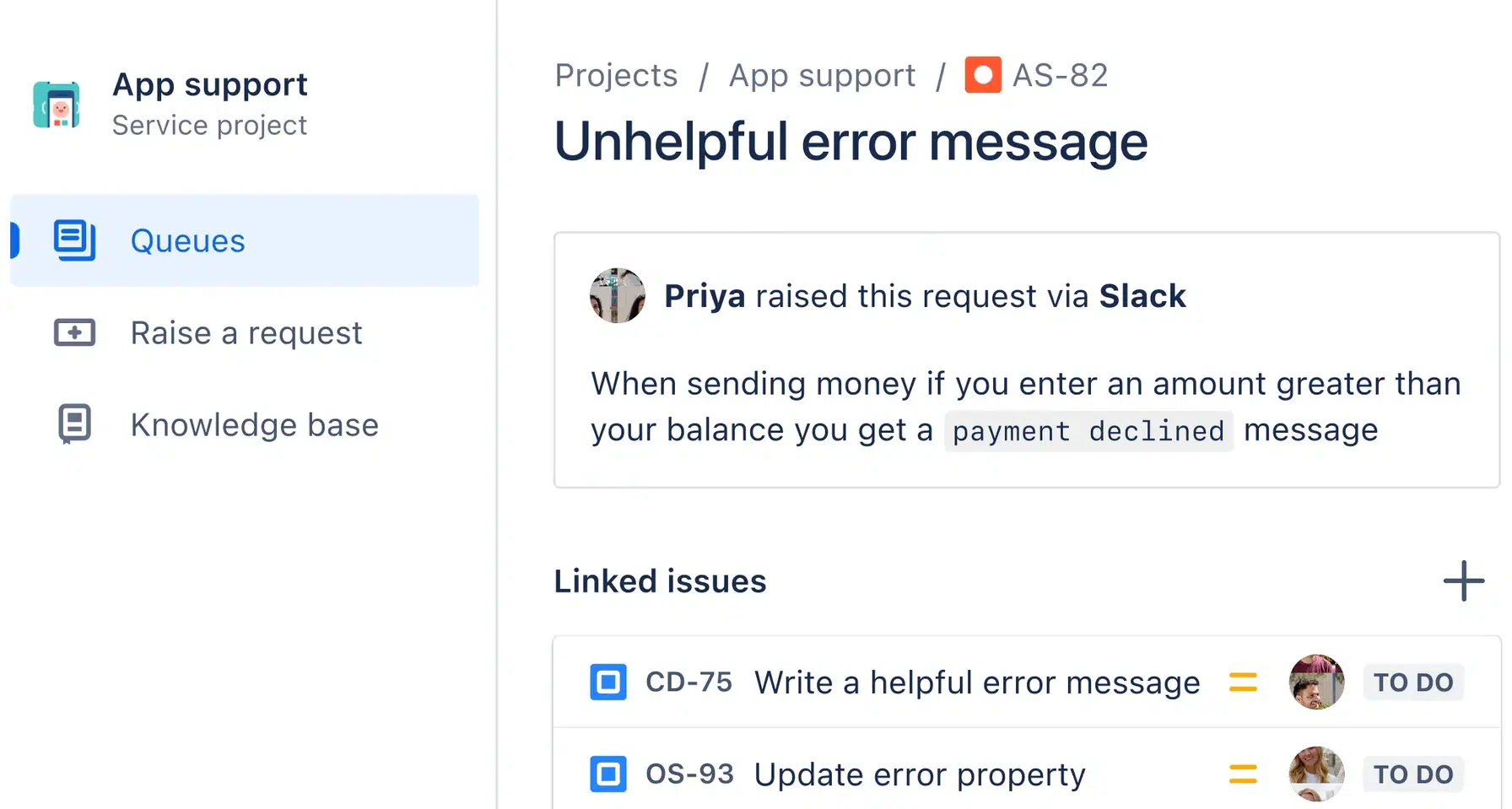
Jira Service Management started as Jira Service Desk, and since then it’s grown into a full ITSM platform. It covers incident, problem, change, and asset management. If your team follows ITIL frameworks and needs structured approval workflows for infrastructure changes, it handles all of that natively.
Where it’s strongest is the Atlassian ecosystem. Dev teams on Jira Software can see support tickets linked to bugs, and your knowledge base lives in Confluence. For IT operations, that connection between dev, support, and docs is genuinely useful.
Atlassian Intelligence adds ticket summarization, AI-powered triage, and alert grouping. On the Premium plan, you also get a virtual service agent that handles up to 1,000 assisted conversations per month.
Key features
- Incident management: Connects with Opsgenie for on-call alerting, so the right engineer gets paged automatically when something breaks.
- Change management: ITIL-based workflows with risk assessment, approval gates, and a change calendar for tracking infrastructure changes.
- Asset and configuration management: Tracks hardware, software licenses, and service dependencies (Premium and above).
- Automation rules: Up to 5,000 rule runs per month on Standard, scaling to unlimited on Enterprise.
- Marketplace integrations: Over 1,000 apps through the Atlassian Marketplace.
Pricing
JSM’s plans run per agent, per month:
- Free: $0, up to 3 agents
- Standard: $20/agent/mo, adds Rovo Agents (AI support), asset management, custom help center
- Premium: $51.42/agent/mo, adds virtual service agent, AIOps, change management
- Enterprise: custom pricing, contact sales
Pros
- Deep ITSM coverage with native incident, problem, change, and asset management
- Tight integration with Jira Software and Confluence
- Large marketplace with 1,000+ add-ons
Cons
- Complex setup that requires dedicated admin resources
- Not designed for customer-facing support or cross-team collaboration outside IT
- Key ITSM features like asset management are locked behind Premium
Freshdesk
Best for: Mid-market support teams handling high-volume, customer-facing tickets who want a general-purpose helpdesk with automation and AI add-ons.

Freshdesk is Freshworks’ customer support platform, covering email, chat, phone, WhatsApp, and social channels in one workspace. It’s built for teams managing high-volume tickets through automation and self-service rather than deep customization. Freddy, Freshworks’ AI layer, handles reply suggestions and basic ticket classification on top of that.
The ticketing itself is clean and well-organized, and the automation engine handles routing, assignment, escalation, and SLA reminders without much configuration. Setup is fast, and the interface stays approachable as a team scales.
Where it gets more complicated is the AI layer. Freddy’s core capabilities come included on paid plans, but the deeper agent-assist features, drafting, summarizing, tone suggestions, sit behind a separate add-on rather than being bundled in.
Key features
- Ticketing and shared inbox: Organized ticket management with SLA tracking, priority levels, and collision detection.
- Freddy AI Agent: Customer-facing AI that handles common requests. 500 sessions are included on paid plans, with additional sessions billed separately.
- Automation engine: Rule-based routing, escalation, SLA reminders, and time-triggered actions.
- Knowledge base: Self-service portal with article management and basic analytics.
- Omnichannel support: Email, chat, phone, WhatsApp, and social. Full omnichannel requires Freshdesk Omni, which is a separate product.
Pricing
Freshdesk’s pricing is per agent, per month, billed annually:
- Free: $0 (up to 2 agents)
- Growth: $19/agent/mo
- Pro: $55/agent/mo
- Enterprise: $89/agent/mo
All paid plans include a 14-day trial. Growth+ includes 500 Freddy AI Agent sessions/month. Freddy AI Copilot costs $29/agent/month, with extra AI sessions at $49 per 100.
Pros
- Fast initial setup with a clean ticketing interface
- Solid automation engine for routing, escalation, and SLA management
- Wide channel coverage including email, chat, phone, WhatsApp, and social
Cons
- AI features are paid add-ons that significantly increase per-agent cost
- Full omnichannel’s a separate product (Freshdesk Omni) with its own pricing
- Reporting doesn’t go deep without configuration and higher-tier plans
The best Jira Service Management and Freshdesk alternative: Hiver
Best for: Teams managing complex support requests that span multiple teams, systems, and channels, where most tickets still need a person’s judgment.
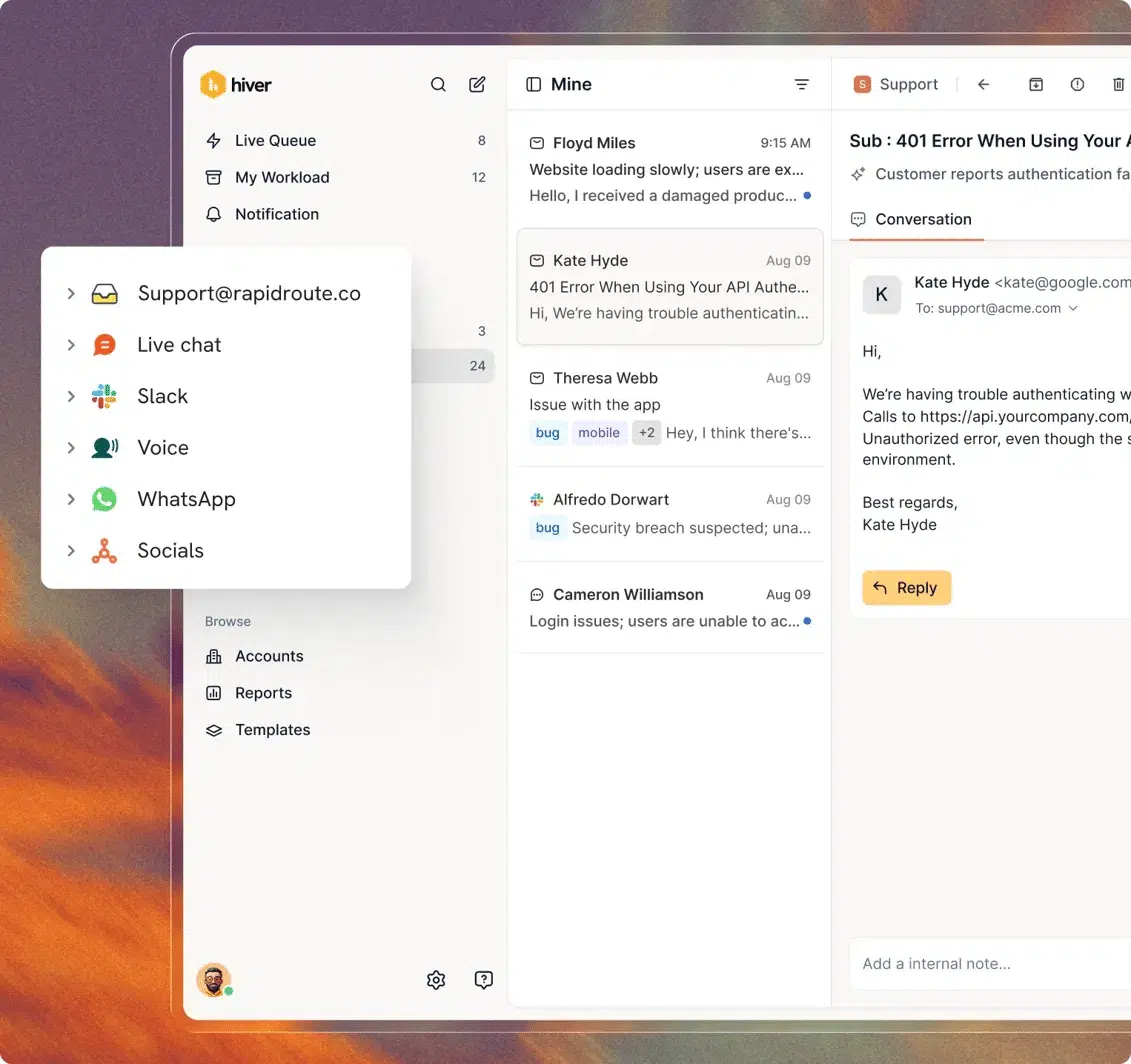
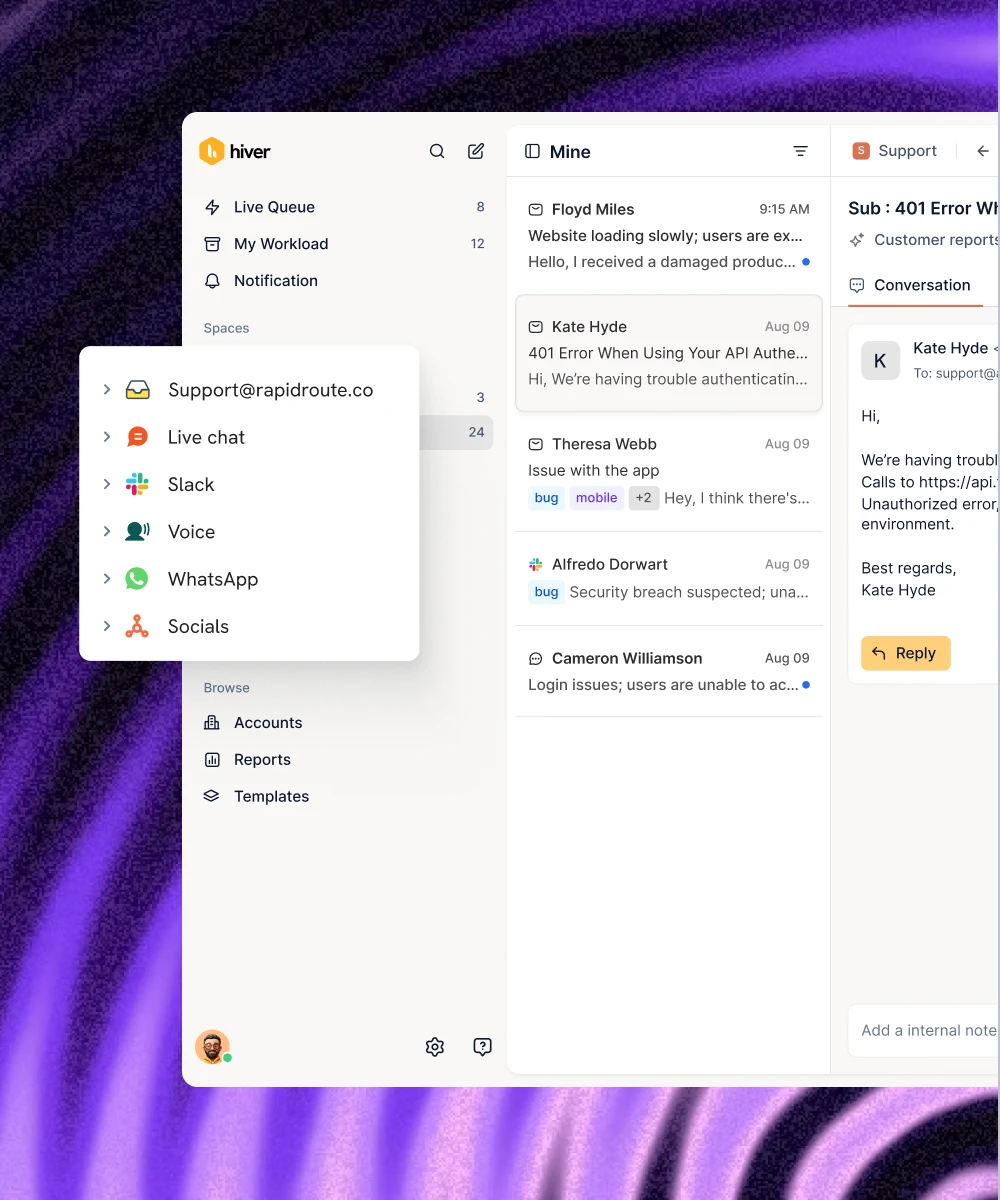
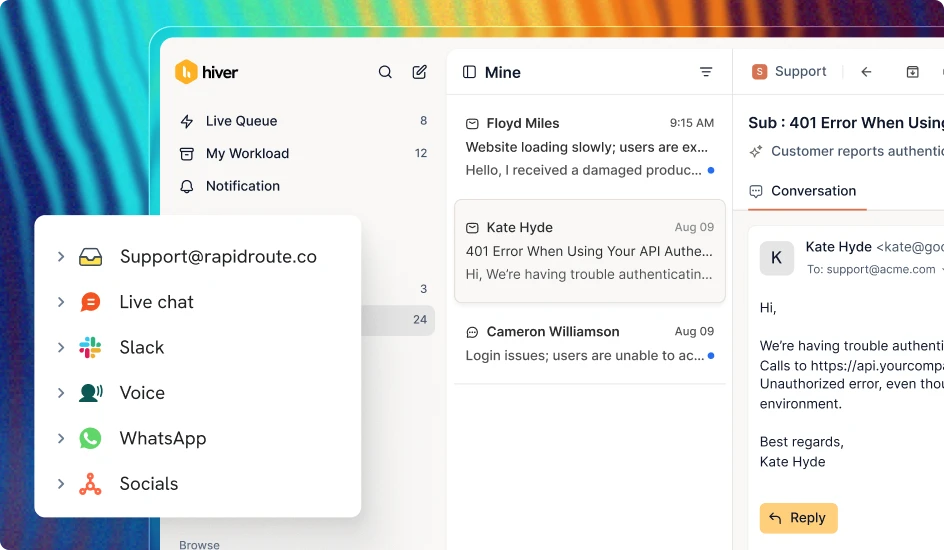
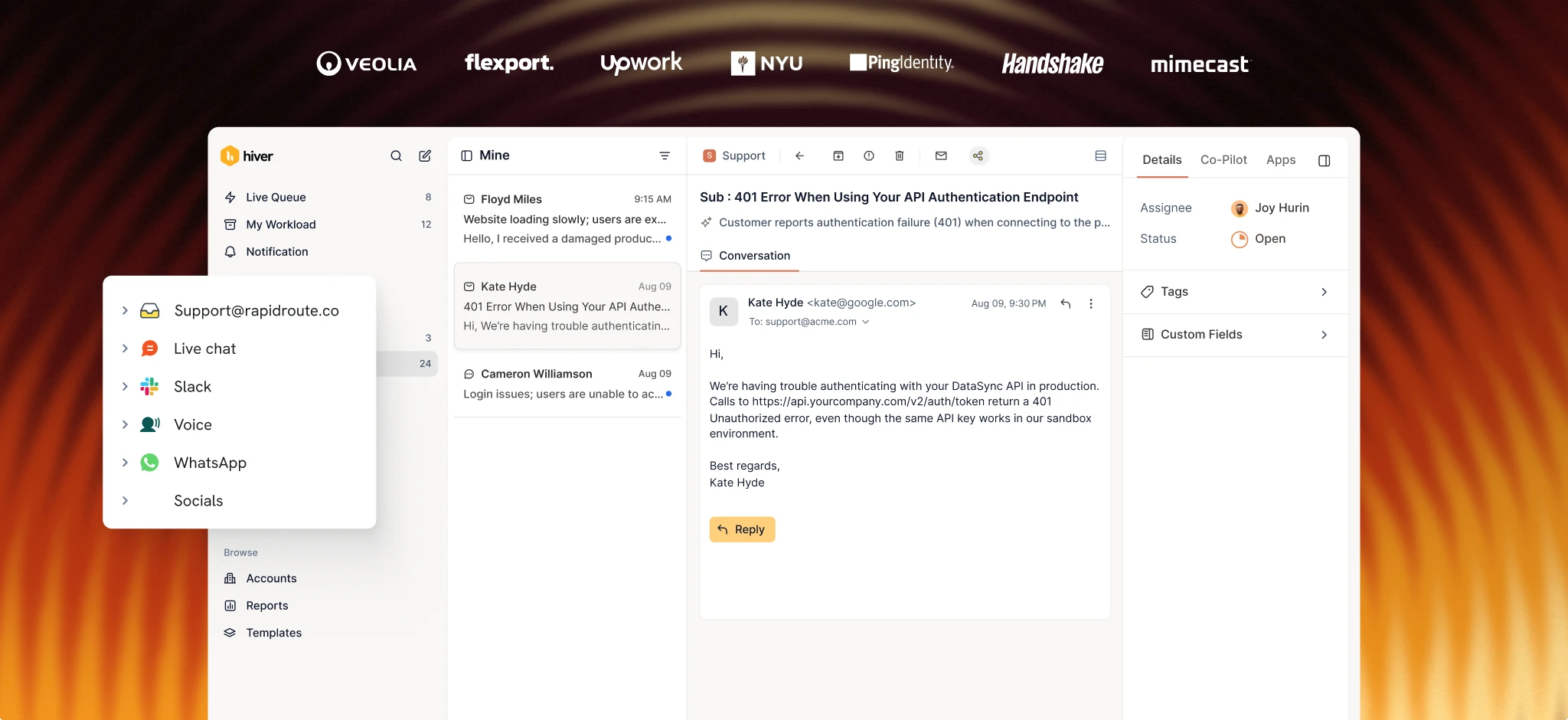
Hiver is the agentic omnichannel customer service platform built for complex support that spans teams, tools, and channels. A single customer request might start on chat, continue over email, require account data from Salesforce, pull in another department, and involve several actions before it can actually be resolved. Hiver keeps that entire process connected in one place.
That is where it differs from both Jira Service Management and Freshdesk. Jira Service Management is built primarily around structured IT service workflows, while Freshdesk is a broader helpdesk that works well for more straightforward customer support. Hiver is designed for requests that move across departments, systems, and channels, with ticketing, collaboration, automation, and integrations all tied to the same customer conversation.
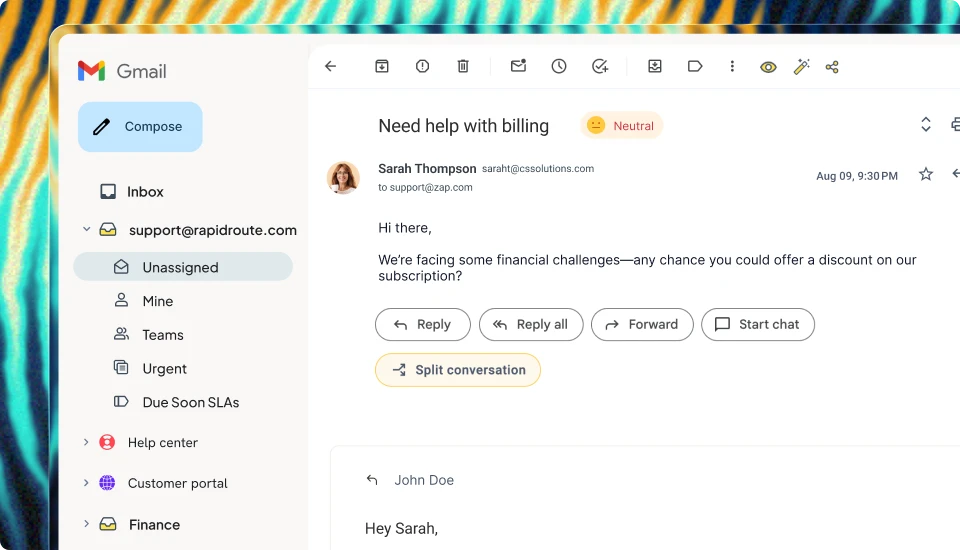
Every request has clear ownership, status, priority, and SLA tracking. When another team needs to weigh in, reps can collaborate through @mentions and internal notes without moving the conversation elsewhere. Workflow automation handles routing, triage, and escalation, while integrations with CRM, ERP, Jira, Slack, Salesforce, and other systems keep the context and actions needed to resolve the request close to the ticket.
The bigger difference is AI. Freshdesk’s AI is more focused on assisting agents and handling simpler interactions, while Jira Service Management’s AI is oriented around IT service workflows. Hiver’s AI Frontline Agents are built to work through complex, multi-step customer requests end to end. A billing dispute, for example, might require identifying the issue, checking account history, verifying policy, looking up a refund, updating a record, and responding to the customer. Hiver’s AI Frontline Agents can follow that procedure and take the required actions across connected systems, with teams deciding where AI can act autonomously and where human approval is required.
When human judgment is needed, AI Assist Agent brings together relevant account context, past interactions, and similar cases and helps the rep move the request forward. The result is AI designed not just to assist with tickets, but to help carry complex support from intake to resolution.
Key features
- Ticketing: every request gets an owner, a status, a priority, and custom fields, with a full action history visible to anyone who picks it up.
- Omnichannel Inbox: Email, chat, Slack, voice, SMS, WhatsApp, and social land in one workspace, so nothing splits across separate tools.
- Cross-team collaboration: linked tickets sync with Jira and Linear, and internal notes, @mentions, and Slack threads keep handoffs between teams connected,.
- Workflow Automation: routing, assignment, tagging, and escalation rules handle repetitive coordination, built in plain language.
- Integrations: connects with 100+ tools, including CRM, ERP, Jira, Slack, and Salesforce, with updates from linked systems syncing back in real time.
- AI Frontline Agents: Investigate each request using your knowledge base, customer history, and connected systems, follow your procedures, take actions like refunds and record updates, and bring in a support rep when judgment is needed.
- AI Assist Agent: when a request needs a person, AI Assist Agent triages requests, gathers account data and past interactions, drafts replies, suggests next steps, and takes approved actions.
- AI QA: every closed conversation gets checked against your own quality criteria, across every conversation. Customer Intelligence: call logs, product usage, support history, and CRM data layer into one account timeline, tracking sentiment and churn signals continuously.
- Analytics: reporting across teams, inboxes, and channels in one dashboard, tracking volume, response times, resolutions, SLAs, and team performance.
Pricing
Hiver’s plans run per user, per month, billed annually:
- Growth: $25/user/mo, AI Frontline Agents, AI Assist Agent, AI Help Center, shared inbox and ticketing, basic integrations
- Pro: $55/user/mo, adds Customer Portal, Slack channel, SLAs, CSAT surveys, advanced analytics, API access
- Elite: $85/user/mo, adds AI QA, AI Insights, Customer Intelligence, skill-based routing, SSO and HIPAA compliance
Pros
- Ticketing, collaboration, workflows, and integrations built for complex support AI resolves requests end to end across every channel, with no per-agent add-on fees
- Analytics roll up performance across teams, inboxes, and channels into one dashboard
Cons
- Some advanced features are available on higher plans.
- Its broader support features may be more than smaller teams need.
Jira Service Management vs. Freshdesk vs. Hiver: Feature comparison
| Feature | Jira Service Management | Freshdesk | Hiver |
|---|---|---|---|
| Ticketing | ITSM-focused with ITIL workflows | General-purpose ticketing with SLAs and collision detection | Built for complex, cross-team requests with custom fields, SLAs, and full audit trails |
| IT / service management | Full ITSM with incident, problem, change, and asset management | Basic incident management | Customer support and support operations focused |
| Cross-team collaboration | Jira Software and Confluence integration | Internal notes and basic collaboration | Shared context, linked Jira/Linear tickets, Slack threads, @mentions, and cross-team handoffs |
| Workflows & automation | Rule-based automation | Routing, escalation, and SLA automation | Workflows for routing, triage, escalations, and cross-tool updates |
| Integrations | 1,000+ Atlassian Marketplace apps | 1,000+ Freshworks Marketplace apps | Connects support workflows across CRM, ERP, Jira, Slack, Salesforce, and more |
| AI capabilities | Atlassian Intelligence for triage and summarization | Freddy AI Agent and Freddy AI Copilot | AI Frontline Agents, AI Assist Agent, AI QA, and AI-powered knowledge workflows |
| Customer intelligence | Project and service analytics | Customer profiles and support history | Account-level context with health, sentiment, and churn signals |
| Ease of setup | Can require significant configuration | Quick to set up | Designed for quick setup without a lengthy implementation project |
See what cross-team support looks like with Hiver
The right choice depends on how your team handles support. JSM fits IT-heavy teams, while Freshdesk works well for high-volume, self-contained support.
If tickets regularly need input from support, engineering, or account management, Hiver keeps those conversations, handoffs, and workflows connected in one place.
Book a demo to see Hiver in action.
More Freshdesk comparisons
Still weighing up Freshdesk? These guides cover the other questions teams ask before they decide.
- Freshdesk alternatives: 8 tools compared on pricing, ratings, and fit
- Freshdesk pricing: plans, AI costs, and the limits to know before you commit
- Freshdesk vs Zendesk: which one fits your support team better
- Freshdesk vs Intercom: which one suits complex B2B support
- Freshdesk vs Salesforce: which one handles complex support better
FAQs
Is Jira Service Management a helpdesk?
Jira Service Management is an ITSM platform built for internal IT, not a traditional helpdesk, incident, problem, change, and asset management via ITIL frameworks. It can be configured for customer-facing support, but works best paired with Jira Software and Confluence.
Can Freshdesk handle B2B support?
Freshdesk can handle B2B tickets, but it’s built for high-volume, customer-facing operations. It doesn’t offer native cross-team collaboration, linked tickets or account-level intelligence, so complex, multi-team requests hit limits fast.
Does Hiver integrate with Jira?
Yes. Hiver supports linked tickets with Jira, so your support team can escalate to engineering and see updates in both platforms without switching tools.
Which tool has the best AI for customer support?
JSM offers Rovo Agents for AI support from Standard, plus a virtual service agent on Premium ($51.42/agent/month). Freshdesk includes Freddy AI Agent on paid plans but charges $29/agent/month extra for AI Copilot. Hiver includes AI Frontline Agents, AI Assist Agent, and AI QA in every plan, no per-seat add-ons. Hiver resolves complex, multi-step requests end to end where other tools hand off.
How mature is AI in customer support right now?
Hiver’s 2026 report surveyed 700+ support leaders. Adoption is widespread but confidence is uneven: 48% are only moderately confident with AI, and 61% remain cautious about letting it represent their brand. Only 14% report AI has significantly improved resolution times so far.