Omnichannel
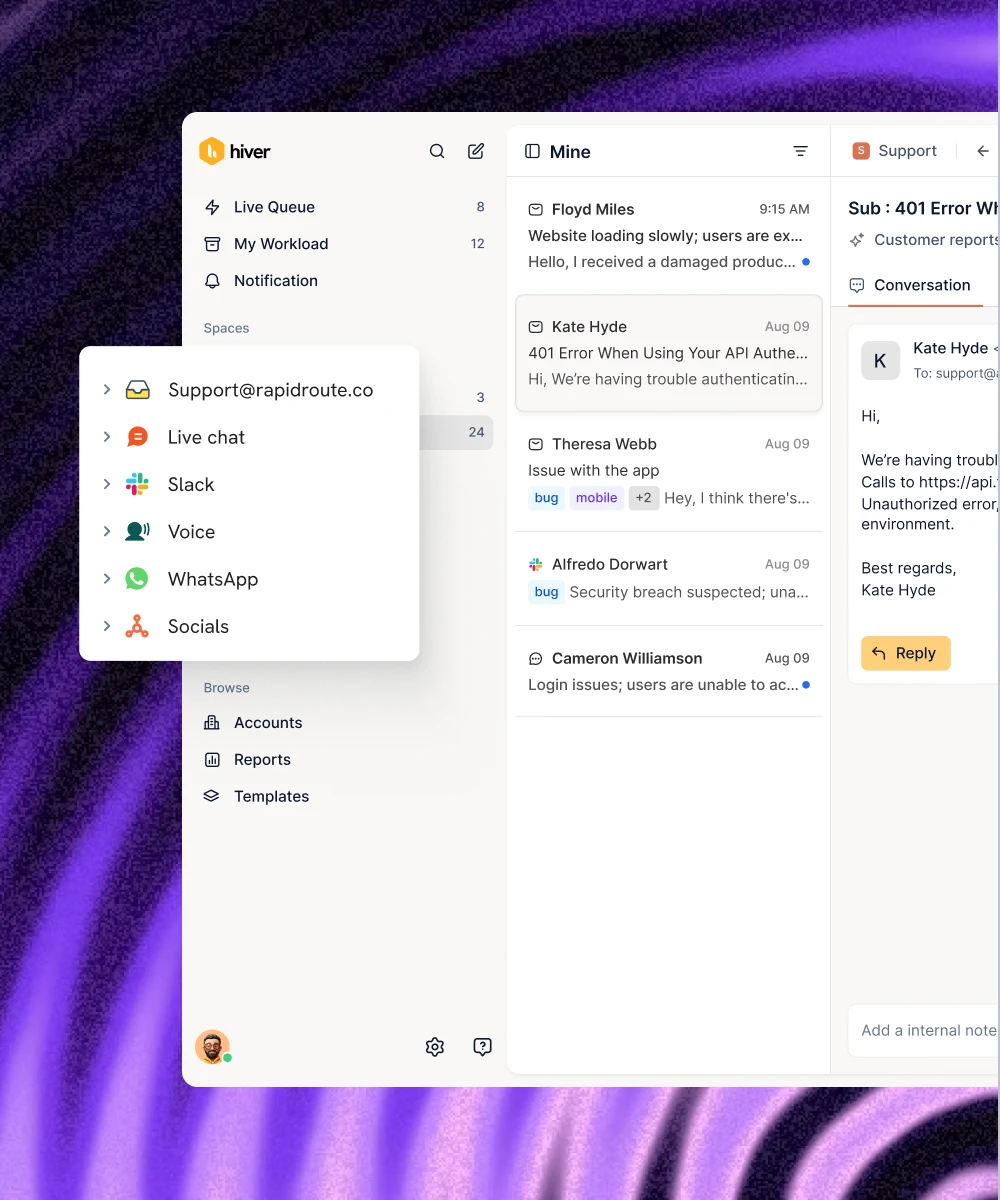
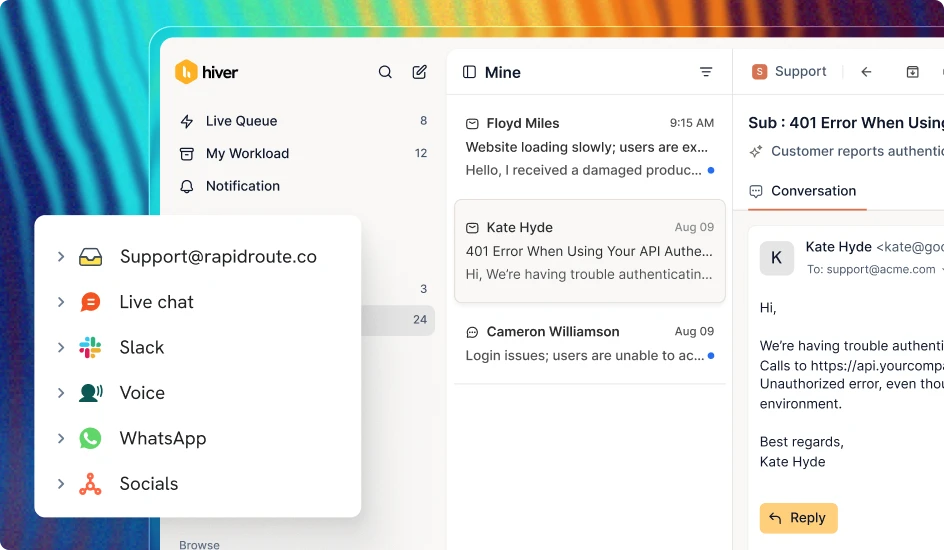
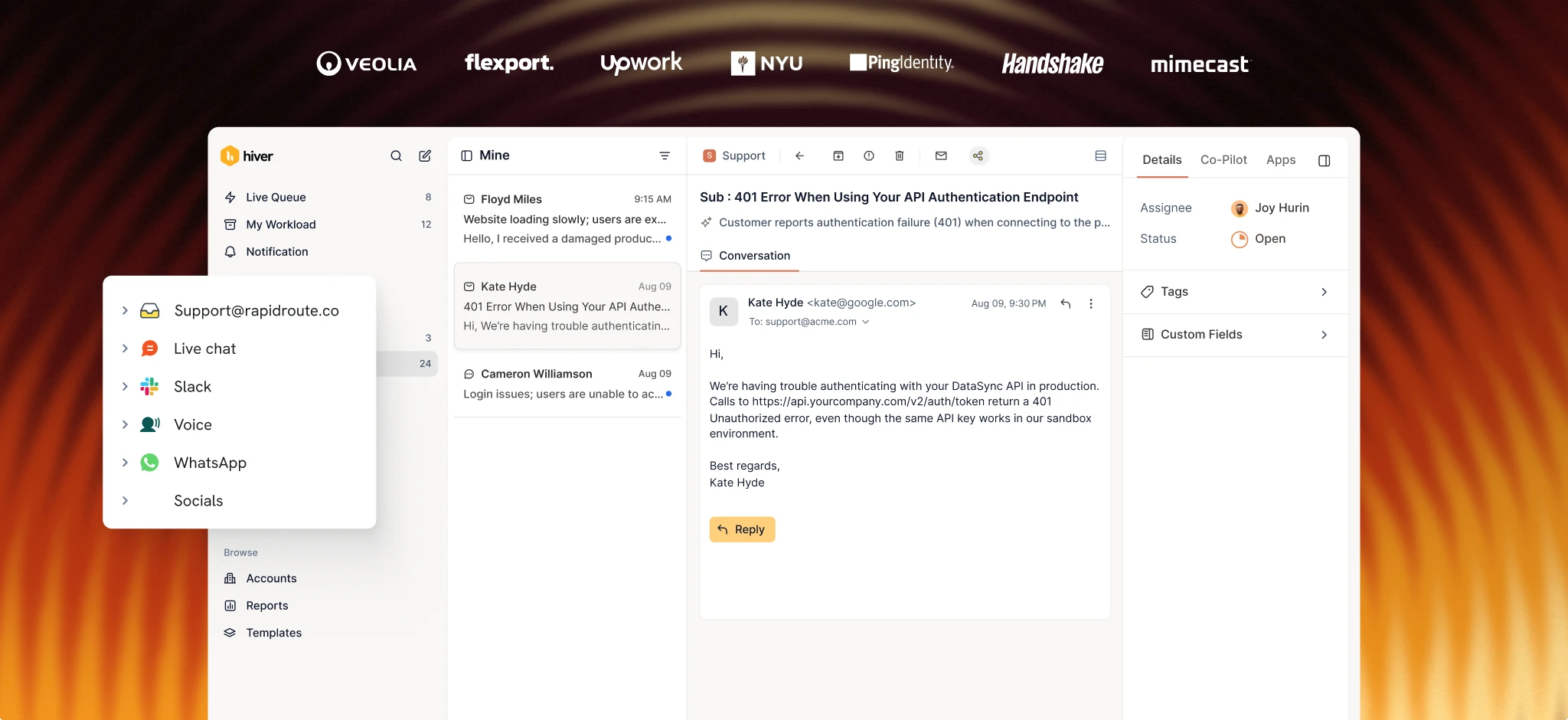
Support customers on WhatsApp alongside email, chat, voice, and other channels in one workspace. Keep conversation history, customer context, and team collaboration in one place.

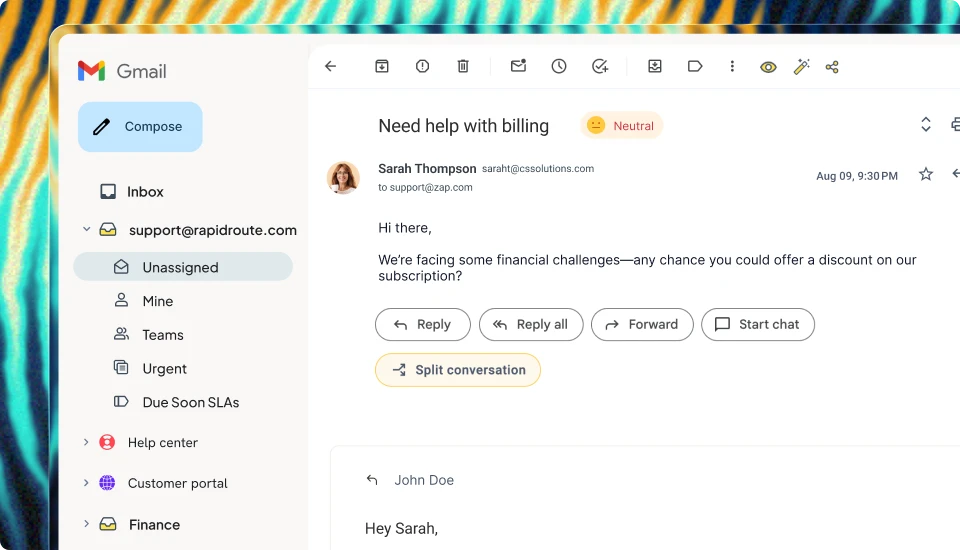
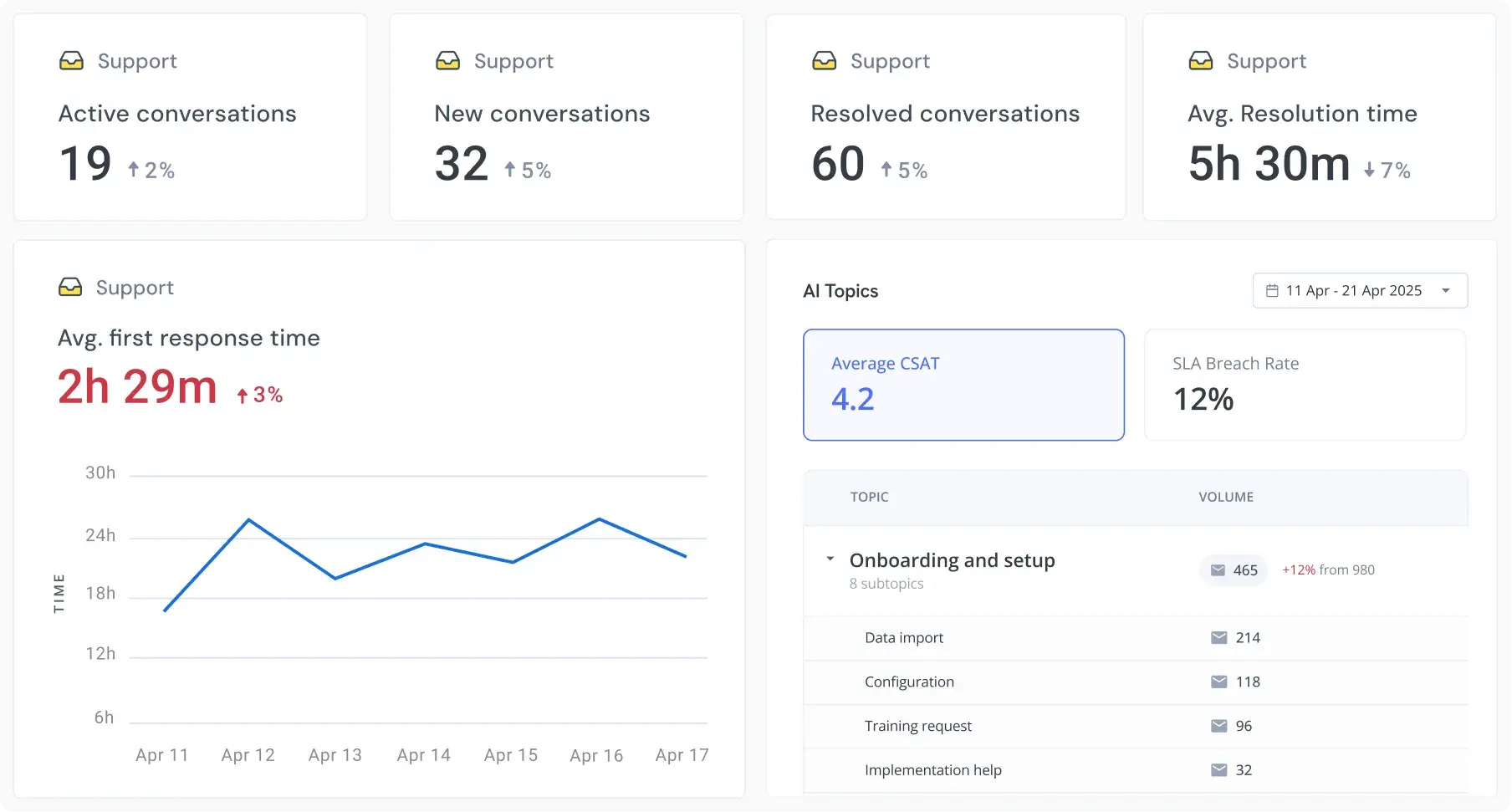
Support customers on WhatsApp alongside your other channels. Collaborate across teams, access context from connected tools, resolve requests with AI, and track support performance.

Trusted by 10,000+ teams




Shared inbox


Platform
Support customers on WhatsApp alongside email, chat, voice, and other channels in one workspace. Keep conversation history, customer context, and team collaboration in one place.
Create and approve message templates in Meta's WhatsApp Manager, then use them directly in Hiver. Follow up with customers even after WhatsApp's 24-hour messaging window closes.
Set your team's working hours and time zones to manage availability. Route conversations based on who's available, so customers don't keep waiting for a reply.
Set deadlines for responding to and resolving WhatsApp requests. Get alerts when SLAs are missed so your team knows which conversations need attention.
Automate repetitive tasks like categorizing, routing, and assigning requests. Set up workflows based on predefined rules to keep conversations moving without manual effort.
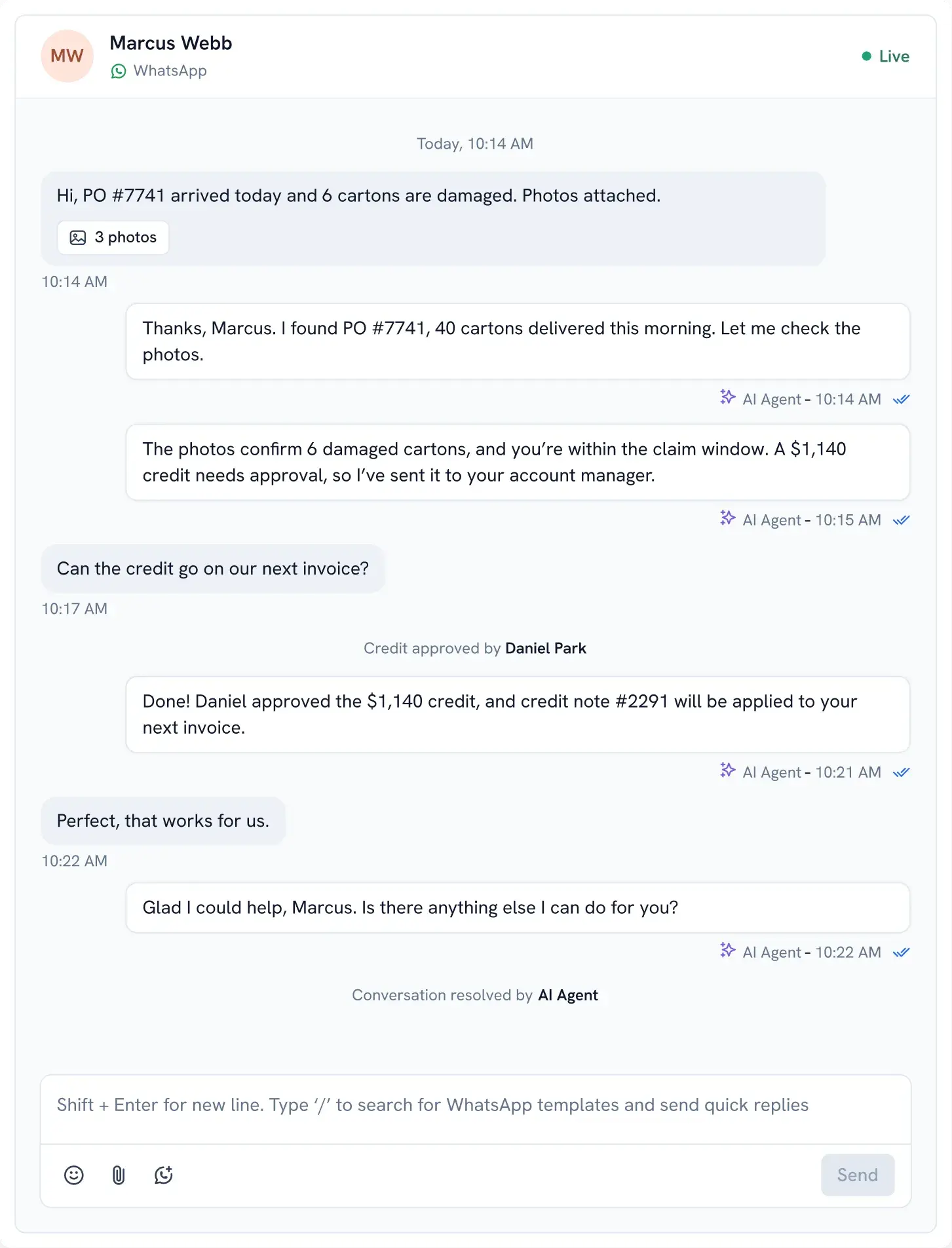
Hiver's Assist Agent works alongside your team to investigate issues, draft replies, and suggest next steps to resolve customer requests.
It’s not just another way to send and receive WhatsApp messages. WhatsApp works as a native support channel in Hiver, with a dedicated inbox where every conversation has an owner, status, internal notes, and customer history.
Yes. Your team can manage customer messages from a shared WhatsApp inbox in Hiver. Conversations can be assigned to individual teammates, and everyone with access can see their status.
Templates are created and approved in Meta’s WhatsApp Manager. Once approved, they’re automatically available in Hiver, so your team can use them without switching tools.
Yes. Hiver brings together the customer’s conversation history across WhatsApp and other supported channels. You can see previous interactions before replying, so customers don’t have to explain the same issue again.
Say you’re waiting for confirmation on a refund or delivery. Once you have an update, you can use a Meta-approved WhatsApp template in Hiver to follow up, even if the 24-hour messaging window has closed.
WhatsApp uses encryption to protect messages. Businesses must follow data privacy regulations like GDPR, obtain customer consent where required, and handle data securely. Standards like SOC 2 help assess whether integration providers have appropriate security controls.