Want Hiver, without the Gmail extension?
Try Hiver Omni. It runs right in your browser, with no extension to install
Yes, take me thereFor teams that need to manage email support right from Gmail.
Growth includes:
Everything in Growth, plus:
Everything in Pro, plus:
AI agents triage, resolve requests and act across your systems.
Setup in minutesAdd help articles, connect tools, and import past conversations.
Cross-tool actionsLooks up orders, issues refunds, and updates records across your systems.
Self-improvingLearns from every resolution, so the fiftieth reply beats the fifth.
Human in the loopPauses for approval on actions you mark sensitive.
When you sign up, you instantly get access to our Elite plan for 7 days. We will email you when your trial expires. You can then select a plan and pay by credit card to purchase the product. If you choose not to continue, your account will be suspended.
No, you do not. You will only be required to input your credit card information when you upgrade to a paid subscription.
If you do not upgrade your Hiver account during your trial period, your account will be suspended at the end of your trial. You can reactivate your account by upgrading within 7 days of the end of your trial.
Hiver is a proud supporter of organizations that do great things around the world. That’s why we offer discounted pricing for qualified nonprofit organisations. Schedule a demo to learn more about our pricing.
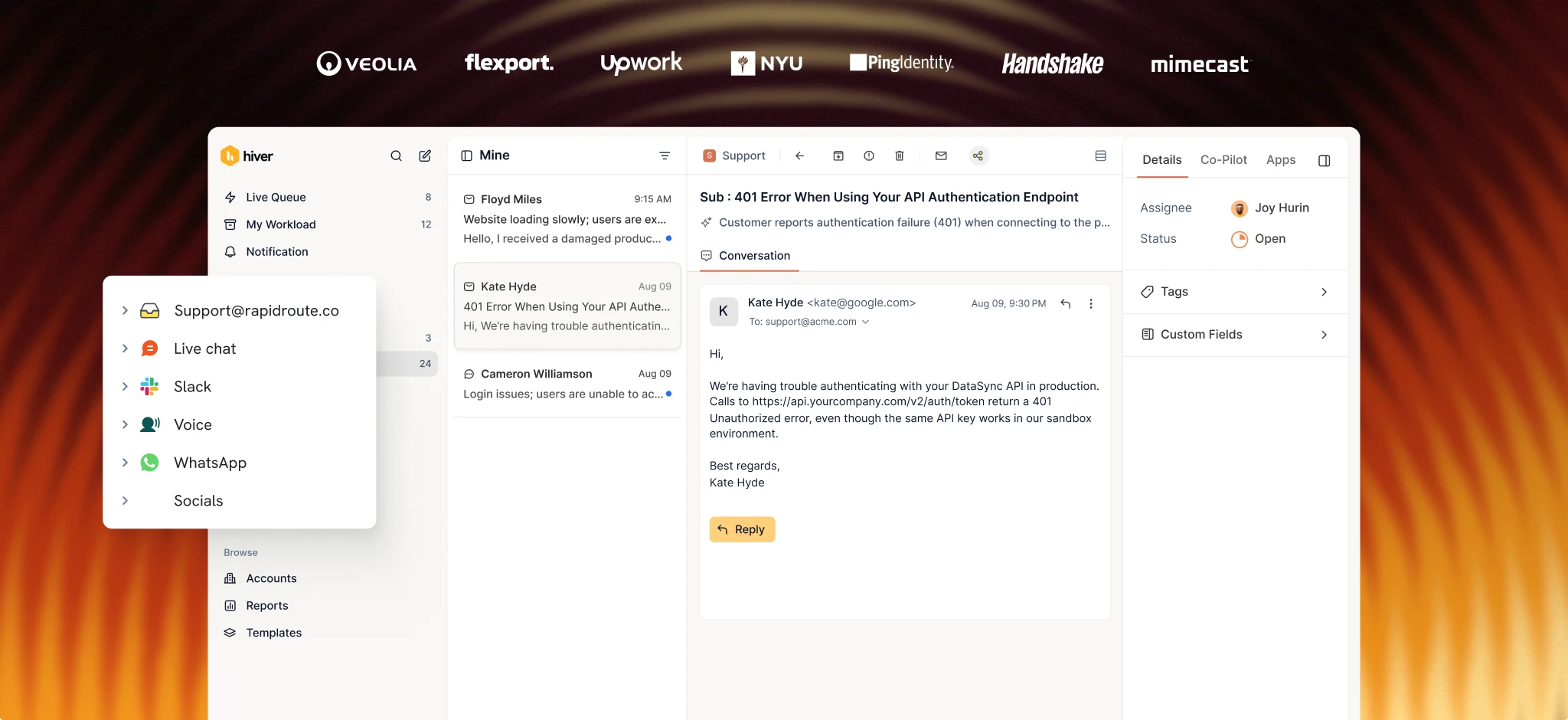
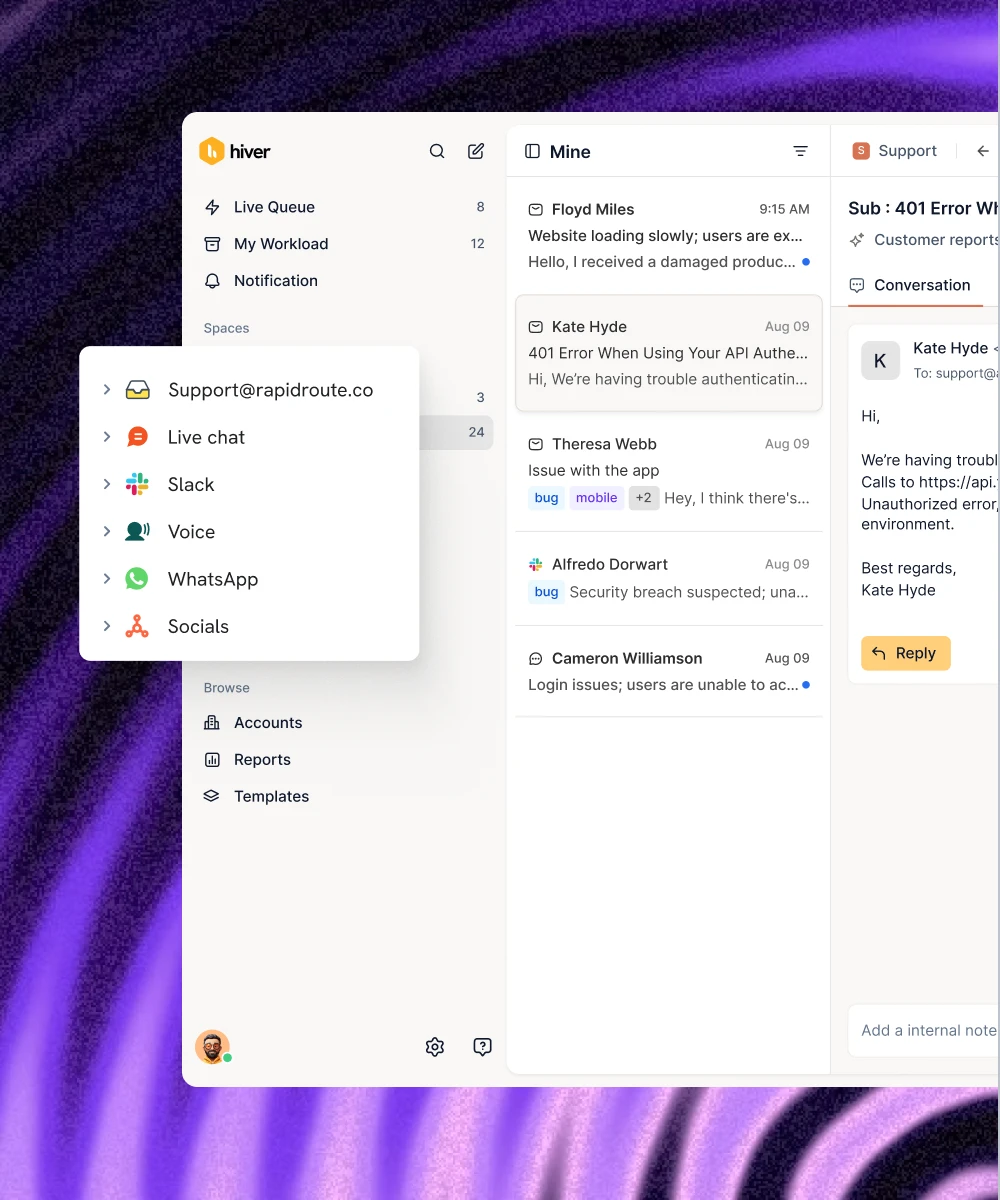
Hiver in Gmail lives inside your existing Gmail. You can manage shared inboxes, collaborate across teams, connect with tools, build workflows, and use AI to deliver support — all without leaving your inbox. Hiver Omni is a standalone platform that works with Gmail, Outlook, and other email providers. It brings email, live chat, Slack, voice, WhatsApp, and social into one workspace.
Choose Hiver in Gmail if Gmail is your team’s home base and most of your support happens over email. Choose Hiver Omni if you’re handling conversations across multiple channels (or you don’t use Gmail).
Yes. Hiver in Gmail works on top of your existing Gmail or Google Workspace account — it’s a Chrome extension. If you’re not on Gmail, Hiver Omni works independently of any email provider.
Absolutely! We’ll help you migrate your data at no extra cost. Schedule a demo to see how we can assist with the migration.
Protecting your data’s confidentiality, integrity, and availability is central to our mission. Hiver is GDPR, SOC 2 Type II, ISO 27001, CCPA, and HIPAA compliant.
You can add seats in increments. All Hiver plans start at 2 seats. You can increase from 2 to 5, and then in increments of 5 seats (10, 15, 20, and so on).
Sections
|
Growth $25/user/month |
Pro $55/user/month |
Elite $85/user/month |
||
|---|---|---|---|---|
|
Growth
$25/user/month
|
||||
| Shared Inboxes and ticketing | ||||
|
Shared Inbox Assign, track, and resolve customer conversations with your team from one place.
|
||||
|
Routing and assignments Route conversations and assign clear owners so nothing slips through the cracks.
|
||||
|
Tags Categorize and prioritize incoming conversations with Tags like billing, bugs, and more.
|
||||
|
Personalized Agent Experience Let teammates create a customized view of conversations across Shared Inboxes to work faster.
|
||||
|
Custom Views Organize and find conversations quickly by creating filtered views.
|
||||
|
Email templates Save answers to common questions so teams can respond faster and stay consistent.
|
||||
|
Customers Store and manage customers details so teams get complete context on every interaction.
|
||||
|
Hiver Mobile apps Manage email and chat conversations on the go with Hiver’s mobile apps for Android and iOS.
|
||||
|
Custom Fields Capture details in predefined fields for better context, categorization, and analysis.
|
||||
|
Service Level Agreements (SLAs) Set response and resolution targets to keep customer commitments on track.
|
||||
|
Out Of Office And Agent Availability Let teammates set their availability so new conversations aren't assigned while they're away.
|
||||
|
Customer Satisfaction Ratings (CSAT) Capture feedback with customer satisfaction surveys.
|
||||
|
Customer Portal Give customers a dedicated self-service portal to submit and track requests.
|
||||
|
Shifts Manage your team's shift schedule and ensure conversations are only assigned to available teammates.
|
||||
| Hiver AI | ||||
|
AI Agents Resolve requests end to end, analyze conversations, and automate customer operations.
|
||||
|
AI Copilot Help your team resolve issues faster with an AI coworker that drafts replies, surfaces answers, and suggests next steps.
|
||||
|
Skills Define step-by-step procedures Hiver AI can follow to resolve complex customer requests across your tools.
|
||||
|
Knowledge Hub Create a central source of knowledge that powers Hiver AI to help customers and your team.
|
||||
|
AI Knowledge Builder Automatically detects missing knowledge and recommends content updates across your Help Center, Notion, and other sources.
|
||||
|
Customer intelligence Coming SoonSpot risks early with insights into customer sentiment, account health, and churn signals.
|
||||
|
AI QA Automatically evaluate your team's responses to score quality, flag gaps, and surface coaching opportunities.
|
||||
|
AI Insights Automatically uncover what customers are asking about and spot gaps to improve support quality.
|
||||
| AI Agents | ||||
|
AI Tasks Use AI in Automations to analyze conversations, extract information, and trigger the right next steps.
|
||||
|
AI Tagging Automatically categorize all incoming emails by topic or type to improve routing and analytics.
|
||||
|
AI Sentiment Analysis Detect customer tone and emotion to prioritize at-risk conversations.
|
||||
| AI Copilot | ||||
|
AI Summarizer Turn long email threads into concise summaries to get context instantly.
|
||||
|
AI Compose Polish and refine the tone, grammar, and structure of your replies.
|
||||
|
Ask AI Instantly find information from internal docs and generate replies for customer conversations.
|
||||
|
AI Suggested Response Get ready-to-send, contextual responses based on your connected knowledge sources.
|
||||
| AI Knowledge Builder | ||||
|
AI Help Center Builder Generate an internal knowledge base from customer conversations to help your team and Hiver AI answer questions more accurately.
|
||||
|
Knowledge Gaps Coming SoonAutomatically spot questions your Help Center can't answer yet, so you know what content to create next.
|
||||
| Knowledge Hub | ||||
|
External knowledge sources Enable Hiver AI to learn from documents in Notion, Confluence, or Google Drive.
|
||||
| AI QA & AI Insights | ||||
|
AI QA Insights See how your team performs against defined quality standards and spot coaching opportunities.
|
||||
|
AI QA Coach Automatically evaluates your team's responses against quality standards in real-time and surfaces gaps.
|
||||
|
AI Topics Automatically organizes conversations into topics and subtopics to identify recurring customer issues.
|
||||
| Collaboration | ||||
|
Notes Add private notes to share context and loop in teammates with @mentions.
|
||||
|
Collaborators Loop in colleagues outside of your Shared Inbox to get help on customer issues.
|
||||
|
Shared Drafts Review and co-write replies in real time before sending them to the customer.
|
||||
|
Slack Start discussions with internal teams on Slack without leaving Hiver.
|
||||
|
Linked conversations Link related conversations so teammates can understand context and resolve issues faster.
|
||||
|
Collision Detection Prevents multiple teammates from working on or replying to the same conversation simultaneously.
|
||||
|
Approvals Set up step-by-step approval workflows so stakeholders can review and sign off on sensitive replies
|
||||
|
Conversation Following Follow important conversations to stay updated without being assigned to them.
|
||||
| Automations | ||||
|
Rule-based Automations Automate repetitive work with rules that trigger actions when certain conditions are met.
|
||||
|
Round robin assignment Automatically distribute conversations evenly across your team.
|
||||
|
Custom Field based Automations Create rule-based automation workflows using Custom Fields as inputs in triggers, conditions, and actions.
|
||||
|
Scheduled Automations Trigger actions using date-type custom fields, so reminders and handoffs happen exactly when they should.
|
||||
|
App-based Automations Create or update records in connected apps automatically, so teams don’t have to do it manually.
|
||||
|
Load balancing Prevent overload by limiting how many conversations each person can be assigned.
|
||||
|
SLA and CSAT based Automations Trigger workflows based on SLA status or CSAT ratings, so teams can act on urgent or low-rated conversations.
|
||||
|
Skill-based routing Automatically route conversations to teammates based on their skills, e.g., reimbursement emails to payroll specialists.
|
||||
|
Individual inbox to Shared Inbox Automation Move relevant emails from personal inboxes into Shared Inboxes to track and manage them with full visibility.
|
||||
|
Custom Objects Use your own data sets to power dynamic workflows instead of creating separate rules for every condition.
|
||||
|
Make API calls in Automations Build custom workflows that look up, send, or update data in any tool with an API.
|
||||
| Analytics and reporting | ||||
|
Basic reporting Track and analyze the conversations your team handles.
|
||||
|
Advanced reporting Use pre-built reports for Tags, users, and more to analyze support performance faster.
|
||||
|
Custom reports Build tailored reports to track the metrics that matter to your team.
|
||||
|
Custom dashboards Monitor important metrics in one place with custom dashboards.
|
||||
|
SLA reports Track SLA performance to spot breaches and improve response or resolution times.
|
||||
|
CSAT survey reports Understand how satisfied customers are with their support experience and spot opportunities to improve.
|
||||
|
Sentiment reports Track sentiment trends across conversations so teams can spot issues early and improve customer experience.
|
||||
|
Business Hours Define your team’s working hours so SLA and performance reports are more accurate.
|
||||
|
Scheduled data exports Export reporting data on a schedule for stakeholder reviews, offline analysis, or audits.
|
||||
|
Data retention for analytics Access historical analytics data to compare performance over time and track progress.
|
12 months | 18 months | 24 months | |
| Help Center | ||||
|
External Help Center Help customers find answers on their own with a public Help Center.
|
||||
|
Nested categories Organize articles into categories and sub-categories so customers find answers faster.
|
||||
|
Custom branding Make your Help Center feel like an extension of your brand.
|
||||
|
Custom domain Host your Help Center on your own domain for a consistent brand experience.
|
||||
|
Contact form Let customers contact your team directly from the Help Center when they still need help.
|
||||
|
3rd-party code snippets Add tools like live chat, analytics, and engagement apps to your Help Center.
|
||||
|
Import existing Help Center Bring existing help articles from Zendesk and other tools into your Hiver Help Center.
|
||||
|
AI-powered search Let customers ask questions in natural language and get AI-generated answers from your articles.
|
||||
|
Internal Help Center Help your team quicly find internal documents and policies securely.
|
||||
|
Multiple Help Centers Create separate Help Centers for different products, teams, languages, or audiences.
|
||||
| Integrations | ||||
|
Slack Send Slack alerts for new conversations, assignments, and mentions.
|
||||
|
Zoho CRM View Zoho CRM contacts and deals in Hiver for better customer context.
|
||||
|
Pipedrive Access Pipedrive contacts, organizations, and deals in Hiver for more customer context.
|
||||
|
Copper View Copper contact and opportunity details in Hiver to understand customer relationships faster.
|
||||
|
QuickBooks View customer and invoice details from QuickBooks in Hiver to respond with the right context.
|
||||
|
Asana Create, manage, and track Asana tasks from Hiver.
|
||||
|
Jira Create, manage, and link Jira issues to customer conversations for smoother cross-team collaboration.
|
||||
|
Monday.com Add, update, and view Monday.com items from Hiver to keep work moving across teams.
|
||||
|
PagerDuty Create, update, and link PagerDuty incidents from Hiver to escalate urgent customer issues faster.
|
||||
|
ClickUp Create and manage ClickUp tasks from Hiver to keep customer follow-ups on track.
|
||||
|
Trello Create, edit, and link Trello cards from Hiver to track progress on requests.
|
||||
|
Shopify View customer and order details in Hiver to resolve order-related queries faster.
|
||||
|
WooCommerce View customer and order details in Hiver to resolve ecommerce queries faster.
|
||||
|
Teamleader View Teamleader deal, company, and contact details in Hiver for more customer context.
|
||||
|
Hiver MCP Connect Hiver to AI assistants like ChatGPT and Claude to work on customer conversations and explore support data
|
||||
|
Salesforce Surface Salesforce context, route conversations using Salesforce mapping, and keep CRM records updated from Hiver.
|
||||
|
HubSpot View HubSpot contacts, companies, and deals alongside conversations for better customer context.
|
||||
|
NetSuite View NetSuite customer, vendor, and contact details in Hiver to respond with business context.
|
||||
|
Zapier Use Zapier to connect Hiver with the tools your team already uses and automate repetitive work.
|
||||
|
Hiver API access Use Hiver's APIs to build custom integrations, automate workflows, and connect Hiver with your own tools.
|
||||
|
Okta Automatically add or remove users in Hiver based on your Okta directory.
|
||||
| Usage limits | ||||
|
Shared Inboxes Number of Shared Inboxes included.
|
2 | 5 | Unlimited | |
|
Users Number of users who can access Hiver.
|
10 | Unlimited | Unlimited | |
|
Automations Number of Automations you can create per Shared Inbox.
|
10 per Shared Inbox | 20 per Shared Inbox | Unlimited | |
|
Tags Number of Tags you can create per account.
|
Unlimited | Unlimited | Unlimited | |
|
Email templates Number of templates you can create per account
|
Unlimited | Unlimited | Unlimited | |
|
Email aliases Number of “send from” aliases you can add to each Shared Inbox.
|
1 per Shared Inbox | Unlimited | Unlimited | |
|
Custom Fields Number of Custom Fields your team can create.
|
2 | 10 | Unlimited | |
|
Custom roles Number of custom roles you can create.
|
6 | |||
| Security and team management | ||||
|
GDPR Compliant with the EU's GDPR to protect the personal data and privacy of EU residents.
|
||||
|
ISO/IEC 27001 Certified to ISO/IEC 27001, the international standard for managing information security.
|
||||
|
CCPA Compliant with the CCPA to safeguard the personal information and privacy rights of California residents.
|
||||
|
SOC 2 Type II Independently audited to SOC 2 Type II, verifying our security and operational controls over time.
|
||||
|
HIPAA compliance Handle protected health information with a HIPAA-compliant setup.
|
||||
|
Custom roles Create tailored permission roles to control what each team member can access and do.
|
||||
| Support and services | ||||
|
24x7 email and chat support Get round-the-clock help from Hiver over email and chat.
|
||||
|
Onboarding assistance Get guided onboarding to help your team set up Hiver faster.
|
||||
|
Dedicated success manager Work with a dedicated success manager to get more value from Hiver.
|
||||
|
Quarterly team training Get quarterly training to help your team use Hiver more effectively.
|
||||
|
Custom build hours Dedicated development hours for your specific needs.
|
||||
|
Priority call support Get faster help by booking a 30-minute support call directly from Hiver settings.
|
||||
Connect with our customer champion to get a tour of Hiver catered to your challenges.
Connect with our customer champion to get a tour of Hiver catered to your challenges.
Meanwhile, here’s how you can learn more about Hiver:
Take a quick tour of Hiver → Meet our customers →No worries! You can choose a time below, and one of our experts will contact you shortly.

No credit card needed
------------------ or ------------------
Continue with Google Continue with MicrosoftBy signing up for a free trial, you agree to our Terms and that you have read our Privacy Policy.
While creating your password, ensure it has:
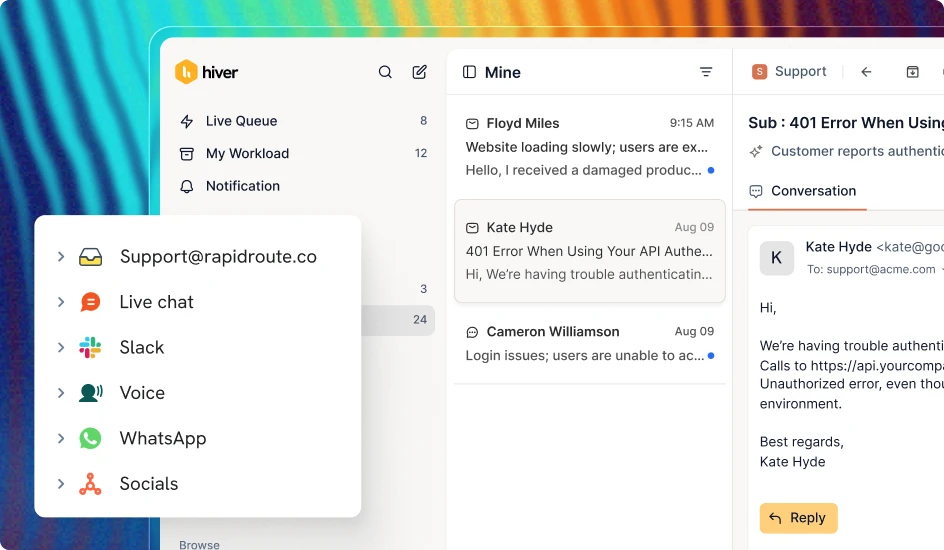
Support customers across channels in one dedicated platform.

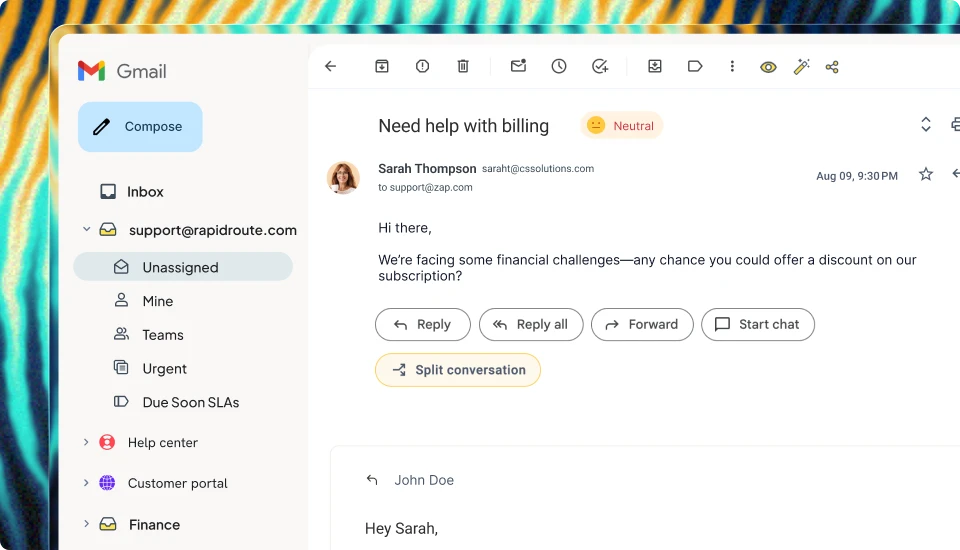
Manage shared inboxes like info@ and deliver support right from Gmail.




Add Hiver's extension to your Gmail from the Chrome Webstore
Log in to the extension to grant necessary permissions
Enjoy your 7-day free trial of Hiver
Try Hiver Omni. It runs right in your browser, with no extension to install
Yes, take me there