Quick summary
Live chat software costs $15 to $55 a month for each person on your team who answers chats. That’s the seat price on the cheapest plan with live chat, billed annually.
But nine of the 10 tools we compared also charge for AI on top of seats. On plans that charge per AI resolution, you’ll pay $0.50 to $2.00 each time the AI resolves a chat. On the tools that bill for AI, a team of 10 support reps would pay:
- Seats alone: $190 to $550 a month
- Seats plus 300 AI resolutions: $337 to $1,050 a month
Why the seat price is only part of the bill
“How much does live chat software cost?”
At first, it looks easy to answer. Pricing pages lead with a price per seat, so it’s tempting to line those up and pick the lowest.
But the seat price is only part of your bill. On top of it, you’ll usually pay for the AI that answers chats for you. And each vendor charges for that AI in its own way. Some charge each time the AI resolves a chat, and some sell prepaid packs of AI resolutions. Others charge for each AI session or conversation.
That’s why seat prices alone can make two tools look further apart than they are. Take Hiver and Text (from the LiveChat team). For a team of 10 support reps, Text’s seats cost $190 a month, and Hiver’s cost $250.
Now say AI resolves 300 chats for you each month. Once you add the AI fees, Text comes to $487 a month, and Hiver comes to $490. So the $60 gap on seats shrinks to just $3.
With totals that close, you’ll want to look at what the AI does for you. On some tools, the AI answers simple questions and hands everything else to your team. But with Hiver, its AI Frontline Agent can resolve multi-step complex requests end to end.
To help you compare, we pulled current prices for 10 popular live chat tools straight from their own pricing pages. Then we added up what you’d pay each month for a team of 5, 10, or 25 reps. We’ll also flag the extra costs that pricing pages leave out, so nothing surprises you later.
Why listen to us?
We’ve spent more than a decade building Hiver for complex support, and more than 10,000 teams use Hiver today. That work has given us a close view of how support costs change as teams add channels, workflows, AI, and more people.
Fireco is one example. The UK fire-safety company brought email, Live Chat, and WhatsApp together in Hiver and reports saving 114 hours a month across its customer-service operation. That kind of operating cost matters alongside the subscription price when you’re comparing platforms.
As William, Fireco’s IT and Support Manager, puts it: “Hiver gave us structure from day one. We went from duplicate replies and scattered tools to a single system everyone could trust.”
Live chat software pricing at a glance
Let’s start with the headline numbers. For each tool, the table below shows the cheapest plan that includes live chat. It also shows how each one charges for AI.
We took every price straight from each vendor’s own pricing page on October 27, 2026. Unless we say otherwise, they’re standard prices billed annually.
| Tool | How it charges | Live chat starts at | AI pricing |
|---|---|---|---|
| Hiver | Per user, plus AI resolutions | $25 a user a month (Growth) | $0.80 per successful AI resolution. The AI Frontline Agent and AI Assist Agent come with every plan |
| Intercom | Per seat, plus Fin outcomes | $29 a seat a month (Essential) | $0.99 per Fin outcome. Copilot is $29 a seat extra |
| Zendesk | Per seat, plus automated resolutions | $55 a seat a month (Suite Team) | 5 resolutions per seat a month, then $1.50 committed or $2.00 pay-as-you-go. Copilot is $50 a seat extra |
| Text (from the LiveChat team) | Per user, plus AI resolution packs | $19 a user a month (Essential) | 10 AI resolutions a month, then $49.50 per 50 |
| Freshchat | Per seat, plus AI sessions | $19 a seat a month (Growth) | $49 per 100 Freddy AI Agent sessions. Copilot is $29 a seat on Pro and up |
| HubSpot Service Hub | Per seat, plus credits | $20 a seat a month (Starter) | Customer Agent on Professional, at $0.50 per resolution in credits |
| Help Scout | Per user, plus AI resolutions | $25 a user a month (Standard) | Envoy at $0.75 per resolution |
| LiveAgent | Per seat | $15 a seat a month (Starter, up to 5 seats) | No AI fee. You pay your own AI provider, about 1 to 2 cents per AI-resolved chat |
| Tidio | Per workspace, by conversation | $24.17 a month for 100 conversations (Starter) | Lyro AI Agent from $32.50 a month for 50 conversations |
| Crisp | Per workspace | $45 a month for 4 seats (Mini, billed monthly) | $5 of AI credits included, about 90 automated conversations |
A few vendors were also running discounts when we checked on October 27, 2026:
- Intercom charges new customers $19 a seat, down from $29.
- HubSpot shows Starter at $7 a seat, down from $20.
- LiveAgent offers Starter at $11, Team at $22, and Business at $38 a seat until November 22, 2026.
You’ve probably noticed that the AI pricing column is where these tools differ the most. So let’s start with the three ways vendors charge for live chat. Then we’ll add up what each tool costs for teams of 5, 10, and 25 reps.
How live chat pricing models work
A live chat bill usually has two parts. The first is a seat price for each support rep, like $19 or $25 a month. The second is a usage price for chats or AI, like $0.99 per AI resolution. Vendors combine those parts in three pricing models: seat pricing, conversation-based pricing, and AI usage pricing. Each one makes your bill grow for a different reason, so it’s worth knowing which one you’re signing up for.
Seat pricing
With seat pricing, you pay for everyone who logs in to answer chats. So your bill grows as your team grows. Each new rep adds a fixed amount, like $19 a month on Text Essential. That makes seat pricing the most predictable model to budget for.
Just make sure the plan you’re pricing includes live chat, because some plans don’t. Zendesk, for example, includes live chat starting with its Suite Team plan, at $55 a seat.
Conversation-based pricing
With conversation-based pricing, you pay based on your chat volume. So a busy month costs more, even if your team size doesn’t change. Tidio’s Starter plan, for example, is $24.17 a month for 100 billable conversations, billed annually.
AI usage pricing
With AI usage pricing, you pay for the work your AI does, on top of any seat or conversation fees. Most vendors charge per AI resolution, which is each time the AI resolves a conversation on its own. The rates in this guide run from $0.50 a resolution at HubSpot to $2.00 at Zendesk.
Others charge for AI in different units. Freshchat charges $49 for every 100 Freddy AI Agent sessions, and Text sells AI resolutions in packs of 50 for $49.50. Tidio’s Lyro AI Agent starts at $32.50 a month for 50 AI conversations.


But the rate doesn’t tell you everything. Each vendor also sets its own rules for what counts as a resolution. And those rules decide how many resolutions end up on your bill.
Take a chat about a disputed charge. Hiver’s AI Frontline Agent checks the invoice, finds that the request falls outside your refund policy, and hands the chat to a support rep. Hiver doesn’t charge an AI fee for that chat.
On Intercom, you can give its AI a list of steps to follow, called a Fin Procedure. If you set up your Fin Procedure to end with that handoff, Intercom charges $0.99 for the same chat. If the customer just asks for a person, there’s no charge. But Intercom also charges $0.99 when a customer leaves without asking for more help. It counts that as an assumed resolution. Hiver never bills for an assumed resolution.
Before you sign with anyone, ask every vendor two questions. What counts as a resolution? And will a handoff ever show up on your bill? Our guide to the chatbot to human handoff shows what a good handoff looks like.
What live chat software costs for 5, 10, and 25 reps
Now let’s see what those prices add up to for a few team sizes. The table below shows what you’d pay each month for 5, 10, or 25 support reps. We used the cheapest plan that includes live chat and allows that many users, at standard prices billed annually.
The last column adds AI. It shows a team of 10 reps whose AI resolves 300 chats a month. That way, you’ll see exactly how much AI adds to the bill.
| Tool | Plan | 5 reps | 10 reps | 25 reps | 10 reps + 300 AI resolutions |
|---|---|---|---|---|---|
| Hiver | Growth (Pro for 25 reps) | $125 | $250 | $1,375 | $490 |
| Intercom | Essential | $145 | $290 | $725 | $587 |
| Zendesk | Suite Team | $275 | $550 | $1,375 | $925 to $1,050 |
| Text | Essential | $95 | $190 | $475 | $487 |
| Freshchat | Growth | $95 | $190 | $475 | $337 |
| HubSpot Service Hub | Starter (Professional for AI) | $100 | $200 | $500 | $1,020, plus $1,500 once |
| Help Scout | Standard | $125 | $250 | $625 | $475 |
| LiveAgent | Starter (Team for 10, Business for 25) | $75 | $290 | $1,225 | $290, plus your AI provider’s fees |
The chart below splits that last column into seats and AI, so you can see where each bill comes from.







When you put the totals side by side, we see two patterns.
First, the gap between seat prices gets wider as your team grows. At 5 reps, the priciest tool costs $200 a month more than the cheapest. At 25 reps, that gap grows to $900.
Second, adding AI can change which tools cost the most. On seats alone, HubSpot is one of the cheapest tools in the table. But its AI, Customer Agent, needs the Professional plan, at $90 a seat. So with 300 AI resolutions, HubSpot comes to $1,020 a month. Only Zendesk on pay-as-you-go costs more.
How we worked out these numbers
- Hiver’s Growth plan covers up to 10 users, so the 25-rep figure uses Pro at $55 a user.
- Intercom’s figures use its standard $29 price. At the $19 new-customer price, the last column would be $487.
- Zendesk includes 5 resolutions per seat, so 10 seats get 50 a month. The other 250 cost $1.50 each on a committed plan, or $2.00 pay-as-you-go. Zendesk’s help center also describes a newer allowance model, so confirm the rate in your quote.
- Text includes 10 AI resolutions a month, so the other 290 need six packs of 50.
- Freshchat’s figure assumes one AI session per resolution.
- HubSpot puts Customer Agent on its Professional plan, at $90 a seat. The plan’s 3,000 included credits cover 60 resolutions, and the other 240 cost $120.
- LiveAgent’s Starter plan stops at 5 seats. So 10 reps need Team at $29, and 25 reps need Business at $49. LiveAgent doesn’t charge for AI, so 300 resolutions would cost you about $3 to $6 with your AI provider.
Tidio and Crisp charge per workspace, so they don’t fit neatly into a per-rep table. Tidio’s self-serve plans stop at 10 seats. Its Plus plan starts at $300 a month, plus usage. Crisp bills monthly. Its Essentials plan covers 10 seats for $95 a month. Crisp’s Plus plan covers 20 seats for $295, and each extra seat costs $10.
Hiver pricing: what you pay and what you get
Hiver uses two of the models above: a seat price for each user, plus $0.80 for each successful AI resolution. What sets it apart is what that AI does for the money.
Hiver is the agentic omnichannel customer service platform built for complex support that spans teams, tools, and channels. Your team directs AI to investigate issues, check your other systems, coordinate with the right people, and take action, so it can resolve requests end to end. You decide what it’s allowed to do.
A few tools in this guide cost less per seat. What you’re paying for with Hiver is AI that works through complex requests from start to finish, instead of handing them back to your reps.
How Hiver’s AI works through a request
Say a customer opens a chat about a disputed charge. Hiver’s AI Frontline Agent starts by pulling up the invoice and reviewing the customer’s account history. It then follows your refund procedure to check whether the request meets your policy.
| Request | What the AI Frontline Agent does | Next step or fee |
|---|---|---|
| Customer disputes an invoice and asks for a refund | Pulls up the invoice and reviews the account history | Checks the request against your refund policy |
| If the refund is approved | Processes the refund, updates the record, and closes the conversation | $0.80 for a successful AI resolution |
| If the request needs review | Hands the conversation to a support rep with everything it found | No AI fee |
How the AI Frontline Agent handles a disputed invoice, and when the $0.80 fee applies.
If the request meets your refund policy, the AI Frontline Agent processes the refund through the connected system, updates the record, and closes the conversation. That’s a successful AI resolution, so you pay the $0.80 fee.
If the request falls outside the policy or needs human judgment, it hands the conversation to a support rep with the invoice, account context, and findings attached. That’s a handoff, so you don’t pay an AI fee for that conversation.

Connectors let Hiver’s AI Frontline Agent read from and act on your systems, like Shopify or your own API.
From there, the AI Assist Agent does the groundwork for your rep. It pulls context from your connected tools and past conversations. Then it suggests next steps, drafts a reply in your team’s tone, and can take approved actions.
You decide what procedures the AI follows, what actions it can take, and when a support rep steps in. You can also see every step the AI takes on a chat. And the AI learns from every resolution, so your whole support operation keeps improving.

Hiver’s AI Frontline Agent follows the procedure you set for each request type, like this one for login issues.
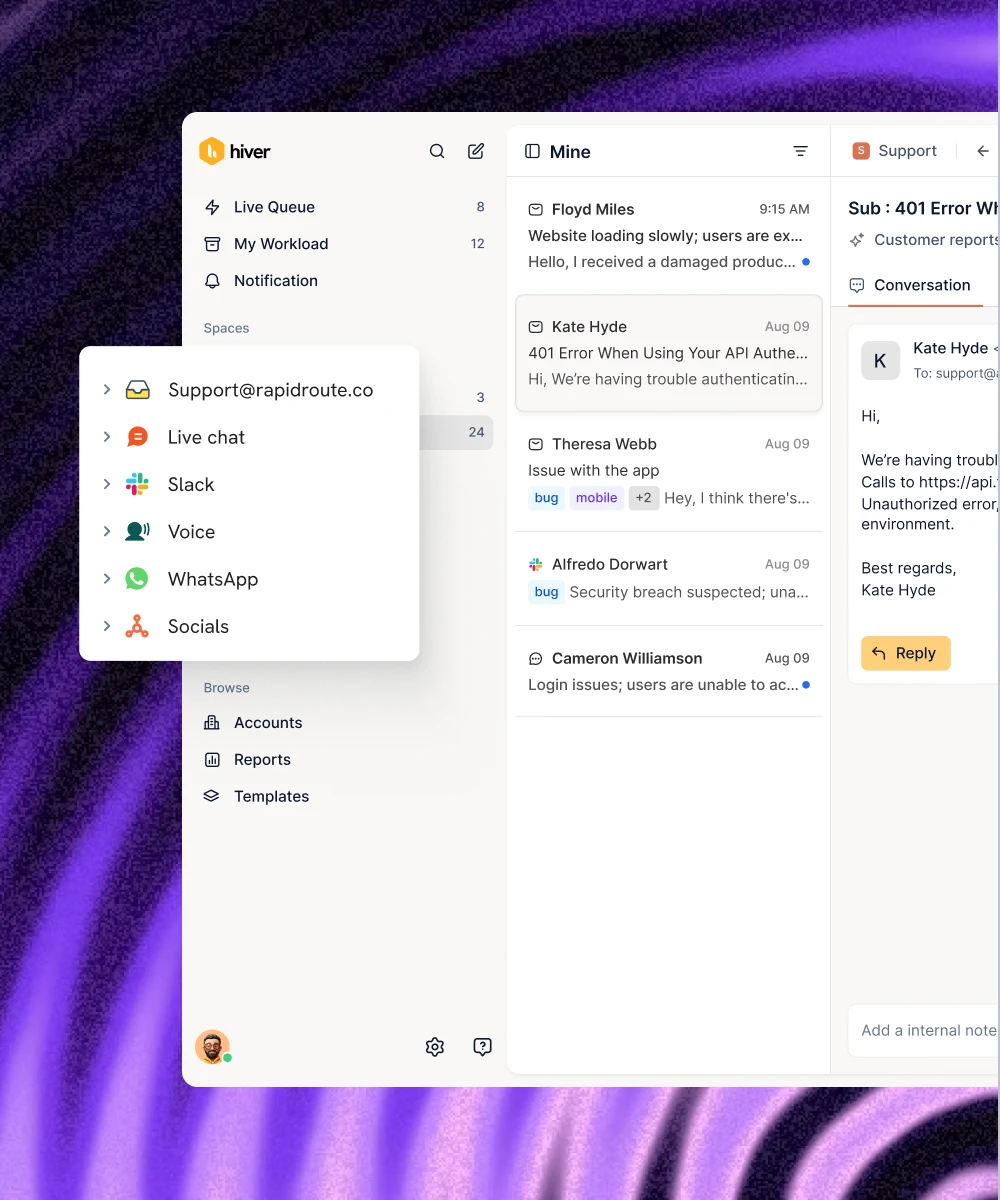
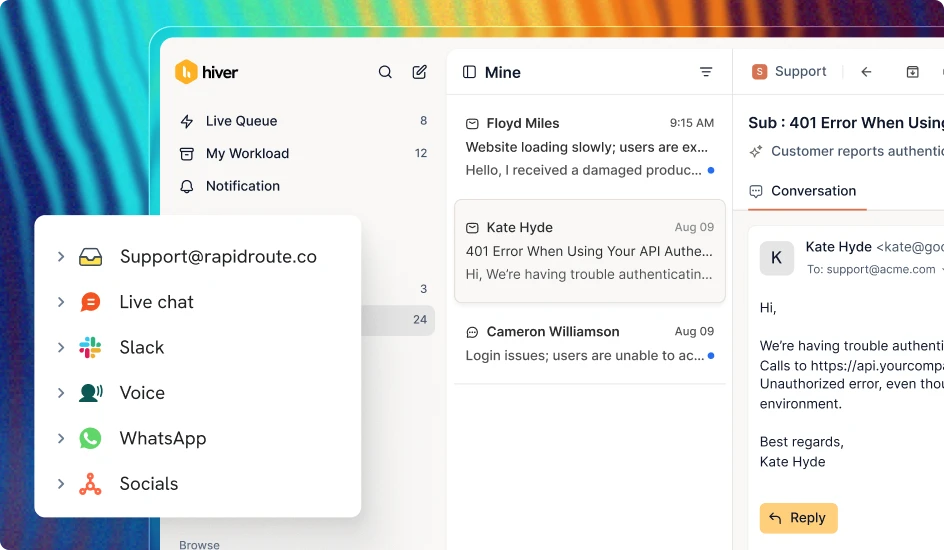
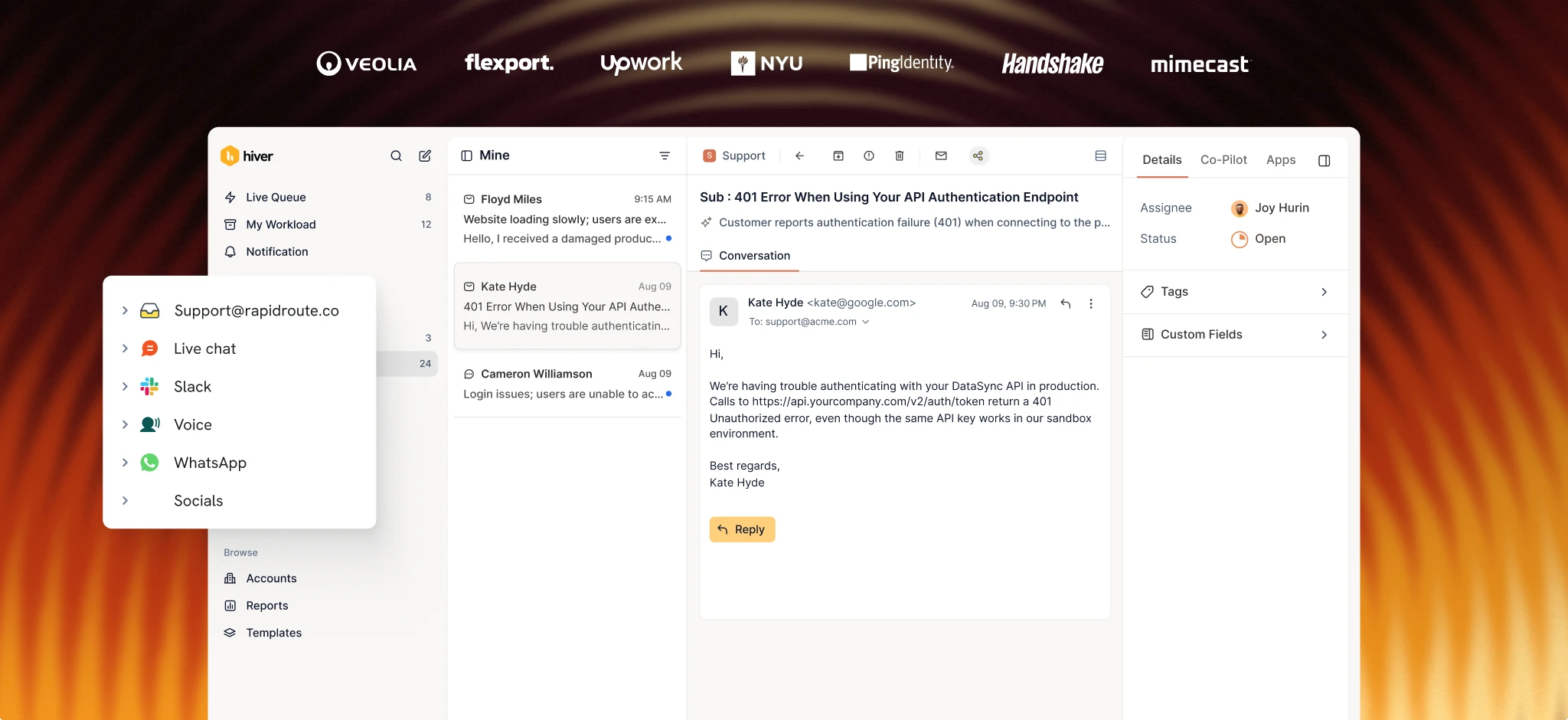
Underneath the AI is one platform for your whole support team. Requests from live chat land in one queue with email, Slack, WhatsApp, voice, and SMS. Each chat becomes a ticket with an owner and a priority. Workflows route and escalate each chat based on intent and the rules you set. Support reps can loop in finance or engineering with internal notes and @mentions. And integrations with tools like Salesforce, HubSpot, and Jira bring account details right into the chat.
CyberHunter, a managed cybersecurity service from Grant Thornton Netherlands, added Hiver’s live chat to its client portal. “It’s reduced our support load by about 20% during peak times,” says Werner Alsemgeest, who leads CyberHunter.
Hiver’s plans and prices
Live chat, the AI Frontline Agent, and the AI Assist Agent come with every plan. So you don’t have to buy a separate chat product or AI copilot. Hiver’s plans are priced per user, per month.
| Plan | Billed annually | Billed monthly | What you get |
|---|---|---|---|
| Growth | $25 a user a month | $35 a user a month | Live chat, the AI Frontline Agent, and the AI Assist Agent, for up to 10 users |
| Pro | $55 a user a month | $65 a user a month | Everything in Growth for unlimited users, plus a customer portal, Slack as a support channel, SLAs, CSAT surveys, advanced analytics, premium integrations, and API access |
| Elite | $85 a user a month | $95 a user a month | Everything in Pro, plus AI QA, skill-based routing, SSO, and HIPAA compliance |
On top of your plan, there are two other costs to know about.
- AI resolutions: You pay $0.80 for each successful AI resolution, on every plan. You’ll never pay for an assumed resolution. That’s when a customer leaves a chat without asking for more help.
- Voice (optional): Voice is $30 per voice seat a month. Each voice seat adds 1,000 minutes to a pool your whole team shares. Extra minutes cost $0.03 each.
So a team of 10 support reps on Growth would pay $490 a month, including 300 AI resolutions.
Costs to ask about before you buy
The totals above cover seats and AI, but that’s not everything you’ll pay for. So when you talk to vendors, ask about each of these:
- AI copilots for your reps: Several vendors charge extra for an AI copilot that helps your support reps. Intercom’s Copilot is $29 a seat a month, Zendesk’s is $50, and Freshchat’s is $29 on Pro and up. For 10 reps, that adds $290 to $500 a month. But Hiver’s AI Assist Agent comes with every plan.
- Seats for people who don’t answer chats: Admins, QA reviewers, and managers may need seats too. That can push your seat count past the number of people on chat. So ask whether they need a full seat. Intercom, for example, includes 20 Lite seats on its Advanced plan.
- Monthly billing: Paying month to month costs more. Intercom Essential is $29 a seat billed annually, or $39 billed monthly. On monthly billing, Zendesk Suite Team goes from $55 to $69, and Text Essential goes from $19 to $25.
- Onboarding fees: Some vendors charge a fee to get you set up. HubSpot’s Service Hub Professional, for example, comes with a required one-time onboarding fee of $1,500.
- Discounts that end: New-customer and limited-time prices don’t last, so ask what you’ll pay at renewal.
How to choose the right live chat software
The right pick comes down to your team’s size, the tools you already use, and how complex your chats get. We’ve matched each tool below to the kind of team it suits best. If you want to compare features as well as price, our live chat software roundup goes deeper.
- Teams with complex support needs looking for an AI-first platform: Hiver’s AI Frontline Agent works through multi-step chats end to end. When a request needs judgment, a support rep takes over with the full investigation attached.
- Small teams answering quick website questions: LiveAgent, Text, Tidio, and Crisp all keep your monthly bill low.
- Teams already on Freshworks: Freshchat connects with the Freshworks products you’re already using. It also bills AI by the session.
- Teams already on HubSpot: Service Hub puts chat right next to your CRM data. Just note that its Customer Agent needs the Professional plan.
- Teams that support customers mainly by email: Help Scout adds chat to a shared inbox. Its AI, Envoy, is billed per resolution.
- Teams that want product tours, outbound messages, or AI voice: Intercom suits all three. The company behind it is now called Fin. Salesforce completed its acquisition of Fin on September 10, 2026.
- Large teams with dedicated admins: Zendesk suits teams that want deep customization and have someone to manage it.
Thinking about switching from one of these tools? Read Intercom vs Hiver, Zendesk vs Hiver, Freshdesk vs Hiver, or Help Scout vs Hiver to see how Hiver differs.
Get an itemized quote before you buy
On seat price alone, these tools are close together. Seven of the eight per-seat tools here start between $15 and $29 a seat a month. But AI charges are where your quotes will differ the most. So ask each vendor for an itemized quote, and ask what counts as a resolution before you sign.
Then look just as closely at what the AI does for that money. A lower quote can still cost you more if your reps end up doing the investigating and follow-up themselves.
If your chats often turn into multi-step requests like a disputed charge, book a Hiver demo. We’ll show you how the AI Frontline Agent works through them and what that would cost your team.
FAQs
What is the best live chat support software?
The best live chat software for your team depends on how complex your chats are. If they’re mostly quick website questions, a low-cost tool may be all you need. Just make sure its AI can answer the common ones.
But do your chats often turn into complex issues that require more investigation? Then look for AI that follows your procedures and takes action in your systems. That kind of AI can resolve a request end to end. Our live chat software roundup compares the top options.
How much does LiveChat cost?
New LiveChat customers now sign up for Text, which comes from the same team. Text’s Essential plan costs $19 per user a month billed annually, or $25 billed monthly. It includes 10 AI resolutions a month, and extra resolutions cost $49.50 per 50. If you’re already a LiveChat customer, you keep your current plan and price.
How much does a chatbot subscription cost?
AI chatbot pricing runs from a few cents to $2 per conversation, on top of any plan fee. At the low end, Crisp’s included credits cover about 90 automated conversations for $5. Tidio’s Lyro starts at $32.50 a month for 50 conversations.
AI agents priced per resolution cost $0.50 to $2.00 for each chat they resolve. Hiver charges $0.80 per successful resolution.