Quick summary
Good customer service tracking software gives you full visibility into tickets, SLAs, response times, and team performance in one place. If you are looking for one for your team, start with our top 3 picks for 2026:
| Tool | Best for | Starting price |
|---|---|---|
| Hiver | Teams that need ticketing, cross-team collaboration, workflows, and AI Frontline Agents for complex support | $25/user/mo |
| Freshdesk | Mid-size teams that need SLA tracking with built-in AI | $19/user/mo |
| Zendesk | Large support orgs that need deep analytics and reporting | $19/user/mo |
Adopt tracking software to see what’s slowing you down
The average support ticket takes 63 minutes to resolve, and only 45.7% are closed the same day. And that remains true even for teams with dedicated dashboards and SLA targets. Why? Because most support platforms tell you what happened, not why it happened. They can show your first response time, but not that a delayed handoff caused it. Many flag a missed SLA after the fact, without showing which queue is heading toward a breach. Customer service tracking software connects those dots. It gives managers visibility into the factors behind support metrics, so they can see where requests are getting stuck, which requests in the queue are falling behind, and what’s driving delays.
This article reviews 5 of the best customer service tracking platforms in 2026. You’ll see which use cases each one fits and what it costs to get started and scale, so you can choose the right one for your team’s setup and budget.
Why listen to us?
At Hiver, we’ve helped over 10,000 teams track every ticket, SLA, and handoff across their support operations. Flexport’s ocean freight team cut resolution time by 50% after switching to our platform. And ConService saves 265 hours every month on tasks they used to track manually.

We built our platform to enable teams to manage complex support operations and eliminate grunt work around manual processes like triage, resolution, and tracking, so we know what to look for in this category.
What is customer service tracking software?
Customer service tracking software lets your team monitor support requests from arrival to resolution. It captures who handles each conversation, how long it takes, whether SLAs are being met, and where tickets get stuck.
The right platform gives managers a live view of team performance and bottlenecks, so staffing and process decisions are based on current data.
Why is customer service tracking software important?
1. Catches tickets before they slip through
When every conversation’s tracked in one system, nothing gets buried in a personal inbox or lost between channels. You’ll see unresolved tickets at a glance and spot the ones that have been sitting too long.
2. Gives your team actual performance benchmarks
Without tracking, “we’re doing well” is just a feeling. With it, you can compare first response times and resolution rates across support reps and shifts and identify where performance consistently falls short of your targets.
3. Spots patterns across channels
Customers reach out over email, chat, phone, and social. Tracking software shows you which support channels generate the most tickets, which take the longest to resolve, and where you may need more coverage.
4. Keeps SLA commitments visible
Say you’ve promised a four-hour response window. You need a system that shows you which tickets are approaching that deadline and which have already breached it.
5. Helps you use raw data to inform staffing decisions
Ticket volume trends and support reps’ workload data help you plan coverage before backlogs build up. You can see which shifts are understaffed and which support reps are overloaded.
The 5 best customer service tracking software: detailed reviews
| Tool | Starting price | Best for | G2 rating |
|---|---|---|---|
| Hiver | $25/user/mo | Teams that need ticketing, cross-team collaboration, workflows, and AI Frontline Agents for complex support | 4.6/5 (1,283 reviews) |
| Freshdesk | $19/user/mo | SLA tracking and AI-powered ticket management | 4.4/5 (3,771 reviews) |
| Zendesk | $19/user/mo | Large teams that need deep analytics and reporting | 4.3/5 (7,075 reviews) |
| Help Scout | $25/user/mo | Smaller teams that want simple, clean tracking | 4.4/5 (431 reviews) |
| HappyFox | $24/user/month | Granular per-channel SLA policies and enforcement | 4.5/5 (138 reviews) |
1. Hiver
Hiver is an agentic omnichannel customer service platform that gives your team ticketing, cross-team collaboration, workflows, and integrations to manage complex support.

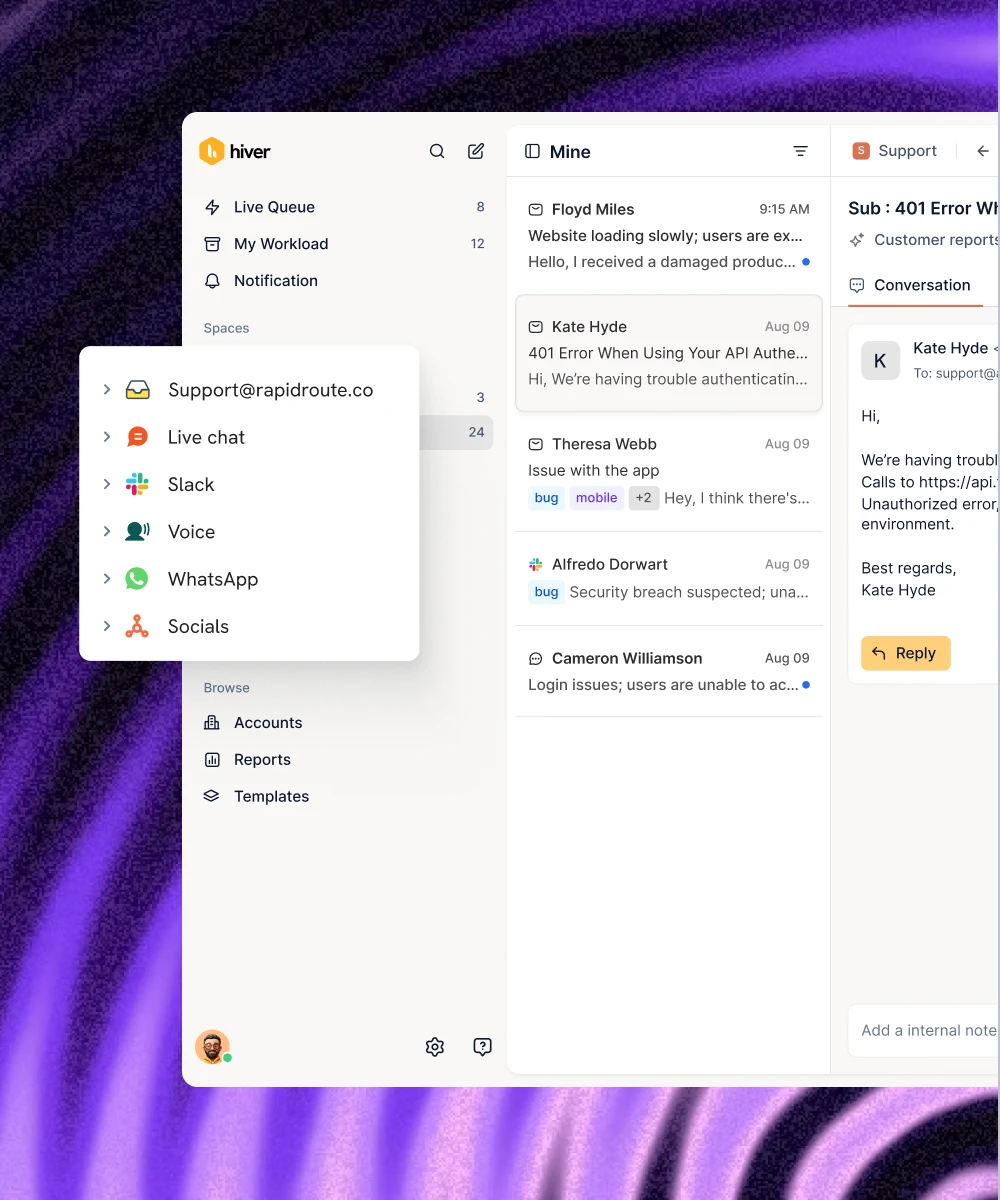
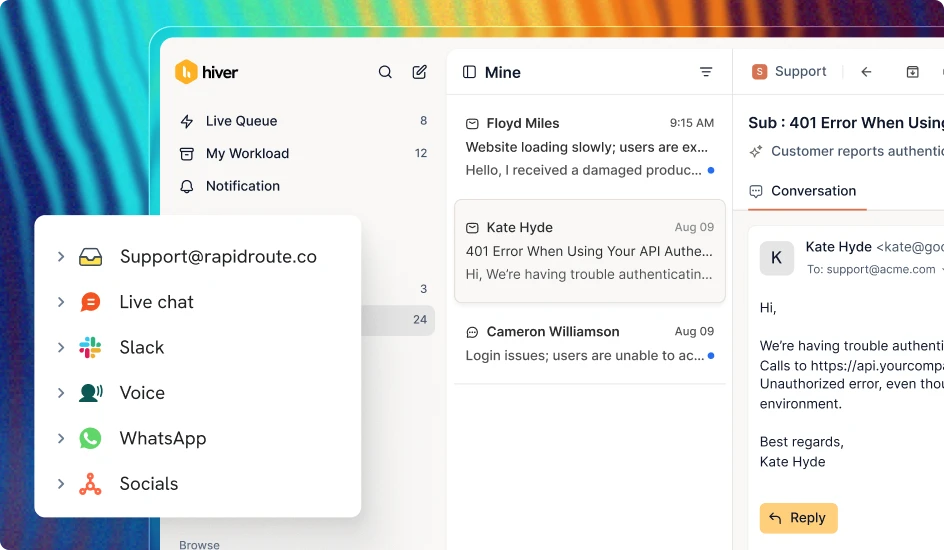
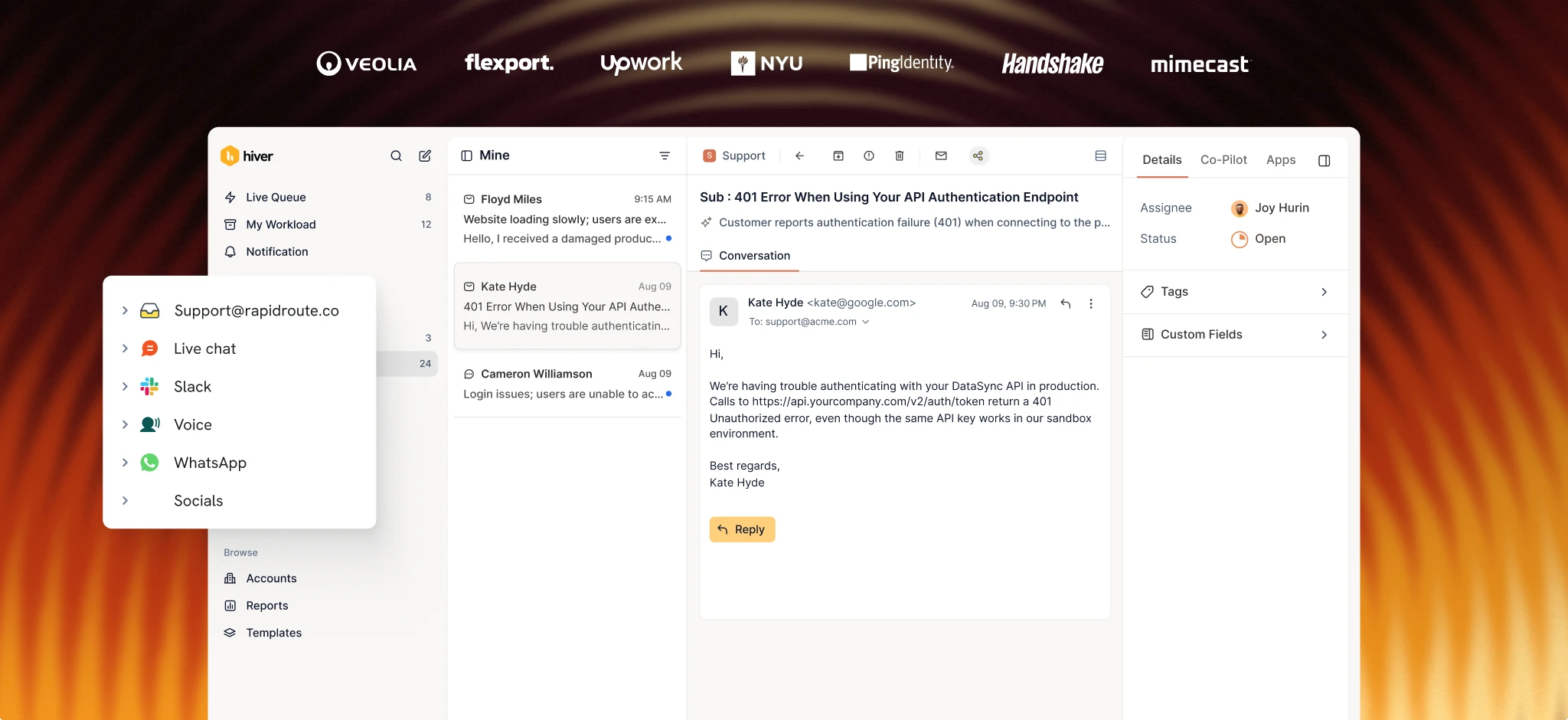
On Hiver, you can track conversations across email, live chat, voice, Slack, WhatsApp, SMS and more from a single omnichannel platform. Its SLA management lets you set response and resolution targets by priority, channel, or customer segment, with alerts to help your team stay ahead of deadlines. Then, Analytics gives you a detailed view of how your support operation is performing, with reports covering response times, resolution rates, SLA performance, CSAT, team workload and topics.

You can drill down into individual users, tags, contacts, and conversations to see what or who is driving delays or performance gaps. You can also track sentiment across conversations, so you can spot frustrated customers before a ticket escalates. SLA alerts notify the assigned rep before a deadline passes. Customer Intelligence lets you build a living picture of every customer account to continuously assess health, sentiment, and churn risk.
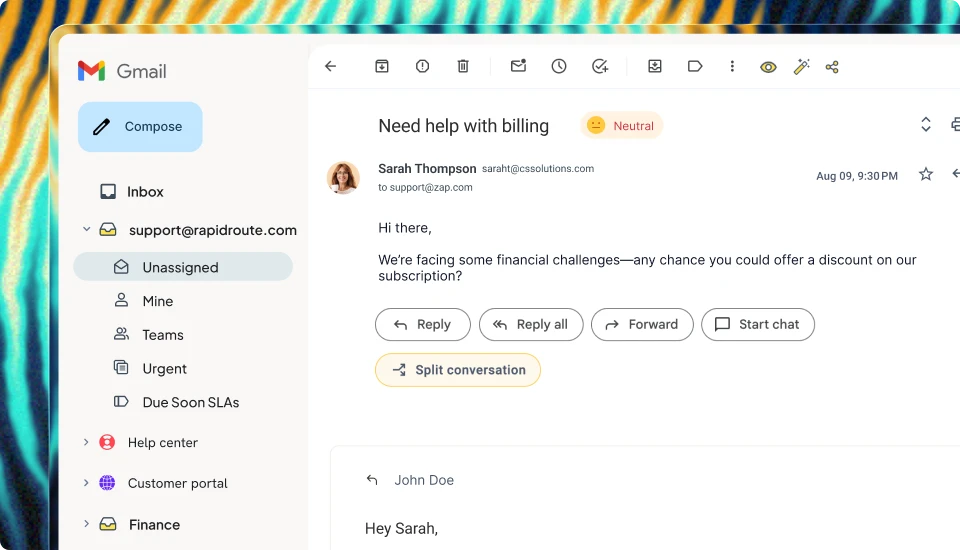
Hiver also gives you custom workflows to automatically route, tag, and escalate tickets. And because Hiver connects with your CRM, ERP, Jira, Slack, and 100+ other tools, support reps see account-level context alongside every conversation. When a ticket needs input from another department, internal notes, @mentions, and collision alerts keep the full history visible to every support rep involved.

Hiver has AI that’s built into the support workflow. AI Frontline Agents understand intent, run multi-step procedures, resolve the edge cases and bring in your team when human judgment is needed. For those cases that need judgment, AI Assist Agent does the groundwork alongside your team: pulling similar issues, drafting replies, taking actions as directed, and suggesting next steps.
AI QA reviews every resolved conversation for quality, tone, and compliance, giving managers a consistent view of whether every response meets the standards they have set.

ConService, a utility billing company with a 40-person support team, couldn’t keep up with manual ticket tracking and assignment. So they onboarded Hiver and saved 265 hours per month on support operations. James Ribera, their Director of Account Management, called it their biggest efficiency gain ever.
Key features
- Omnichannel Ticketing: Track and manage conversations across email, chat, voice, Slack, WhatsApp, and more from one unified view.
- SLA Management: Set response and resolution targets by priority, channel, or customer segment, and get alerts before deadlines pass.
- Analytics: Track first response time, resolution rates, CSAT, and SLA compliance from one dashboard.
- Reporting: Drill down into users, conversations, tags, contacts, and topics to understand what’s driving support performance, delays, and changes in customer sentiment.
- Customer Intelligence: Build a living picture of every customer account to continuously assess health, sentiment, and churn risk.
- Workflow Automation: Route, assign, and escalate tickets based on intent or custom rules
- Cross-Team Collaboration: Loop in other teams with internal notes, @mentions, and shared drafts without losing conversation history.
- AI Assist Agent: Surface relevant knowledge base content and draft responses for reps to review and send AI QA: Automatically review completed conversations for quality, tone, and compliance without manual sampling.
Pricing

Hiver offers 3 paid plans:
- Growth: $25/user/mo
- Pro: $55/user/mo
- Elite: $85/user/mo
G2 rating
4.6 out of 5 (1,283 reviews)
Pros
- Tracks support across email, chat, voice, Slack, WhatsApp, and more from one platform without needing separate tools for each channel.
- Analytics and reporting let managers go beyond surface-level metrics by drilling into the users, tags, topics, and conversations behind support performance.
- AI QA reviews every conversation automatically based on set standards, so managers can track quality across the full team without manual spot-checks.
Cons
- Voice support is only available as an add-on, not included in the base plans.
- Fewer integrations compared to more established competitors like Freshdesk and Zendesk
2. Freshdesk
Freshdesk is a customer support platform built around ticket management, automation, and multi-channel tracking. It’s a solid fit for mid-size teams that need structured SLA enforcement and built-in AI and don’t want to configure everything from scratch.

Freshdesk’s tracking features include agent performance reports, SLA compliance dashboards, and ticket volume trends. You can filter by agent, group, or time period to identify bottlenecks. Freshdesk also includes 500 free Freddy AI Agent sessions on all paid plans, so you get basic AI-powered ticket resolution even on the lowest tier.
However, Freshdesk’s more advanced reporting features, like custom dashboards and multiple SLA policies, are only available on the Pro and Enterprise plans, which cost $55/user/mo and $89/user/mo, respectively.
Key features
- SLA Management: Create multiple SLA policies with different response and resolution targets based on ticket priority or customer segment.
- Freddy AI Agent: Resolve routine tickets automatically
- Agent Performance Reports: Track resolution times, SLA compliance, and workload by support rep or team, with filters for custom date ranges.
- Custom Dashboards: Build real-time views of ticket volume, response trends, and team performance
Pricing

Freshdesk has 3 paid plans:
- Growth: $19/user/mo
- Pro: $55/user/mo
- Enterprise: $89/user/mo
Freddy AI Copilot costs an additional $29/user/mo. There’s a free plan that comes with a 6-month limit and 2 users. There’s also a 14-day free trial with full Enterprise access.
G2 rating
4.4 out of 5 (3,771 reviews)
Pros
- Freddy AI Agent is included on all paid plans, so even Growth-tier teams get basic ticket automation.
- Agent performance reports break down SLA compliance, resolution time, and workload per person or group.
- Scales well for mid-size teams with its tiered SLA and routing features.
Cons
- Custom dashboards and multiple SLA policies require the higher-tier plans.
- AI Copilot costs an additional $29/usermo on top of any plan.
- No forever free plan, which can be a barrier for small teams just getting started.
3. Zendesk
Zendesk is one of the most widely used customer service platforms, and its tracking and analytics reflect that scale. Its Suite plans bring email, chat, phone, social media, and messaging into one workspace, so support reps don’t have to switch between tools when a customer query moves between channels.

Zendesk’s biggest tracking advantage is Zendesk Explore, its built-in analytics tool. Explore includes pre-built dashboards for ticket volume, resolution time, SLA performance, CSAT, and agent activity. If you need more, it also supports custom reports and exports. However, Custom SLA policies aren’t available until the Suite Professional plan, which costs $115/user/mo.
Because of Zendesk’s depth, setup takes longer and requires a steep learning curve, especially if you don’t have a dedicated admin.
Key features
- Zendesk Explore: Access pre-built dashboards for ticket volume, SLA breaches, CSAT, resolution time, and agent performance.
- Omnichannel Agent Workspace: Track conversations across email, chat, phone, social, and messaging from a single view.
- Custom SLA Policies: Define response and resolution targets by ticket priority, with escalation rules (Suite Professional and above).
- Automations and Triggers: Automatically route, prioritize, and escalate tickets based on conditions you set.
Pricing

Zendesk has 4 paid plans:
- Support Team: $19/usermo
- Suite Team: $55/user/mo
- Suite Professional: $115/user/mo
- Suite Enterprise: Contact sales
G2 rating
4.3 out of 5 (7,075 reviews)
Pros
- Zendesk Explore ships with pre-built dashboards for ticket volume, resolution time, CSAT, SLA compliance, and agent activity.
- It supports more channels than most competitors, including social media and in-app messaging.
- It scales to very large teams with enterprise-grade routing, roles, and sandbox environments.
Cons
- Custom SLA policies require the Suite Professional plan at $115/user/mo, which prices out many smaller teams.
- Setup and configuration can take weeks for teams without a dedicated Zendesk admin.
- Pricing adds up quickly as you add more support reps and move to higher tiers for features you actually need.
4. Help Scout
Help Scout is a customer support tool built for smaller teams that want clean, straightforward tracking without the overhead of a full enterprise platform. It’s organized around shared inboxes, and its reporting covers first response time, resolution time, and CSAT.

Help Scout’s tracking covers the basics for teams that don’t need granular, per-channel SLA enforcement. It offers basic SLA policies on the Standard plan and expands to advanced policies on Plus and Pro. There’s also AI Answers, an add-on at $0.75 per resolution, that resolves routine questions from your knowledge base without a support rep stepping in.
Its limitation is reporting depth. Custom reports and detailed analytics aren’t available until higher tiers, and the free plan supports only five users and one inbox.
Key features
- SLA Tracking: Set first-response and resolution-time goals, with a basic policy on Standard and unlimited policies on Pro.
- Productivity Reports: Track first response time, resolution time, replies sent, and conversations closed per support rep.
- AI Answers: Deploy an autonomous agent that resolves routine questions from your knowledge base.
- Shared Inboxes: Manage conversations across multiple inboxes with internal notes and collision detection.
Pricing

Help Scout has a free plan and 3 paid plans:
- Free: $0 (up to 5 users, 1 inbox)
- Standard: $25/user/mo
- Plus: $45/user/mo
- Pro: $75/user/mo
All paid plans include a 15-day free trial.
G2 rating
4.4 out of 5 (431 reviews)
Pros
- Clean, minimal interface that smaller teams can set up and use without training or onboarding calls.
- Free plan covers up to five users, which is enough for early-stage teams that aren’t ready to commit to paid tools.
- AI Answers add-on lets teams automate routine questions without locking into a per-seat AI cost.
Cons
- Advanced SLA policies and unlimited workflows aren’t available below the Pro plan, which starts at $75/user/mo.
- Reporting and analytics are limited on Standard and Plus, especially for multi-channel tracking.
- There’s no built-in voice or phone channel, so teams managing calls will need a separate tool.
5. HappyFox
HappyFox is a help desk platform built around granular SLA enforcement. You can create separate SLA policies for each ticket tier, channel, and customer segment, and the platform enforces them automatically with escalation rules.

Its reporting covers ticket volume trends, first response time, resolution time, SLA compliance, agent performance, and CSAT. HappyFox also includes AI-powered features for ticket summaries, response suggestions, and urgency detection. Support reps can read a summary instead of the full thread and start with a suggested response instead of a blank box.
Key features
- Granular SLA Policies: Create separate SLA policies for each ticket tier, channel, and customer segment, with automatic escalation rules.
- AI-Powered Ticket Assistance: Get AI-generated summaries, response suggestions, and urgency signals to speed up resolution.
- Agent Performance Reporting: Track resolution time, SLA compliance, and workload across support reps with customizable dashboards.
- Automated Ticket Routing: Assign tickets by department, priority, or custom rules to keep backlogs from building up.
Pricing

HappyFox has both agent-based and unlimited-agent pricingmmodels. Its agent-based pricing has 4 plans:
- Basic: $24/agent/mo
- Team: $49/agent/mo
- Pro: $99/agent/mo
- Enterprise PRO: Custom
Unlimited-agent plans start at $1999/month.

G2 rating
4.5 out of 5 (138 reviews)
Pros
- SLA policies can be configured per tier, channel, and customer segment, giving you more granular enforcement than most competitors.
- AI ticket summaries and response suggestions are built in, so support reps spend less time reading through long conversation threads.
- 14-day free trial with no credit card required, so you can test the full platform before committing.
Cons
- The Basic plan is capped at 5 agents, so growing teams won’t stay on it for long before needing to move to a higher plan.
- HappyFox has relatively few G2 reviews (137), so there’s less peer feedback than for other tools on this list.
How to choose the right customer service tracking software
Make your choice based on how your team handles support and what you need to track:
- If your team needs to understand not just what’s happening in support but why, Hiver combines detailed analytics and reporting with ticketing, cross-team collaboration, workflows, and AI to help you identify what’s driving delays, missed SLAs, and other performance gaps.
- If you’re a mid-size team that wants structured ticket management with built-in AI at a lower entry price, Freshdesk is a solid option.
- If you’re a large organization that needs enterprise-grade analytics, Zendesk offers the depth and scale to support complex operations, though you’ll need the Suite Professional tier for custom SLA policies.
- If you’re a small team that wants straightforward tracking without a steep learning curve, Help Scout keeps things simple without the overhead of a larger platform.
- If your SLA requirements are highly specific, with different policies for different channels and customer tiers, HappyFox gives you more granular SLA controls.
Track the metrics that drive better support
The right customer service tracking software shows what’s keeping you from hitting your SLA targets: conversations taking too long to resolve, tickets getting stuck between teams, or SLAs approaching their deadlines.
If you want software that handles all that plus ticket tracking, team collaboration, and automated routing across every channel, with AI built into each step, Hiver is a strong option.
Its analytics and reporting let you narrow down the users, tags, topics, and conversations behind your support metrics, so you can understand what’s causing delays or performance gaps. You can then use workflows, collaboration tools, and AI to act on what you find without switching between tools.
Sign up for an Hiver plan to see how much more you can get from your metrics when everything’s in one place.
FAQs
1. How is a customer service tracking software different from a help desk?
A help desk receives and logs incoming tickets. Tracking software measures what is happening across those tickets over time. It monitors SLA compliance and shows agent performance data alongside response-time trends. Some platforms do both, but the tracking layer is what turns a reactive inbox into a managed operation.
2. What metrics should customer service teams track?
The core metrics are first response time, average resolution time, SLA compliance rate, CSAT, and ticket backlog. They’ll give you a clear picture of how fast your team responds, how effectively they resolve issues, and how customers feel about it. For a deeper breakdown, see our guide to customer service KPIs.
3. Do small teams need customer service tracking software?
Yes, and they often benefit the most from it. Small teams often rely on shared inboxes and spreadsheets, which means tickets get lost, and performance doesn’t get measured. Even a free tool with basic SLA tracking and response-time reporting can quickly show where your team is losing time.
4. Can a customer service tracking software replace a CRM?
They serve different purposes. A CRM tracks the full customer relationship, including sales, renewals, and account history. Tracking software focuses specifically on support interactions, SLAs, and agent performance. Many teams use both, and most tracking tools integrate directly with CRMs like Salesforce and HubSpot.