Quick summary
Freshdesk is a capable helpdesk for teams handling high-volume, straightforward support. It offers solid ticketing, multichannel support, automation, and a built-in knowledge base. But its limitations become more noticeable when tickets require cross-team collaboration, complex workflows, or more than basic AI assistance.
Where Freshdesk fits and where it doesn’t
When a support ticket is straightforward, most helpdesks handle it well. A customer asks a question, an agent replies, and the ticket closes. Freshdesk fits that model comfortably, with familiar ticketing, multichannel support, and AI that can help with simpler tasks.
The gaps become clearer when support gets more complex. A single request might need engineering to investigate a bug, finance to approve an adjustment, and customer success to weigh the account impact. It might also require AI to do more than summarize or suggest a response, such as investigate the issue, follow a procedure, pull context from other systems, and help carry the request through to resolution at scale.
That is where Freshdesk starts to feel more limited. Its AI is useful for assisting agents and handling simpler interactions, but teams looking for AI that can work through complex, multi-step support processes may find themselves handing the hard parts back to people.
Below is what Freshdesk offers today, where it works well, where the limitations appear, and why teams with more complex support needs are looking elsewhere.
What is Freshdesk?
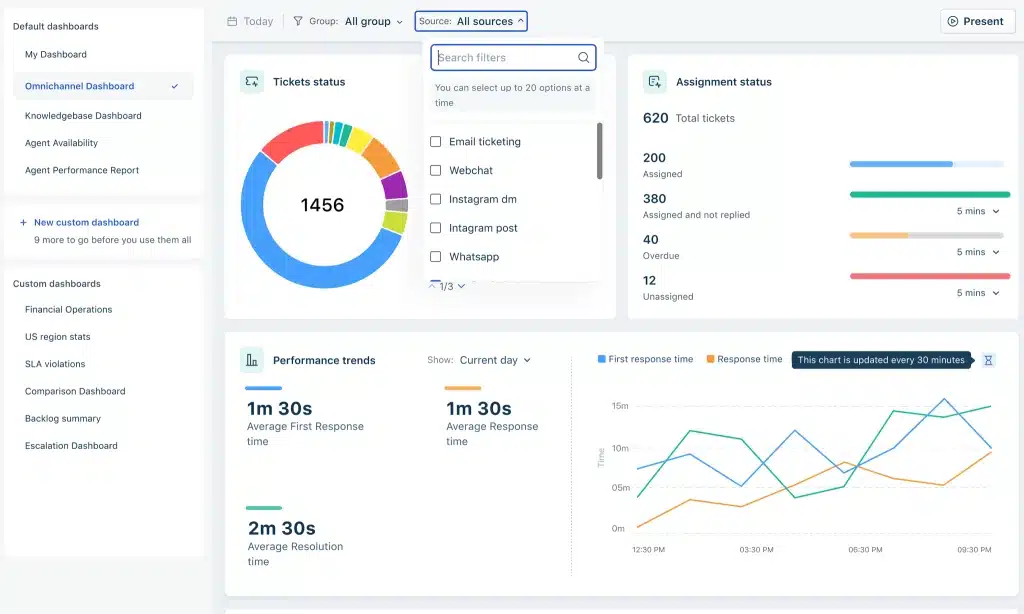
Freshdesk’s a cloud-based customer support platform made by Freshworks. It gives support teams a shared space to manage tickets across email, chat, phone, and social. The platform includes a ticketing system, a knowledge base, and automation rules for routing and assignment. There’s also an AI layer called Freddy AI that handles suggested replies and basic self-service.
Freshdesk’s designed mostly for teams that need to process a high volume of relatively simple requests. It works well when a ticket comes in, gets assigned, gets answered, and gets closed, all within one team. It’s less suited for anything that spans departments or when teams need AI to resolve complex requests and assist their team.
Key features of Freshdesk
- Multichannel ticketing: Freshdesk pulls conversations from email, chat, phone, social media, and web forms into one dashboard. Agents don’t have to jump between tools to respond.
- Freddy AI: Freshworks’ AI layer covers three areas. Freddy AI Agent handles basic self-service. Freddy AI Copilot suggests replies and summarizes tickets for agents. And Freddy AI Insights surfaces trends in your ticket data. The AI Copilot’s a $29/agent/month add-on on top of any paid plan.
- Automation and routing: Rule-based automations let you route tickets by keyword, priority, or source. You can set up SLA policies and escalation triggers. These are if/then rules, so they fire on individual conditions rather than evaluating multiple signals together.
- Knowledge base: Freshdesk includes a help center where you can publish articles for customers and internal docs for agents. It supports multiple languages and can be customized to match your brand. Keeping it current, though, is entirely manual, and that’s where problems start.
Pricing

Freshdesk’s three paid plans are priced per agent per month, with a 20% discount for annual billing:
| Plan | Annual | Monthly | Key inclusions |
|---|---|---|---|
| Growth | $19/agent/mo | $23/agent/mo | Ticketing, shared inbox, customer portal, knowledge base, Freddy AI Agent (500 sessions included) |
| Pro | $55/agent/mo | $66/agent/mo | Everything in Growth, plus multilingual helpdesk, custom dashboards, intelligent routing, multiple SLA policies |
| Enterprise | $89/agent/mo | $107/agent/mo | Everything in Pro, plus Freddy AI Insights, skill-based ticket assignment, sandbox, audit logs |
Freddy AI Agent’s first 500 sessions come included on every tier; additional sessions run $49 per 100. Freddy AI Copilot, the agent-assist layer, isn’t available on Growth at all, it’s a separate add-on starting at Pro, $29/agent/month billed annually or $35/agent/month billed monthly. Skill-based routing, sandbox, and audit logs are Enterprise-only, worth checking before assuming Pro covers everything a growing team needs.
For a 20-person team on Pro, annual billing: $1,100/month before Copilot, $1,680/month with it added for all 20 seats.
Rating
Freshdesk holds a 4.5 out of 5 on Capterra based on 3,471 reviews.
What we like
- Easy initial setup: Freshdesk’s straightforward to get started with. The interface is clean, the onboarding flow is guided, and most teams can have a basic ticketing workflow running within a day or two.
- Strong multichannel coverage: You can manage email, chat, phone, social media, and web form tickets from a single view. For teams that need to be reachable on several channels without managing separate tools for each one, this saves real time.
- Marketplace integrations: The Freshworks Marketplace has over 1,000 integrations, including Jira, HubSpot, Stripe, and Slack. You can connect Freshdesk to most of the tools your team already uses.
- Scalable for simple support: If your support model is mostly transactional, high-volume requests where each ticket is independent, Freshdesk handles it efficiently. The automation rules work well for tagging, routing, and assigning tickets based on single conditions.
What we don’t like
- AI doesn’t handle complex tickets: Freddy AI handles FAQ-type queries and suggests replies. But the moment a ticket requires cross-referencing multiple systems or making a judgment call, the AI steps back. That’s a real add-on cost for what amounts to basic assist features, worth checking against the Pricing section above before assuming Freddy’s AI is included.
- Knowledge base requires constant manual upkeep: Freshdesk’s knowledge base doesn’t flag outdated articles or detect gaps in your documentation. Every update relies on someone noticing that a product changed, a policy shifted, or a process moved. Then someone has to go in and fix the article manually. As Hiver’s AI Guidebook for Customer Support Leaders puts it, Freshdesk’s knowledge base “is a static repository that requires manual upkeep.” When AI pulls from the same stale docs, it gives wrong answers confidently.
- Collaboration across teams is clunky: When a ticket needs input from engineering or finance, there’s no built-in way to loop them in without leaving Freshdesk. Teams end up copying ticket details into Slack, getting the answer there, and pasting it back. Context splits across two tools, and someone has to stitch it together every time.
- Automations are limited to simple if/then rules: Freshdesk’s automations fire on individual triggers. There’s no branching logic that evaluates multiple conditions at once or reads intent and sentiment. You also can’t pull in data from external systems before deciding what to do. A billing dispute from a high-value account with a frustrated tone should route differently than the same dispute from a neutral, low-value account. Freshdesk can’t make that distinction.
A better alternative: Hiver

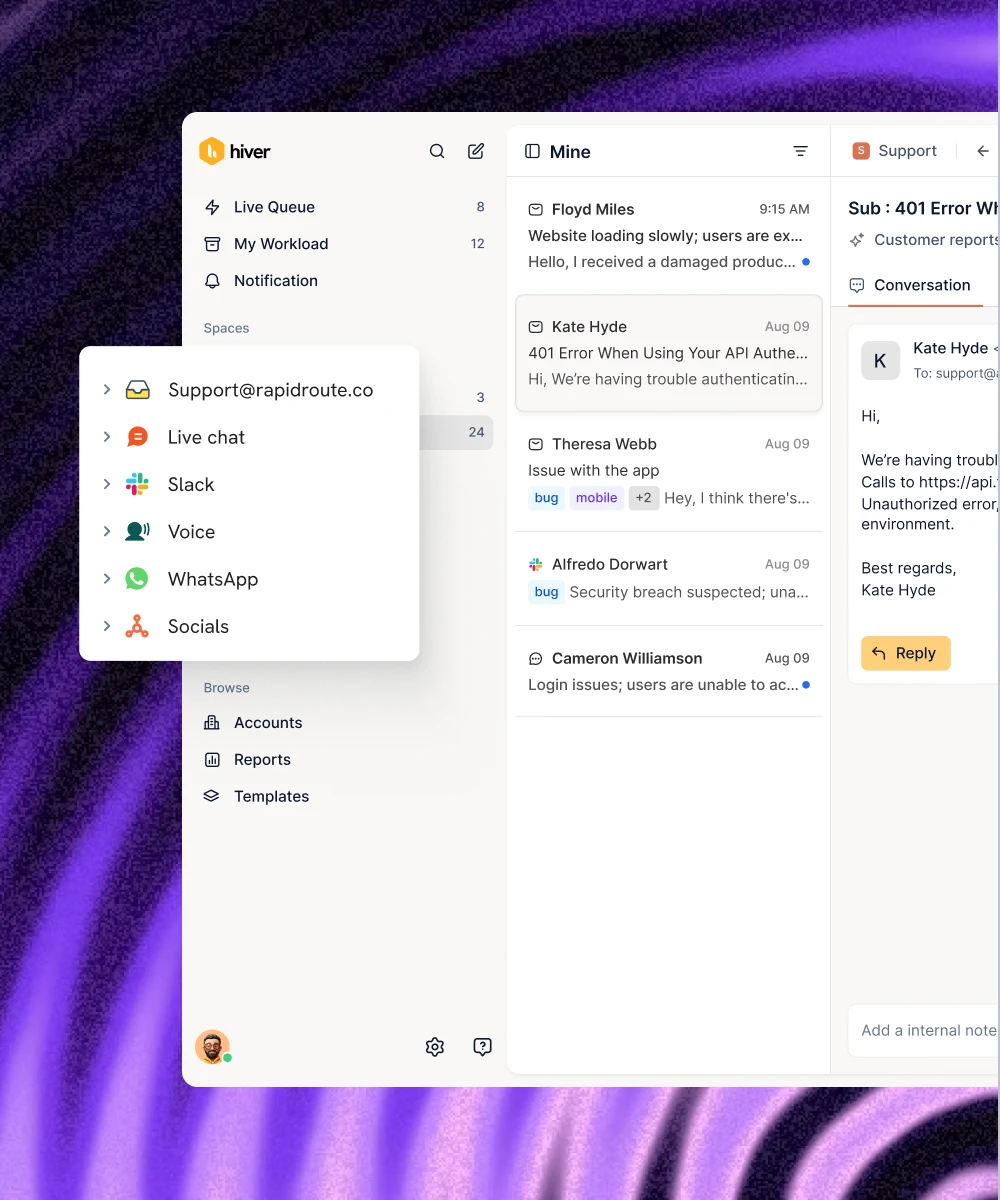
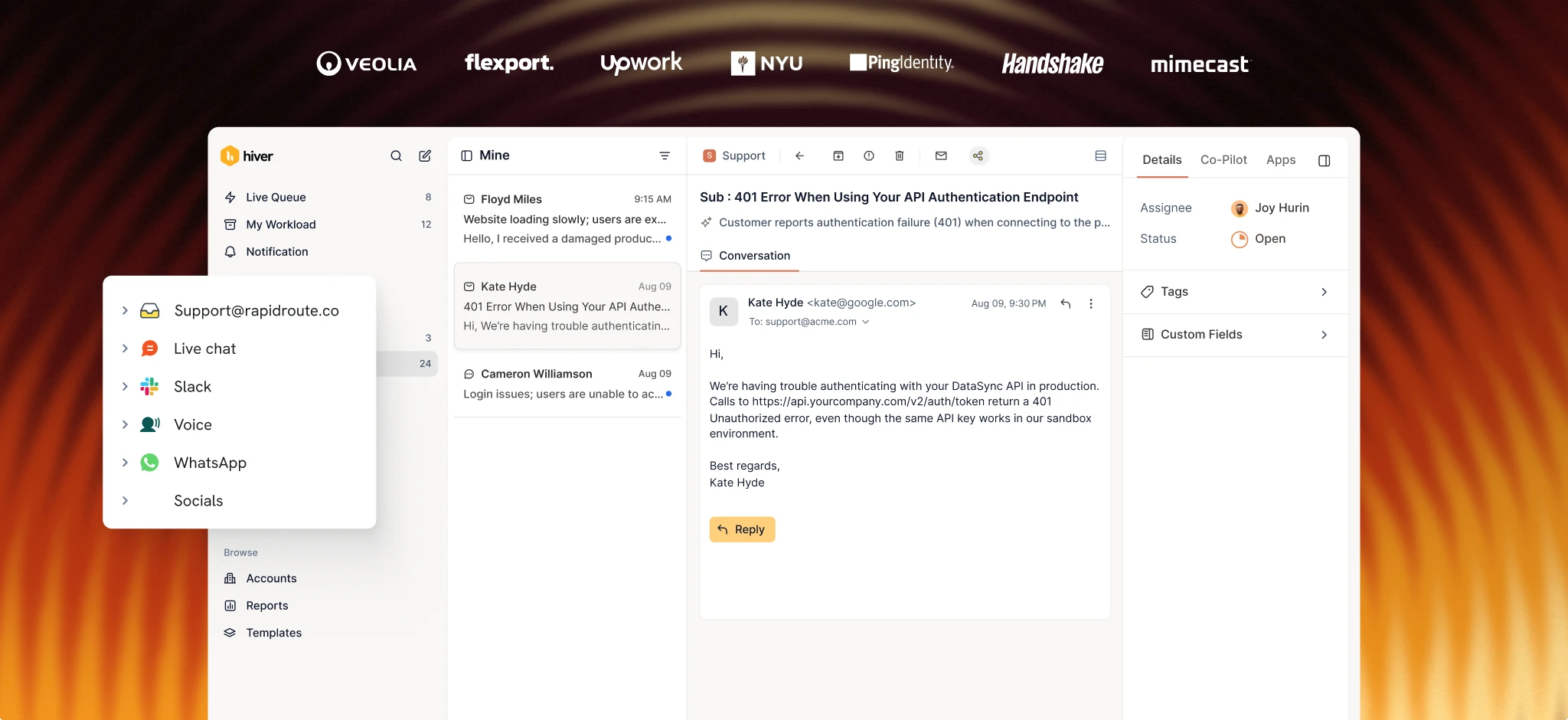
Hiver is the agentic omnichannel customer service platform built for complex support that spans teams, tools, and channels. Every request gets clear ownership through ticketing, and when it needs input from another team, support reps collaborate inside the conversation itself through internal notes, @mentions, and shared drafts instead of relaying updates through Slack. Workflow automation handles routing, tagging, and escalation, and integrations with your CRM, ERP, Jira, and Salesforce keep actions happening across systems automatically.
The biggest difference from Freshdesk is what the AI can do. Freddy answers common questions from your knowledge base. Hiver’s AI Frontline Agents take action. A billing dispute from a high-value account might need a refund check, a policy verification, a record update, and a reply, and AI Frontline Agents carry all four steps out end to end across connected systems, so the request doesn’t sit waiting for someone to work through it manually. When a request needs a support rep’s judgment, AI Assist Agent gets them up to speed with a drafted reply grounded in past conversations instead of a blank screen.
Key features
- Ticketing with full ownership: every request gets a clear owner, status, priority, custom fields, and SLA, with fields and SLAs configurable in natural language and a full audit trail behind every ticket.
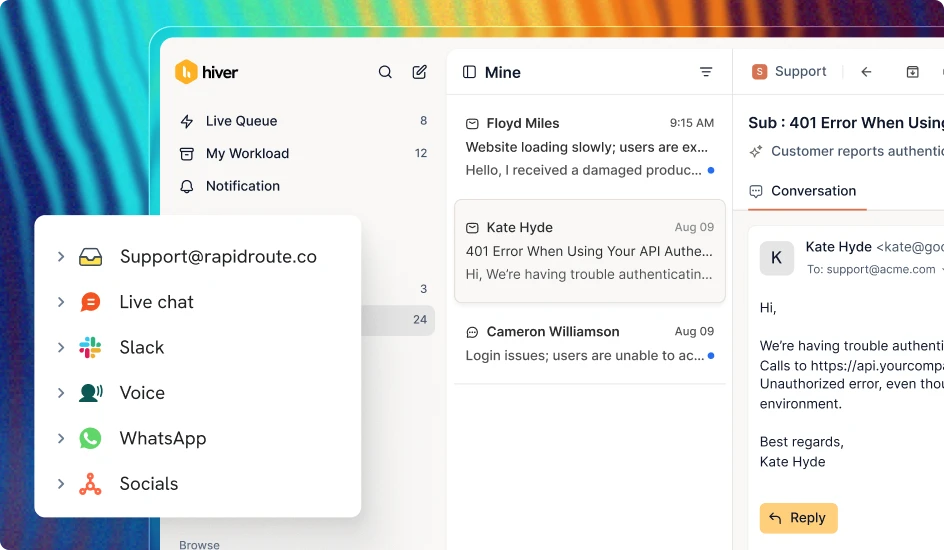
- Omnichannel Inbox: email, chat, voice, Slack, WhatsApp, and social land in one queue, so a request stays whole no matter which channel it started on.
- Cross-team collaboration without leaving the conversation: support reps tag the right person through internal notes or Slack threads that sync back automatically, and the full conversation history travels with the request across every handoff.
- Workflows and integrations: branching logic and conditional paths route a high-value, frustrated-tone account differently than a routine one, automatically, and connections to your CRM, ERP, Jira, and Salesforce keep data flowing where it needs to go.
- Analytics across every touchpoint: response times, resolutions, SLAs, and team performance roll up across every channel into one dashboard, so you compare workload without stitching reports together.
- AI that resolves the hard requests: AI Frontline Agents reason across your help center, past conversations, and connected tools to resolve complex, multi-step problems end to end. When a request needs a person, AI Assist Agent makes sure they walk in with full context and a drafted reply, and every draft gets checked against your quality bar before it’s sent, then scored afterward.
- Self-updating knowledge base: AI Knowledge Builder spots patterns, flags thin documentation, and writes new articles from what your team has already solved, catching outdated content before customers do.
- Customer Intelligence across every touchpoint: Hiver builds a living picture of every account from conversations, CRM data, product usage, and call transcripts, catching sentiment drops and surfacing expansion signals right inside the conversation.
Pricing

Hiver’s three tiers are billed annually, per user per month:
| Plan | Price | What’s included |
|---|---|---|
| Growth | $25/user/mo | AI Frontline Agents, AI Assist Agent, AI Knowledge Builder, shared inbox and ticketing, rule-based automation, pre-built analytics, basic integrations |
| Pro | $55/user/mo | Everything in Growth, plus Customer Portal, SLAs, CSAT surveys, advanced analytics, premium integrations, API access, and a Slack channel |
| Elite | $85/user/mo | Everything in Pro, plus AI QA, AI Insights, analytics across every channel, skill-based routing, Custom Objects, SSO, HIPAA compliance, and custom roles |
Usage limits step up with each tier too: Growth caps out at 10 users, 2 shared inboxes, 10 automations per inbox, and 2 custom fields. Pro moves to unlimited users, 5 shared inboxes, 20 automations per inbox, and 10 custom fields. Elite removes the automation and custom-field caps entirely.
AI Frontline Agents and AI Assist Agent are included from Growth, the entry tier. Voice runs as a paid add-on across every tier.
Rating
Hiver holds a 4.6 out of 5 on G2 based on 1,283 reviews.
Why choose Hiver?
Built for Cross-Team Support
A P1 escalation from a $100K account might need support, engineering, and customer success working together before it’s resolved. Freshdesk treats each ticket as self-contained, so that coordination happens outside the helpdesk, in Slack, in someone’s memory, in a thread the next person on the ticket never sees.
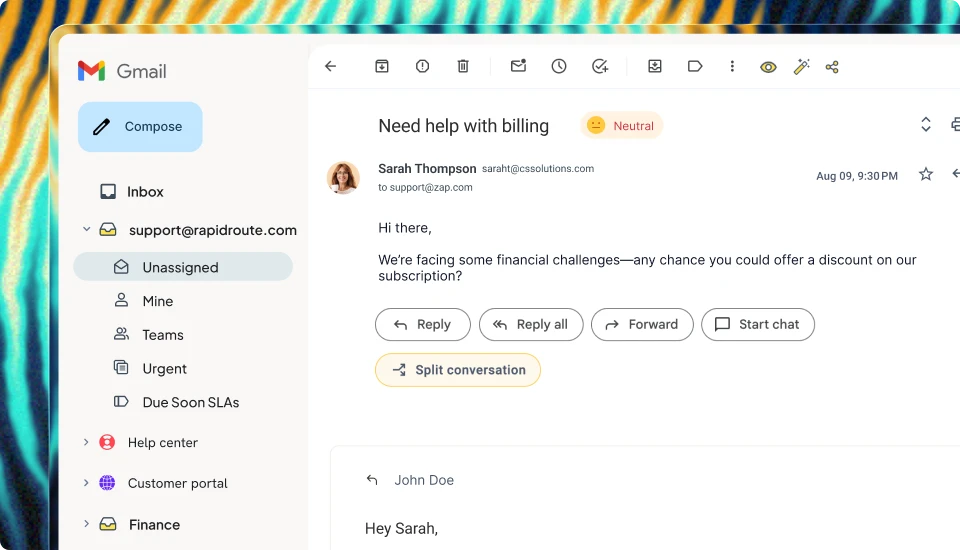
Hiver keeps it attached to the ticket itself. Linked tickets sync Jira and Linear issues to the original request in real time, so an engineering update shows up on the customer conversation the moment it happens, not after someone remembers to relay it.
AI That Resolves Complex Requests
Freshdesk’s Freddy AI Agent comes with every plan and answers first-contact questions from your knowledge base: an order status check, a password reset, a return policy. When a request needs more than an answer, such as cross-referencing multiple systems, Freddy steps back and your team picks up the rest.
Hiver’s AI Frontline Agents work through the whole request. They read the customer’s intent, follow your documented procedures, and take action across connected systems: looking up the order, issuing the refund, updating the record, and sending the reply. Actions you mark as sensitive pause for a support rep’s approval, and every resolution teaches the AI Frontline Agent, so the fiftieth request goes faster than the fifth. See the full Freshdesk comparison for the complete feature breakdown.
A Knowledge Base That Improves Itself
Freshdesk’s knowledge base only knows what someone manually puts into it. Articles go stale as your product evolves, and the only signal something’s wrong is a customer getting a wrong answer.
Hiver’s AI Knowledge Builder turns resolved conversations into documentation automatically, catching stale content before it causes a bad answer. Since your AI draws from the same knowledge base your customers do, better docs mean better AI responses too.
See how Hiver handles complex customer support
If your support is mostly transactional, one-ticket-one-agent, with minimal cross-team work, Freshdesk will probably do the job. It’s a proven tool with a large user base and solid multichannel coverage.
But if a single ticket routinely touches three departments before it’s closed, Freshdesk’s limits show up fast. The same goes if your AI needs to do more than answer basic FAQs, or if stale knowledge docs are costing you customer trust.
Hiver gives you ticketing, cross-team collaboration, workflows, and integrations to run complex support operations. AI Frontline Agents then resolve the hard requests end to end. Your knowledge base keeps itself current too, so your team and your AI always work from accurate information.
Book a demo with Hiver to see how it works for your team.
FAQs
Is Freshdesk good for small teams?
Freshdesk works well for small teams handling straightforward, high-volume support. The Growth plan at $19/agent/month gives you multichannel ticketing, basic automations, and a knowledge base, which covers the essentials. It starts to struggle when tickets need input from multiple departments, because the platform isn’t built for cross-team coordination.
Does Freshdesk have AI?
Freshdesk includes Freddy AI, which covers self-service responses, agent suggestions, and basic analytics. The AI Copilot that assists agents with reply drafts and ticket summaries is a $29/agent/month add-on. Freddy handles FAQ-type requests reasonably well. But for tickets that need context from multiple systems or nuanced judgment, the AI steps back and the support rep does the work.
How does Freshdesk compare to Hiver for complex support?
Freshdesk’s built for linear, one-team-one-ticket workflows. Hiver’s built for support operations where tickets routinely involve multiple teams, systems, and channels. Hiver gives you ticketing, cross-team collaboration, workflows, and integrations to tackle complex requests. On top of that, AI Frontline Agents resolve multi-step problems end to end, and Customer Intelligence gives support reps full account context before they respond. If most of your tickets need a rep’s judgment and cross-team input, Hiver is the stronger fit.
How does Hiver’s pricing compare to Freshdesk’s?
Hiver’s three tiers, Growth ($25/user/mo), Pro ($55), and Elite ($85), all include AI Frontline Agents and AI Assist Agent from the entry plan. Freshdesk’s Growth ($19/agent/mo) includes Freddy AI Agent, but Freddy Copilot, the layer that helps an agent on a request the AI can’t finish alone, isn’t available at all until Pro ($55/agent/mo), and even then it’s a separate $29/agent/month add-on. So a 10-person team on Hiver Growth gets full AI Frontline Agent and AI Assist Agent coverage for $250/month; the equivalent AI coverage on Freshdesk means moving to Pro plus Copilot, roughly $840/month for the same 10 seats.